Chapter 5: Pre-Election Day Tasks 77
EVS5200_DOC_SOP_DS850
Software Version 2.10
Published: February 26, 2014
Scan Screen Sort Options
The Sort Option allows you to enable or disable the Sorting on/off feature. When the
Sorting on/off feature is enabled, the Sorting on/off button is displayed in the top
portion of the main scan ballots screen with Sorting On. When the Sorting on/off feature
is disabled, the Sorting on/off button is not displayed on the main scan ballots screen,
however Sorting remains on. By default, the Sort Option is disabled.
Follow the steps below to modify the Sort Option setting:
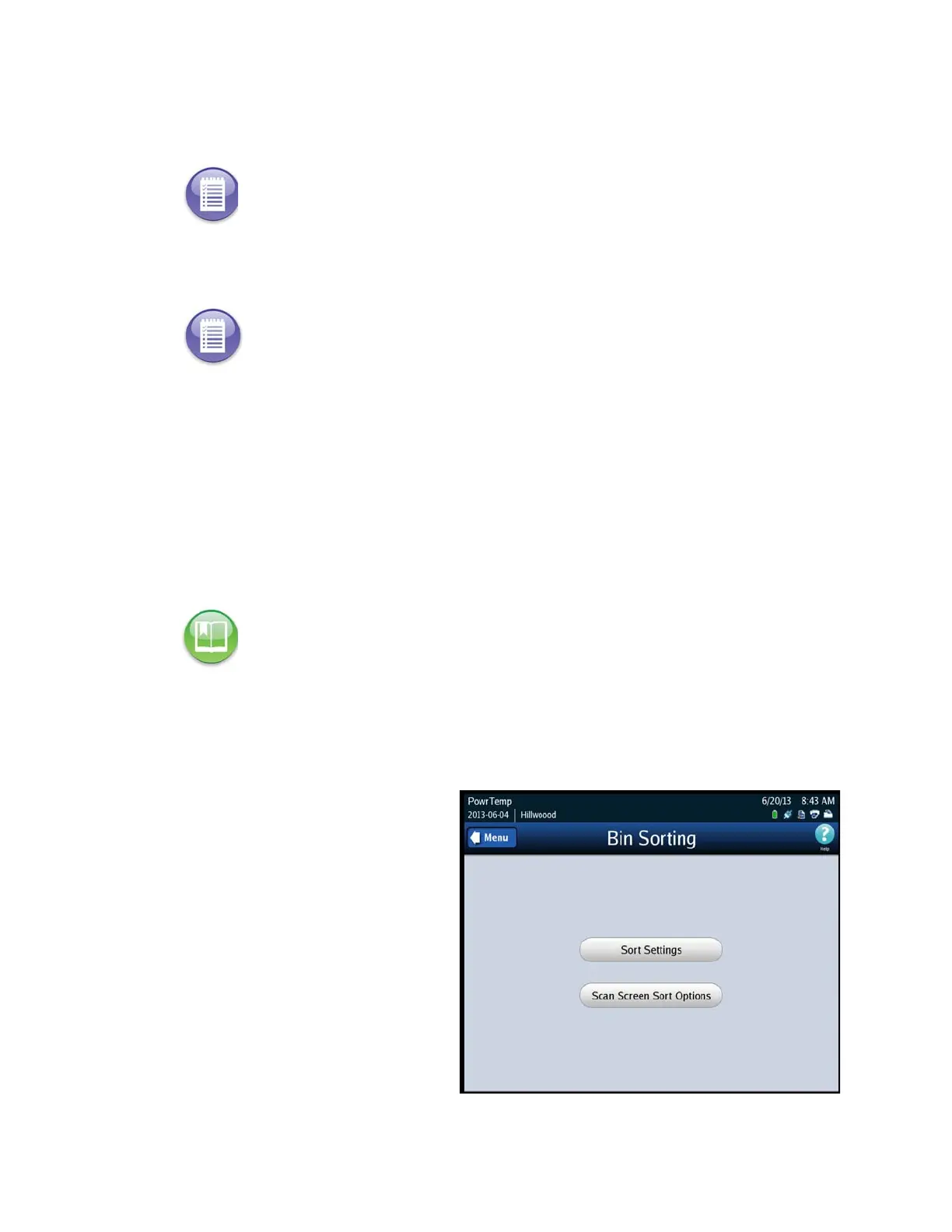
1. Press Bin Sorting on the Configuration screen. The Bin Sorting options screen
opens.
2. On the Bin Sorting options
screen, press Scan Screen Sort
Options. The Scan Screen Sort
Options settings screen is
displayed.
Note: The Cross Over option is only applicable for an open primary election.
Note: For Logic and Accuracy Testing, you may be required to turn off bin sorting
prior to scanning the test deck. Bin sorting is turned off when the Ballots With
Write-ins option is set to Process and none of the ballot types for the Ballots Not
Processed option are selected. When logic and accuracy testing has been completed,
make certain the bin sorting options are set as required for your election.
Reference: See Sorting On/Off Feature for information on the impacts of turning sorting off.



 To Next Page