SuZhou Eshine Elevator Components Co., Ltd. Chapter 3 Operation Instructions
YS-K01 Door Controller User Manual ―21―
Display parameter at stopping state
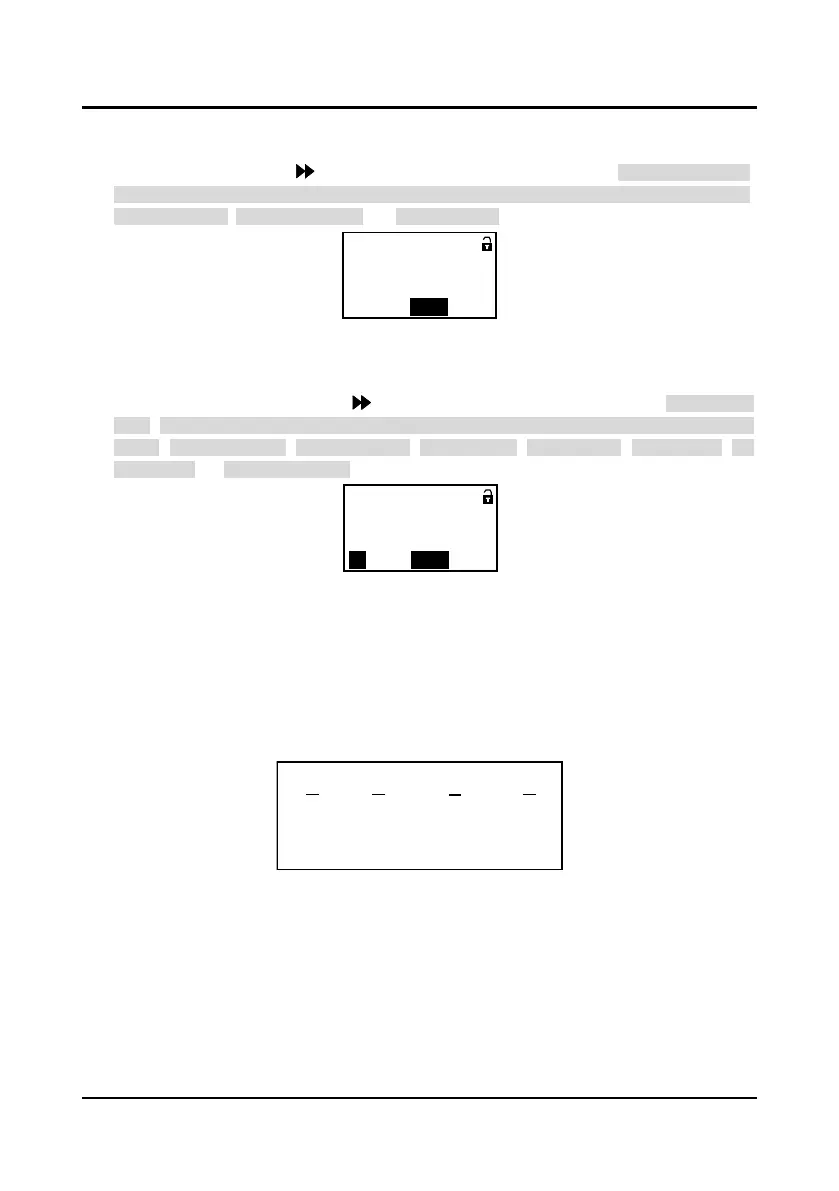
When controller stops running, the panel will display parameter at stopping state, as shown in
Figure 3-23. By pressing key to display other stopping parameters: door position pulse,
OD/CD arrival signal (OD pulse arrival, OD torque arrival, CD pulse arrival, CD torque arrival),
setting frequency, input terminal state and DC bus voltage.
Figure 3-23 YS-P03 display at stopping state
Display parameter at running state
When the controller is at running state, the panel will display the running state parameters which
are shown as Figure 3-24. Press key to display other running parameters: door position
pulse, OD/CD arrival signal (OD pulse arrival, OD torque arrival, CD pulse arrival, CD torque
arrival), setting frequency, output frequency, output voltage, output current, output torque, DC
bus voltage and input terminal state.
Figure 3-24 YS-P03 display at running state
Remarks:
Door position pulse: To display the present door position. The maximum pulse of door is
corresponding to OD arrival position, while the minimum pulse of door is corresponding to CD
arrival position.
OD/CD arrival signal: Shown as Figure 3-24 whose value represents OD pulse arrival, CD pulse
arrival, OD torque arrival and CD torque arrival from right to left shown as Figure 3-25. “1” means
the signal arrival, while “0” means no signal arrival.
Figure 3-25 Description of OD/CD arrival signal
Input terminal state: If display the input terminal state, the corresponding relationship between
the six value and the present input terminal state of X4~X1,CD,OD is shown as Figure 3-26.
“0”: The corresponding terminal and the common terminal are disconnected;
“1”: The corresponding terminal and the common terminal are connected.
Ready parameters
OD/CD arrival signal
= 000 0 1
QUICKCDOD
BASIC
Running parameters
OD/CD arrival signal
= 001 0 1
QUICK
CDOD
BASIC
00 1 0 1
OD
pulse
arrival
CD
pulse
no arrival
OD
torque
arrival
CD
torque
no arrival



 To Next Page