Eureka Manta Manual Page 14 of 67
1 On the start-up screen, select “Amp_2_2_X” to launch the Manta
control software.
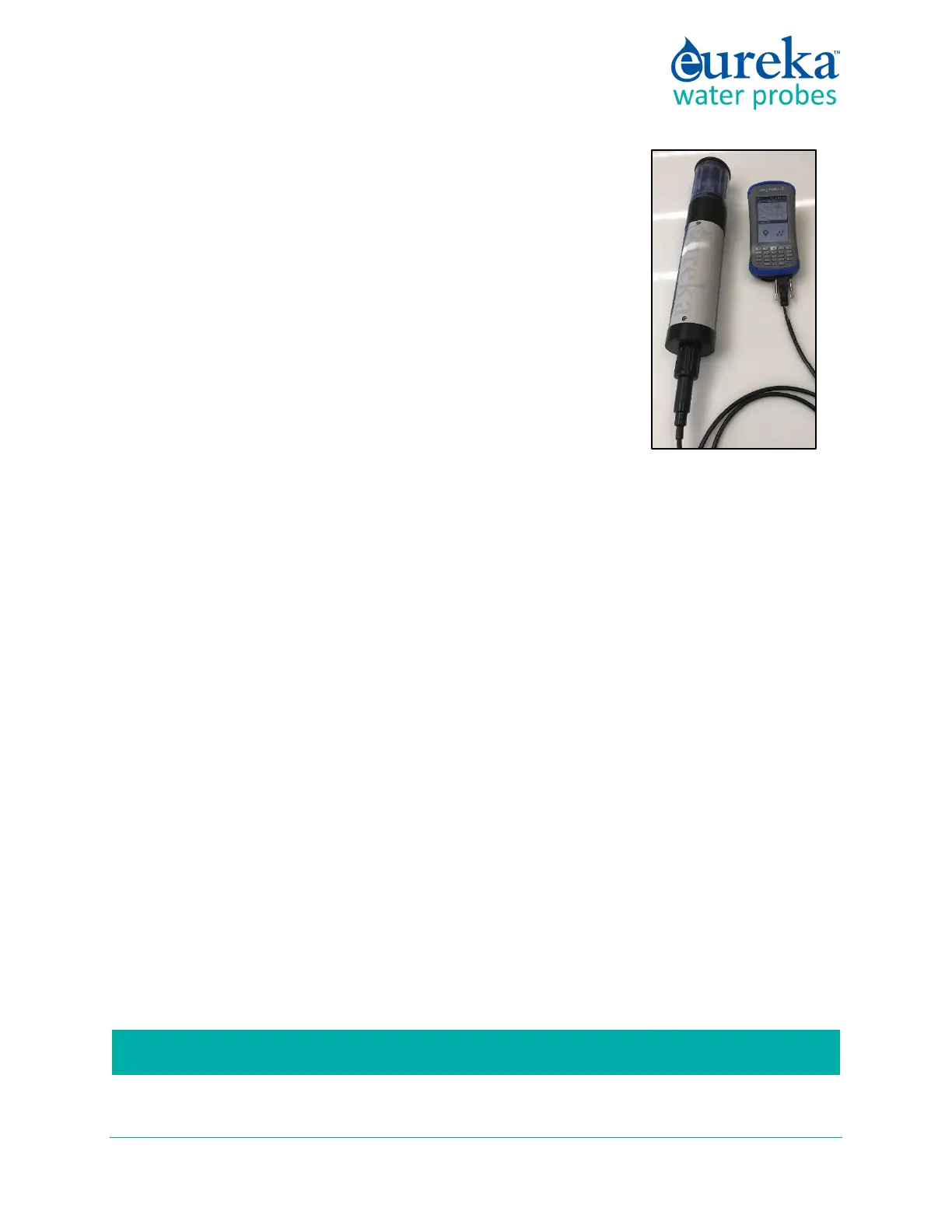
2 Connect the Amphibian2 to your Manta cable’s 9-pin connector and
turn the Amphibian2 on.
3 You should see scrolling data from the Manta's sensors.
The Manta Control Software loaded on the Amphibian2 mirrors the version
for the PC with some concessions for the small screen.
Section 5 has more information about small-screen Data Displays.
B.6 What do the LED lights mean?
The Manta has three light-emitting diodes (LED’s), mounted on the circuit board visible through the
instrument housing, to help you understand what’s happening, and to provide information when
troubleshooting a failure.
The green light blinks every second when receiving adequate operating voltage via the cable; it does not
blink when the Manta operates under its own battery power.
The red light blinks five times upon power-up when Logging is enabled.
The amber light blinks when the Manta is receiving RS-232 communications from an external device (such
as a PC or logger).
A sequence of red and amber LED flashes tell you the voltage of your battery pack if you have activated
Logging. When you first power-up your Manta, the red LED will blink five times to indicate that Logging is
activated and to indicate the first 3.5 volts of battery power, and then one amber blink for each volt, and
one red blink for each half volt.
For instance, five reds, five ambers, and a red means 3.5 + 5 + 0.5 = 9 battery volts.
B.7 The USB Converter
Eureka’s USB Converter converts your Manta’s data stream to a USB port. Newer models have a power
port on the side that you can use to provide power to the Manta if USB power is insufficient, or to protect
your laptop’s battery. The connector is fairly standard for power supplies, so you can plug in many third-
party power supplies – but do not use a power supply providing over 14 VDC.
If you are using a power supply that plugs into the wall, please use a GFI-equipped circuit.



 To Next Page