Eureka Manta Manual Page 48 of 67
8 Remember to look for the red LED to blink five times to confirm that Logging is activated, and the
green LED blink briefly to confirm that the Manta is receiving adequate voltage to start Logging.
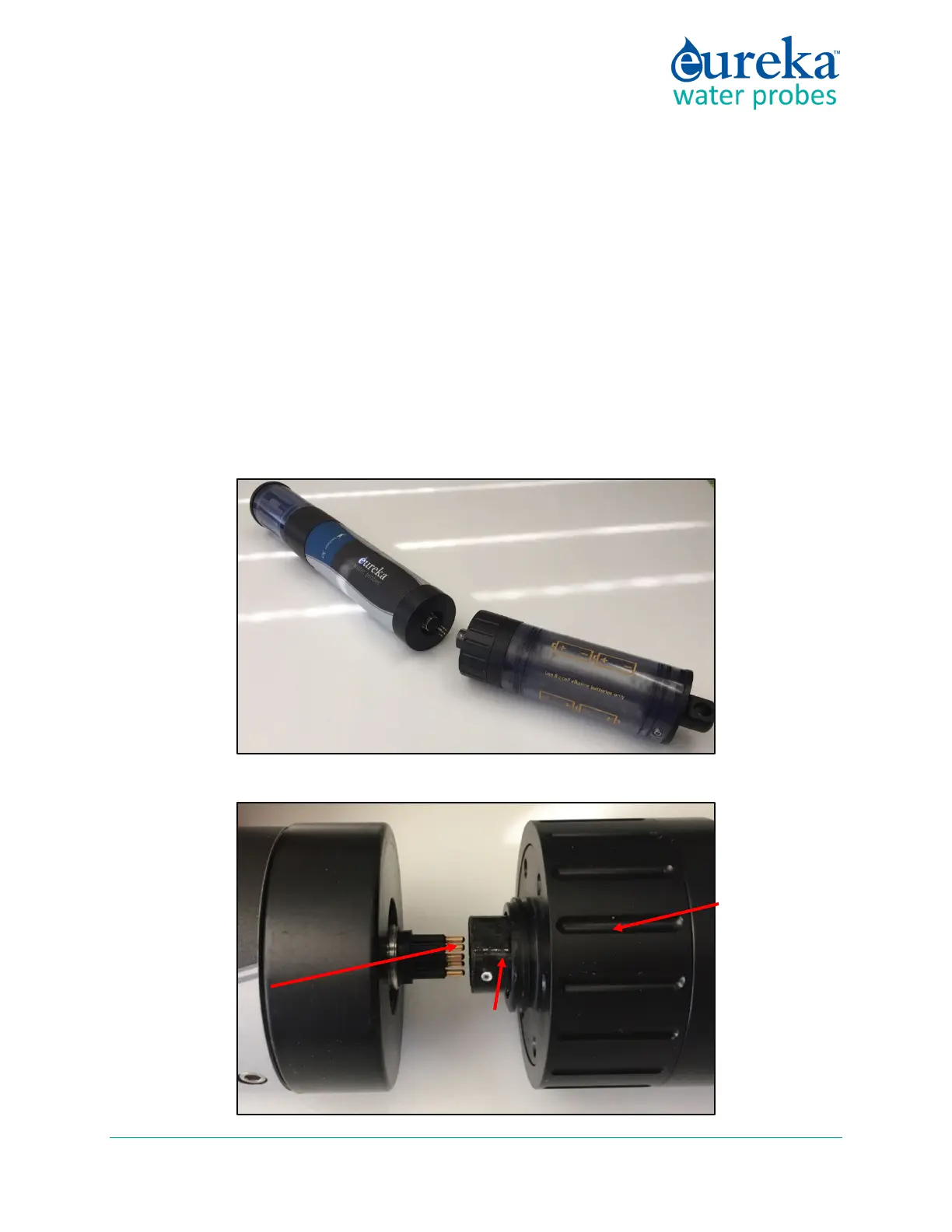
E.8.c Installing and Removing the EBP
1 Remove the marine connector protector or, if a cable is attached to your Manta, remove the locking
sleeve and then the cable.
2 Clean the connectors on the EBP and Manta and add a little silicone grease to each.
3 Find the white dot on the hexagonal sleeve on the bottom of the EBP and note that the Manta
connector has six pins with a gap in the outer circle of pins.
4 Line up the white dot with the gap in the connector pins and slowly push them together. Very little
force is needed.
locking
sleeve
white dot
gap in connector
pins



 To Next Page