Eureka Manta Manual Page 24 of 67
the regulatory minimum for dissolved oxygen, you should pay special attention to DO
calibration frequency and technique. On the other hand, if a conductivity accuracy of +/-
10% is OK, you needn’t calibrate conductivity very often.
C.5.f Manta Version
Click this button to see the version number for the software that your Manta uses.
C.5.g Create a Custom Parameter
Suppose you determined the relationship, specific to your waters,
between conductivity and total dissolved solids (TDS). Or suppose you
had an algorithm relating water level to flow for a certain site. With the
Manta, you can create new parameters – call them, for instance, My TDS
and Site 4b Flow – that will show up on your Home Page and logged data
just like temperature, pH, and all the other parameters.
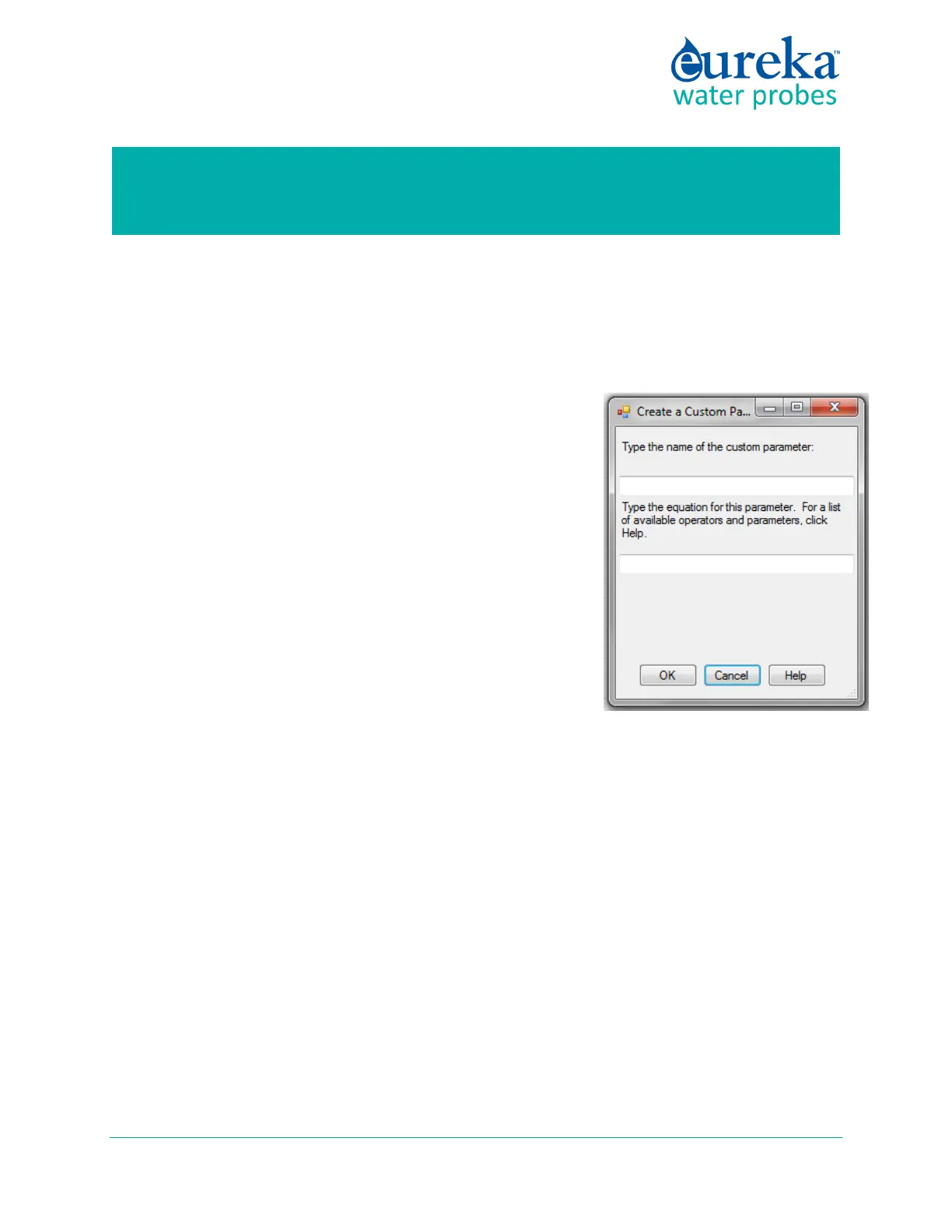
To make this happen, click on the Manta pull-down menu, and click
on Create Custom Parameter. Follow the instructions to name your
new parameter, specify the units that you wish the new parameter
reported in (e.g. mg/l for TDS), and tell the Manta how to calculate
your new parameter (using mathematical operators as you would in
Excel).
Note: Enclose the entire expression in parentheses. After creating or
deleting a parameter, restart your CPU. Custom Parameters cannot be created with the Amphibian2
Manta Control Software.
C.5.h Delete a Custom Parameter
Suppose you’re having second thoughts about the customer parameter you created. Click on the Manta
pull-down menu and click on Delete Custom Parameter. Follow the instructions.
C.6 Software Update of November 2018
A new Manta software version, 7.09, was implemented in late November 2018. The new software makes
the following improvements to the turbidity parameter:
1) The Sensors and Parameters List now contains the parameter “Turb_FNU”, which replaces “Turb
NTU”. Turb_FNU is the same measurement as Turb NTU, except altered slightly to make its true
ISO 2027 response linear with formazin.



 To Next Page