Eureka Manta Manual Page 10 of 67
A.3 A Short Exercise
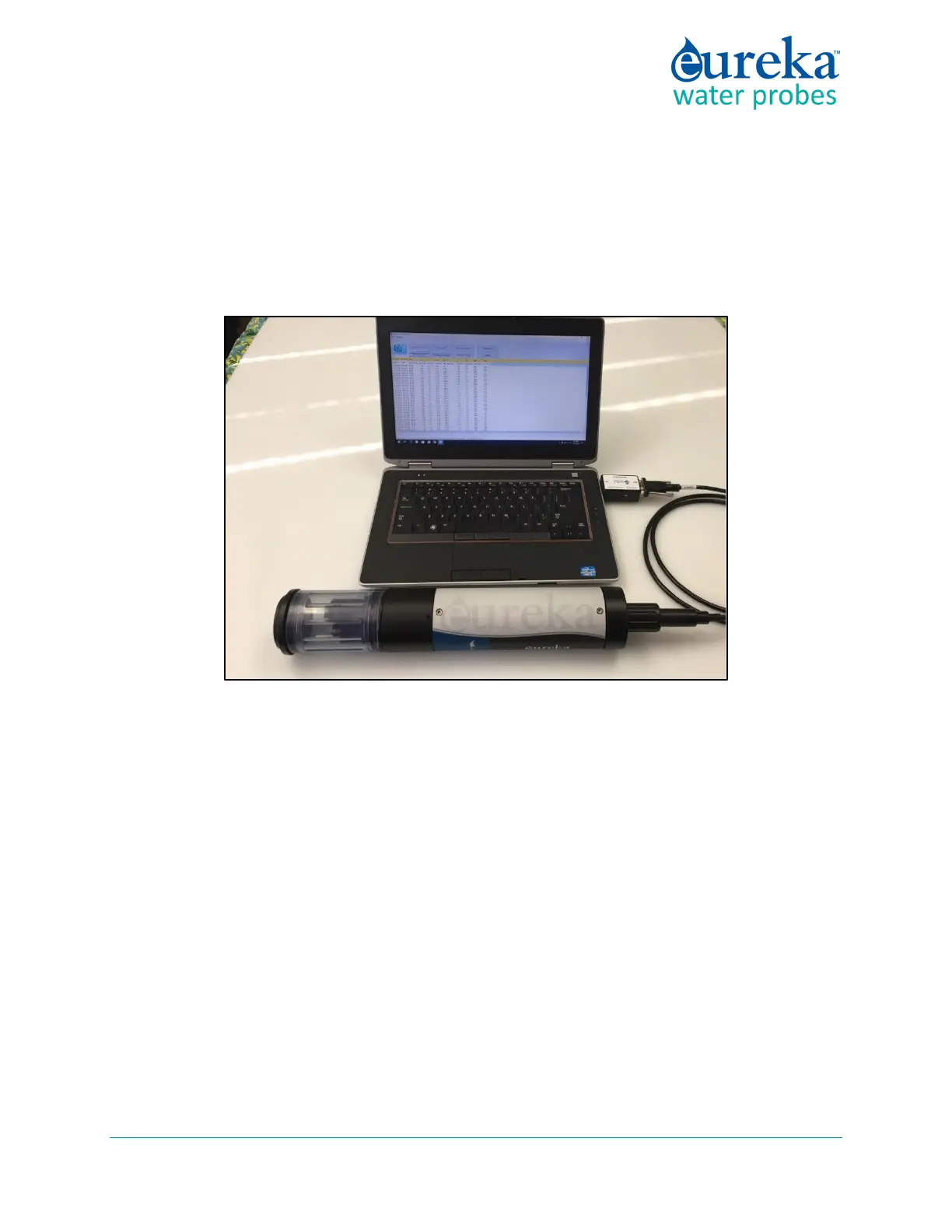
Let’s do a quick exercise to show how easy the Manta is to use. We will connect the instrument to a PC,
calibrate conductivity, and check the Calibration Log for the conductivity calibration information.
1 Connect your Manta to your PC with the USB Adapter and either a Data Cable or Underwater Cable.
2 Click the Eureka icon to launch the Manta Control Software. Soon you will see the Home Page and
the data being sent from your Manta.
3 Fill the Storage/Calibration Cup with tap water or conductivity standard and wait for the conductivity
reading to stabilize.
4 Click the Manta pull-down menu on the Home Page and click Calibrate, and then click SpCond on the
next screen.



 To Next Page