Eureka Manta Manual Page 9 of 67
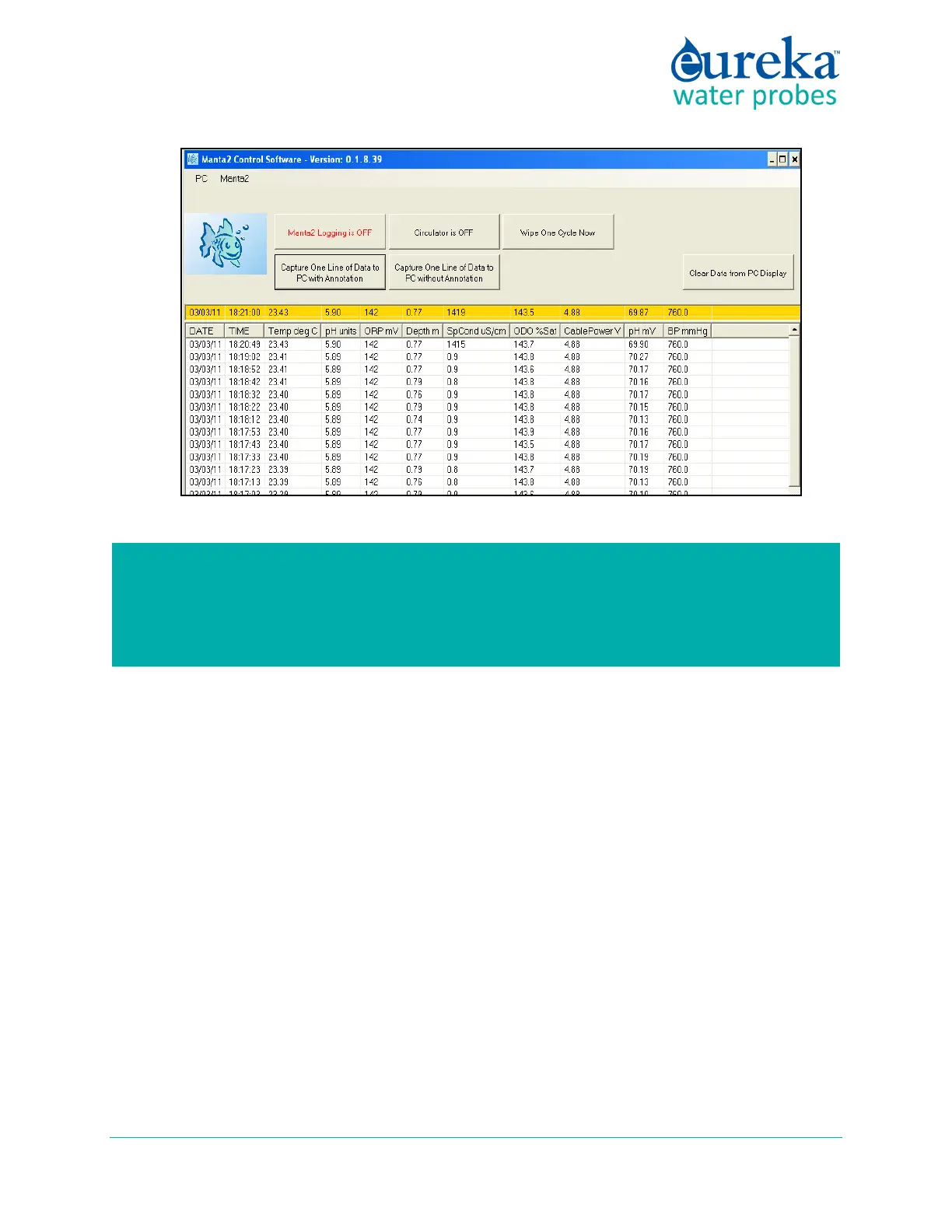
If your Manta does not connect with your PC, it may be that your organization’s network
firewall prevented the installation of the USB driver. Consult your IT department if you do not
see the Prolific USB driver listed in your device-driver menu (which is usually found in Settings
after clicking the Start button in the lower-left screen).



 To Next Page