Eureka Manta Manual Page 7 of 67
Adapter can also connect an external power supply to your Manta if USB power is not adequate
(particularly with long Underwater Cables or large number of sensors).
Do not use the USB Adapter with anything but a USB port and a Manta.
6. The Maintenance Kit contains all the tools and maintenance items needed to keep your Manta in
top shape.
7. The Weighted Sensor Guard replaces the Storage/Calibration Cup to protect the sensors durin
g
d
eployment, and to help the Manta sink.
A.2 Talk to Your Manta
Please follow the steps below to install Eureka software on your PC or laptop (collectively, PC).
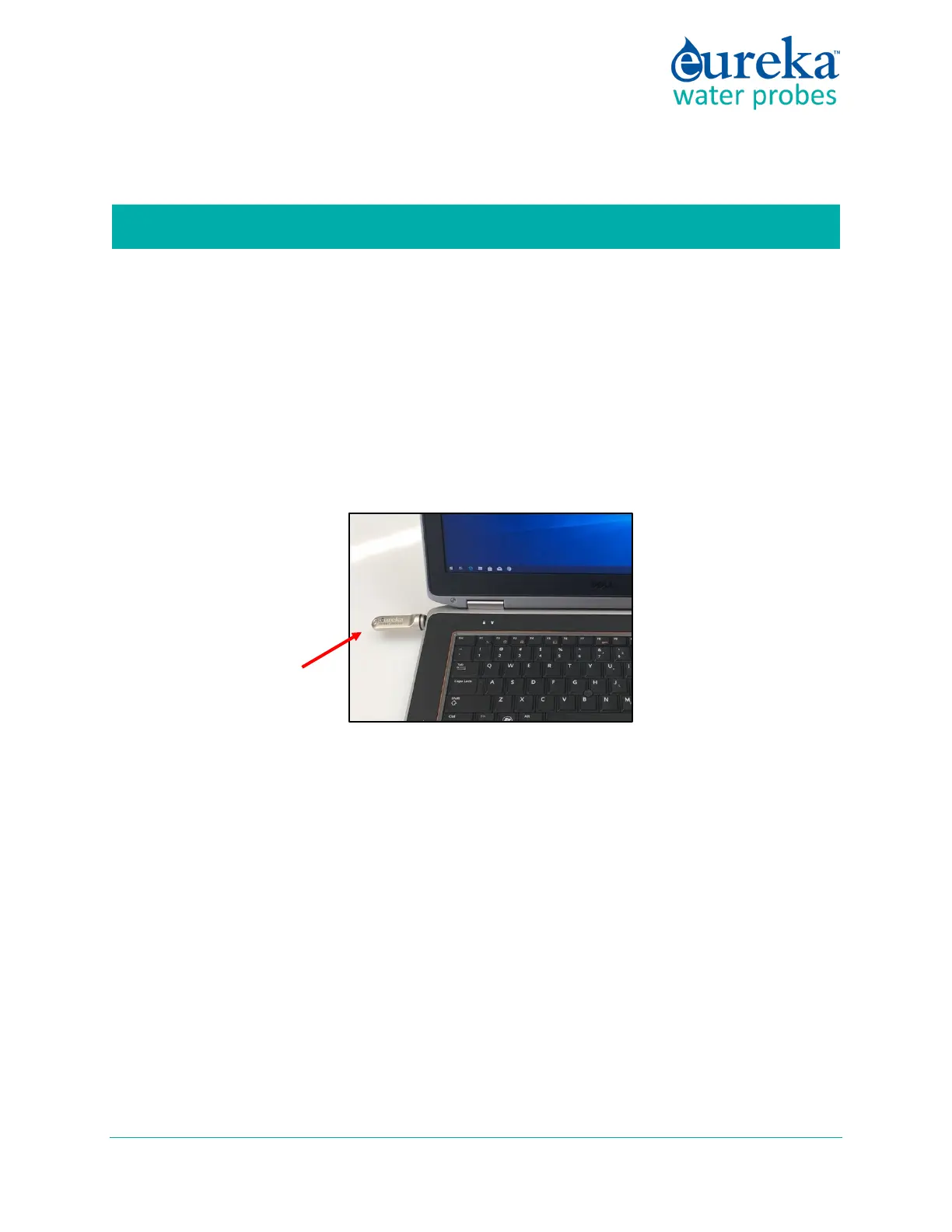
1 Plug the Manta Flash Drive into one of your PC’s USB ports.
2 W
hen the dialog box shown below opens, click Install Manta Software to upload the Manta User
Interface software and the USB Driver software onto your PC.
Eureka
Flash Drive



 To Next Page