Eureka Manta Manual Page 22 of 67
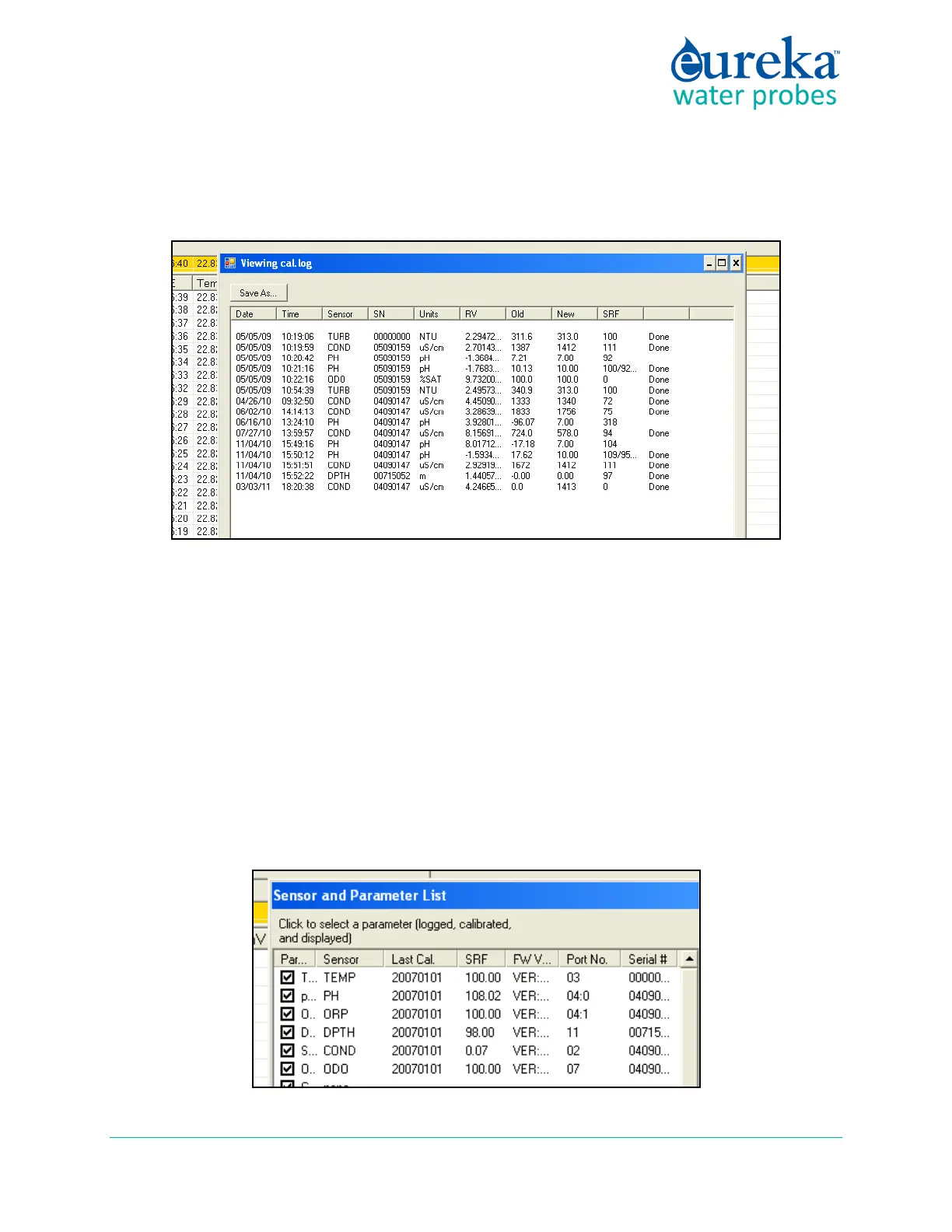
C.5.c Calibration Log
Click on the Cal Log button to see, you guessed it, the calibration record. This is a lifetime, permanent
record of all calibration changes for your Manta. (D.4)
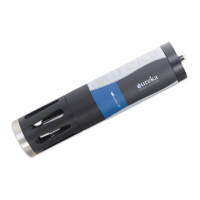
C.5.d Sensors and Parameters List
Enable the parameters listed by clicking the box (to the left of the parameter name) to produce the check
mark. Clicking on a box with a check mark removes the check mark and disables that parameter.
Note that if you enable a parameter but don’t have a sensor for that parameter, it would be a huge
coincidence if the data were accurate.
The order of the enabled parameters in this list is the order in which the parameters will appear in your
Data Display Home Page, the order in which they will appear in Logging files, and the order in which they
will appear in Snapshot files. You can change the parameter order by clicking on (i.e. highlighting) the
parameter name and then moving the highlighted name up or down by clicking on the up- and down-
arrows at the bottom of the screen.



 To Next Page