Eureka Manta Manual Page 44 of 67
E.7 Logging with an Internal Battery Pack
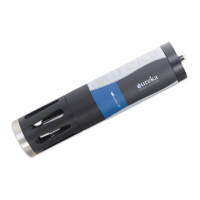
All Mantas may be ordered with an optional Internal Battery Pack (IBP), a watertight housing with a
cassette for batteries that is permanently fixed to the Manta. Most IBP’s are used for logging, but they
can also be used to power the Manta while it is connected to a Data Display.
E.7.a Changing IBP Batteries in Manta 20, 25, and Trimeters and Activating Logging
1 Replace all batteries at the same time and use the same brand of battery.
2 Clean all moisture, dirt, grit and any other debris off the Manta because you are going to expose
sealing surfaces as you change the batteries.
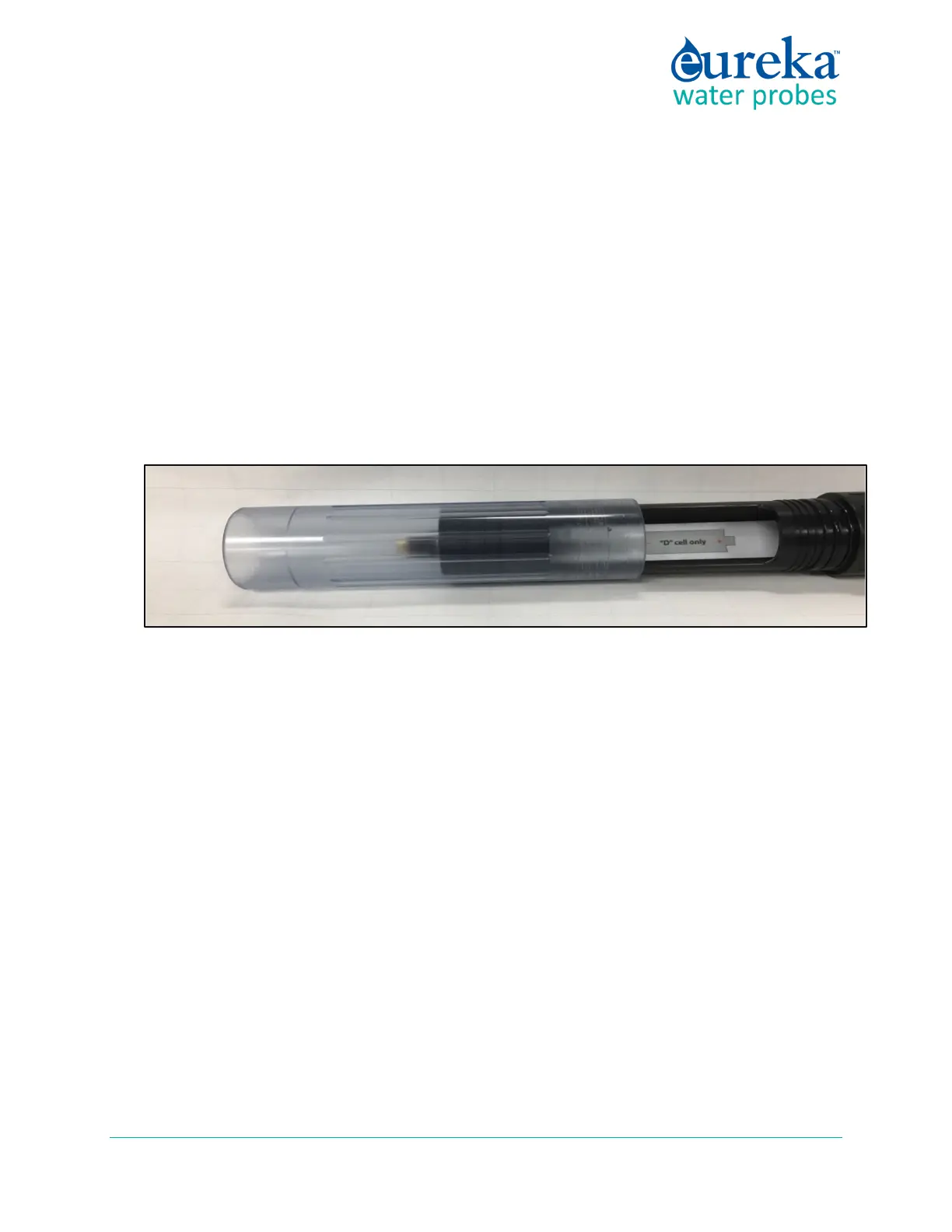
3 Grasp the clear battery sleeve that covers the battery housing and unscrew it until it detaches from
the IBP body.
4 Remove the spent batteries and install the new ones carefully following the polarity diagram. Your
Manta is now logging, if you have activated Logging. De-activate Logging if you don’t want to be
Logging now.
5 Clean all moisture, dirt, grit and any other debris off the exposed O-ring surfaces and the inside of the
battery sleeve. Add a small amount of silicone grease to the O-rings and to the inside of the battery
sleeve where the O-rings will seat.
6 Carefully screw the battery sleeve back into place. You don’t have to tighten it closely to the IBP
body; finger-tight is fine.
7 Remember that you must first activate Manta Logging by clicking the “Manta2 Logging is OFF” Hot
Button so that it changes to “Manta Logging is ON”. (C.3, E.5)
8 Remember to look for the red LED to blink five times to confirm that Logging is activated, and the
green LED blink briefly to confirm that the Manta is receiving adequate voltage to start Logging.



 To Next Page