93
Edit
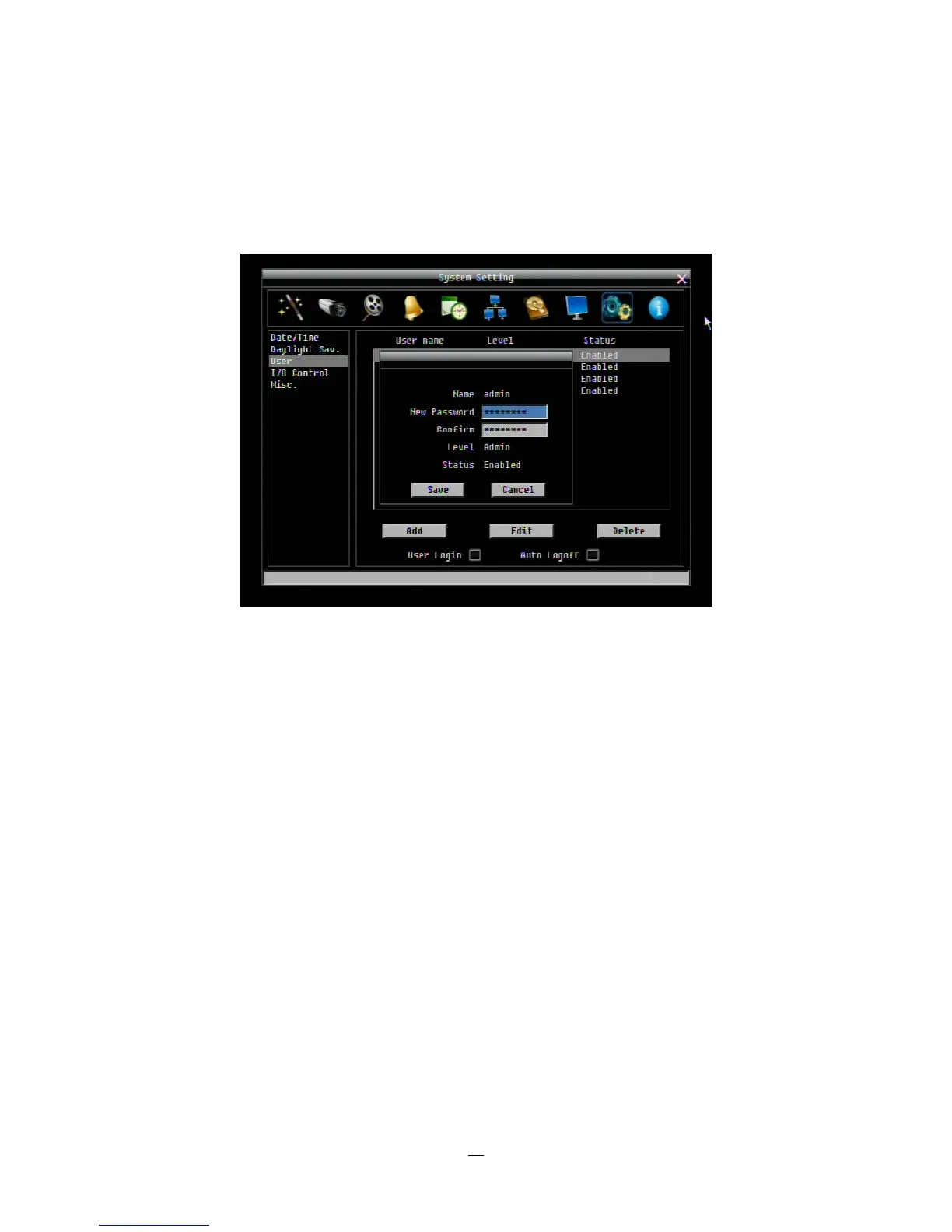
Click “Edit” button to make changes to an existing user account. Press “Save” button to save changes or
“Cancel” to exit without making changes.
Figure 4-39 System Menu – User - Edit
User Login: Check this box to require user login for menu access from the front panel. When this is
disabled, no username or password is required to access the system from the front panel, and all users
operate with ADMIN rights from the front panel.
Auto Logoff: Check this box to automatically logoff the current front panel user after 3 minutes of inactivity.















 To Next Page