84
4.8 DISK INFORMATION
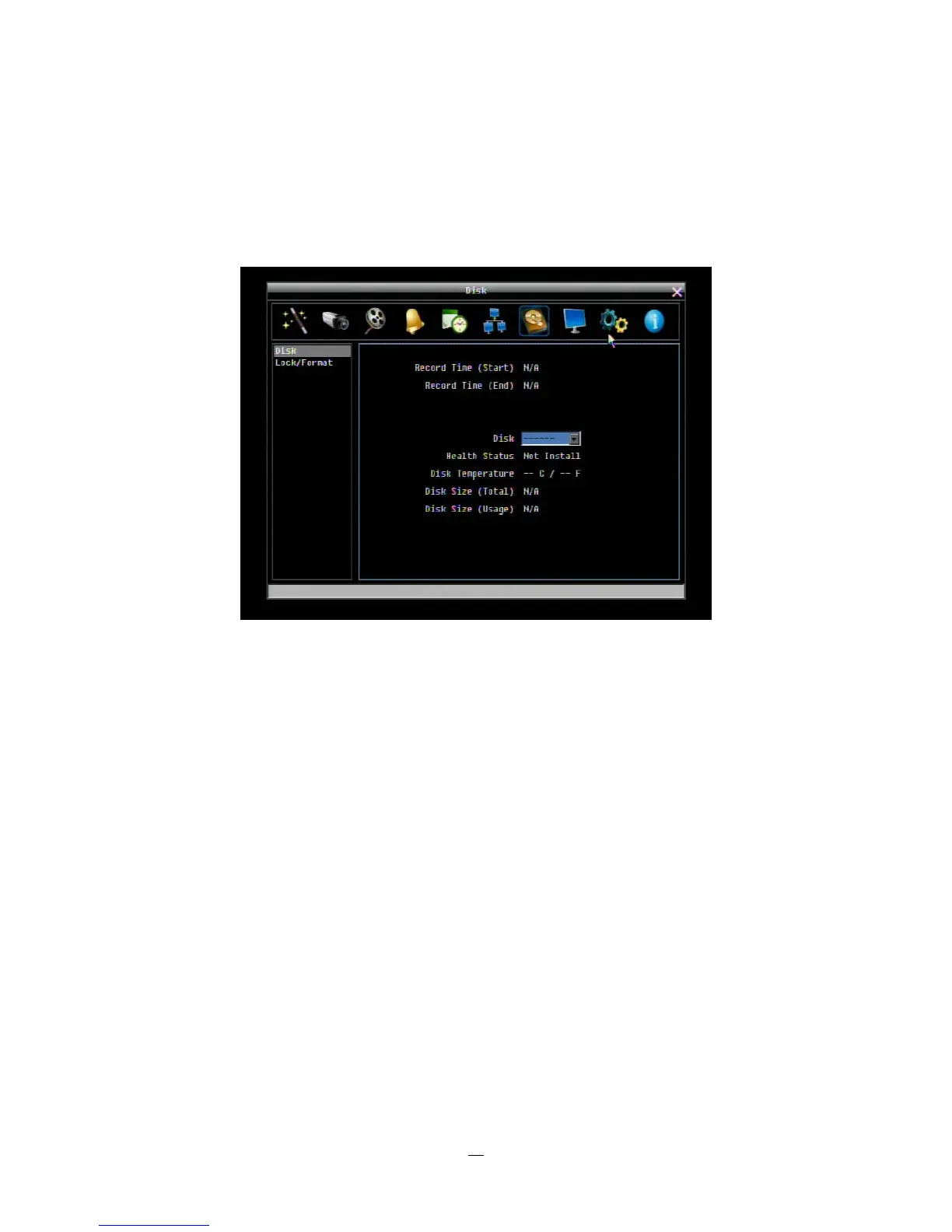
4-30 is a screenshot of the DISK INFORMATION MENU. This menu is used to review the DVR’s hard drive
settings and status. No values in this screen can be changed by the operator.
Figure 4-30 Disk Menu-Disk
4.8.1 Disk
Record Time (Start): Shows earliest recorded time on the DVR.
Record Time (End): Shows latest or most current recorded time on the DVR.
Disk: Select disk number.
Health Status: Displays current status of the selected disk.
Disk Temperature: Displays current disk temperature of the selected disk.
Disk Size/Total: Shows total disk size of the selected disk.
Disk Size/Usage: Shows percentage of used disk space for the selected disk.















 To Next Page