14
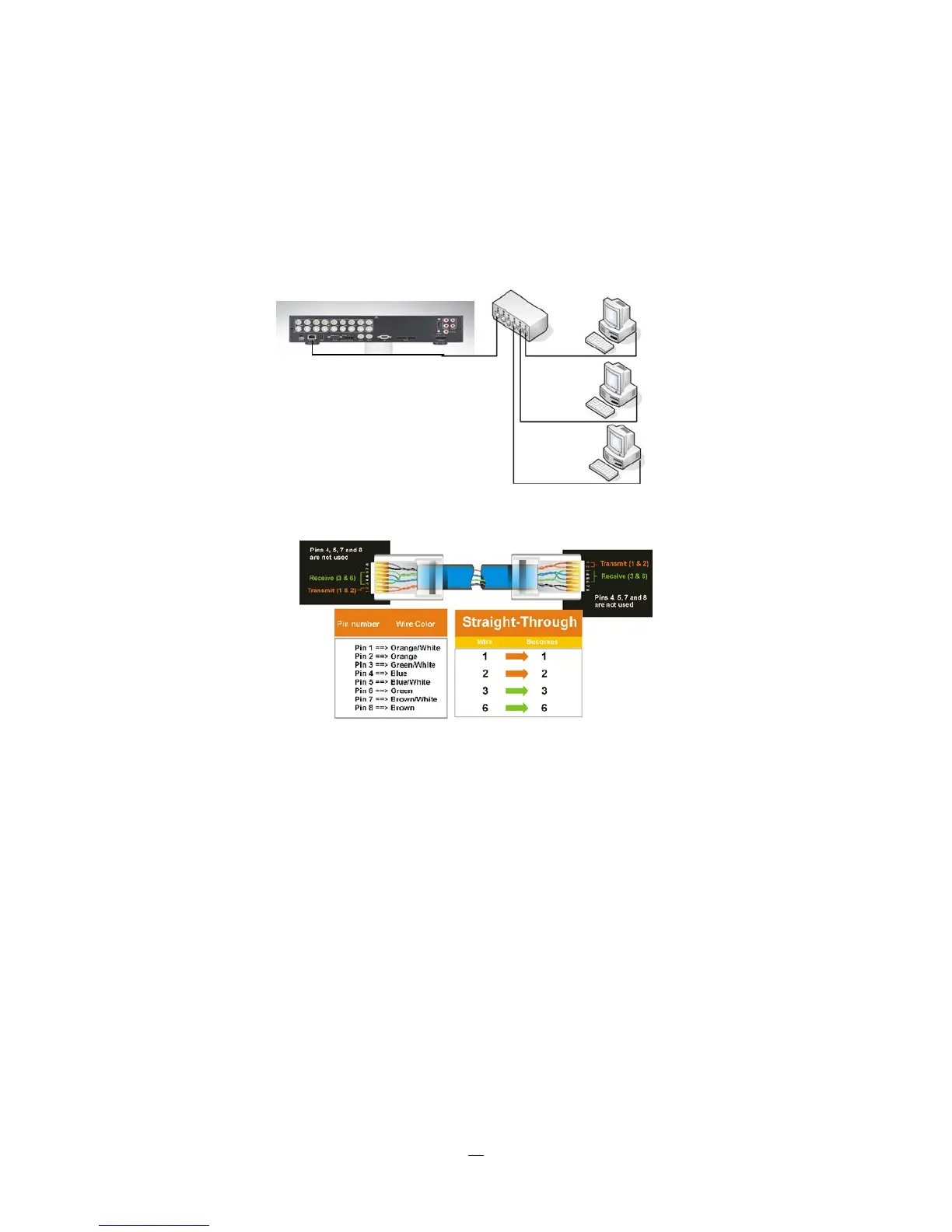
1.11.2 Network Connection through Patch Cable
The connection to an existing network requires a normal patch cable (straight-through). Th
e illustration
shows the connection to a network switch or router.
Figure 1-4 Network Connection through Patch Cable
Pinout of straight patch cable
1.12 FINAL INSTALL PROCESS
Once you have completed the basic wiring connections, you are ready to turn on the DVR. Simply plug in
the power source. The POWER LED will light up if power is normal. Once the system has finished loading,
you can begin to set up the menu options for the DVR.















 To Next Page