85
4.8.2 Lock
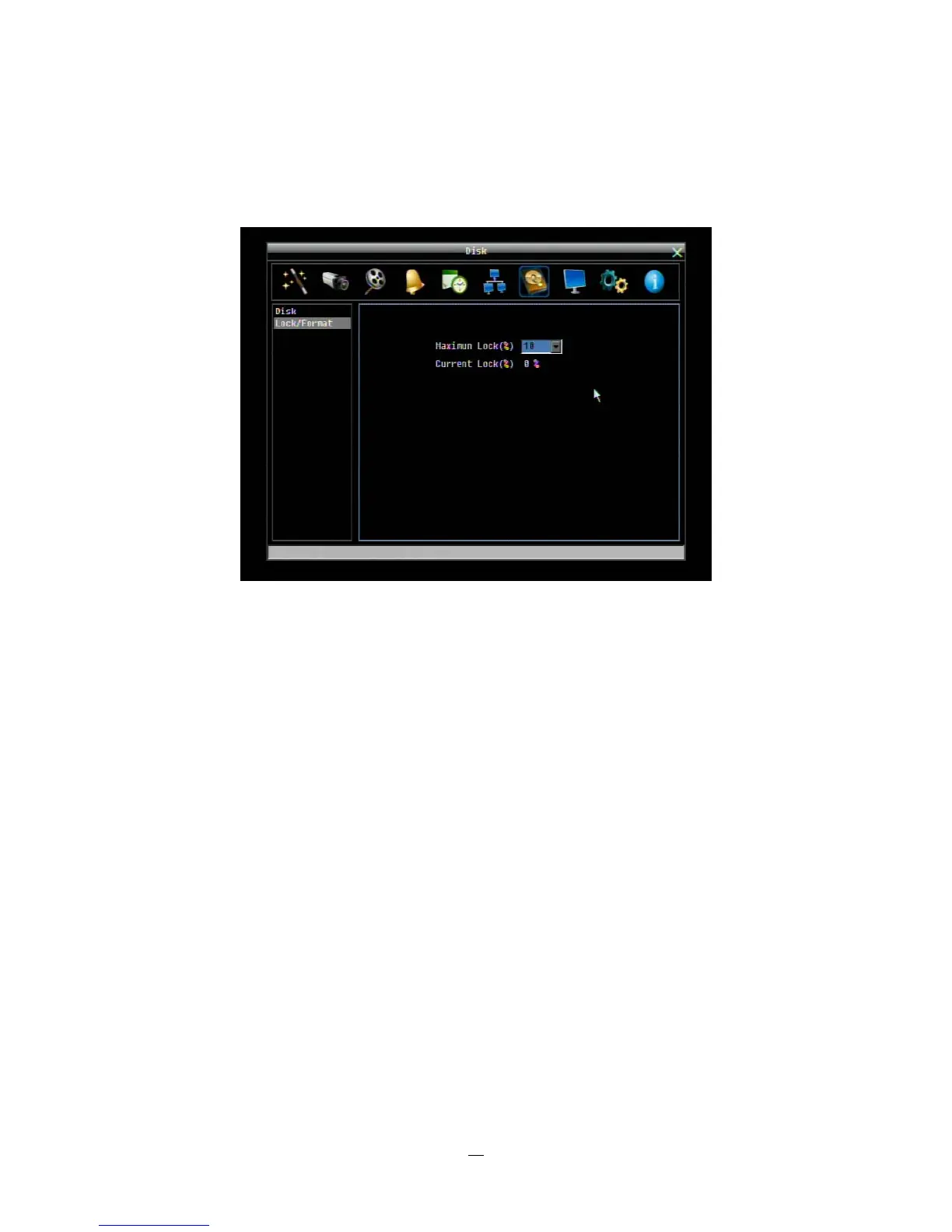
4-31 is a screenshot of the DISK LOCK/FORMAT MENU. This menu is used to control the portion of the
DVR’s hard drive reserved for locked event recordings, and to format drives(s) if necessary.
Figure 4-31 Disk Menu-Lock/Format
Maximum Lock (%): Sets the maximum lock percentage of the HDD volume. After setting the lock
percentage, conditions where video is written to the locked area can be enabled/disabled in three places
i. “Camera > Basic Setting > Motion > Auto Lock”
ii. “Alarm & Event > Alarm > Auto Lock”.
iii. Lock or unlock the file manually in search result list
Current Lock (%): Displays the current lock percentage of HDD volume. If amount of locked data has
reached the maximum lock percentage, the DVR will be unable to lock new data.
Unlock All: Click this button to unlock the locked part of HDD.
Delete All: Click this button to delete all the unlocked data in HDD. WARNING: This will effectively ERASE
the HDD except for the locked portion.
Format: Click this button to format the whole HDD. WARNING: This will effectively ERASE the ENTIRE
HDD!!















 To Next Page