53
4.4.3 Play
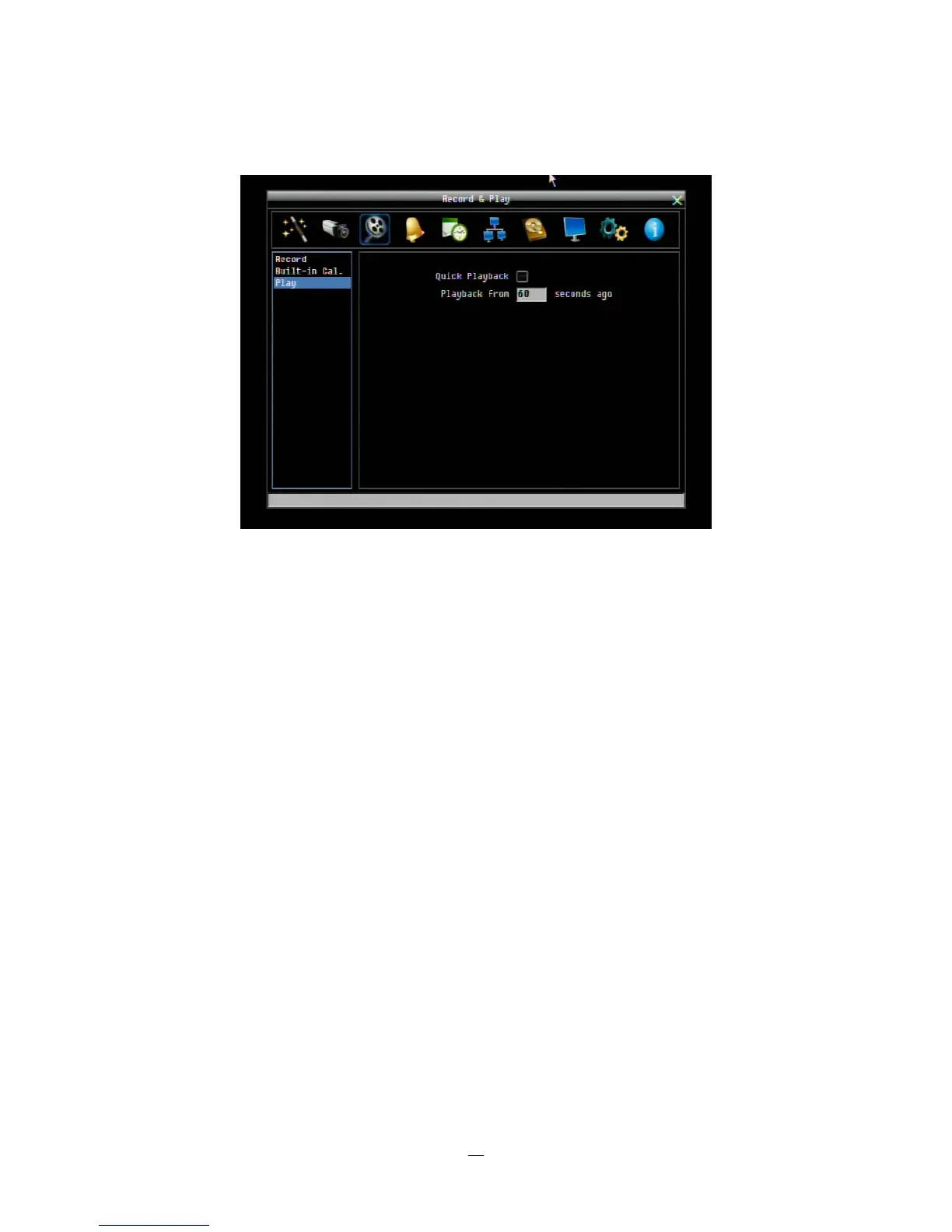
Figure 4-9 Record & Play Menu - Play
Quick Playback: Check the box to enable the Quick Playback function as described below.
Playback From X Seconds ago: When the DVR is put into playback (press PLAY), it will begin playing
from the selected time. Choose from 60 to 3600 seconds prior to the present time.
If Quick Playback is not enabled, pressing the PLAY button will bring up the Playback Bar (see Section 3.5).















 To Next Page