52
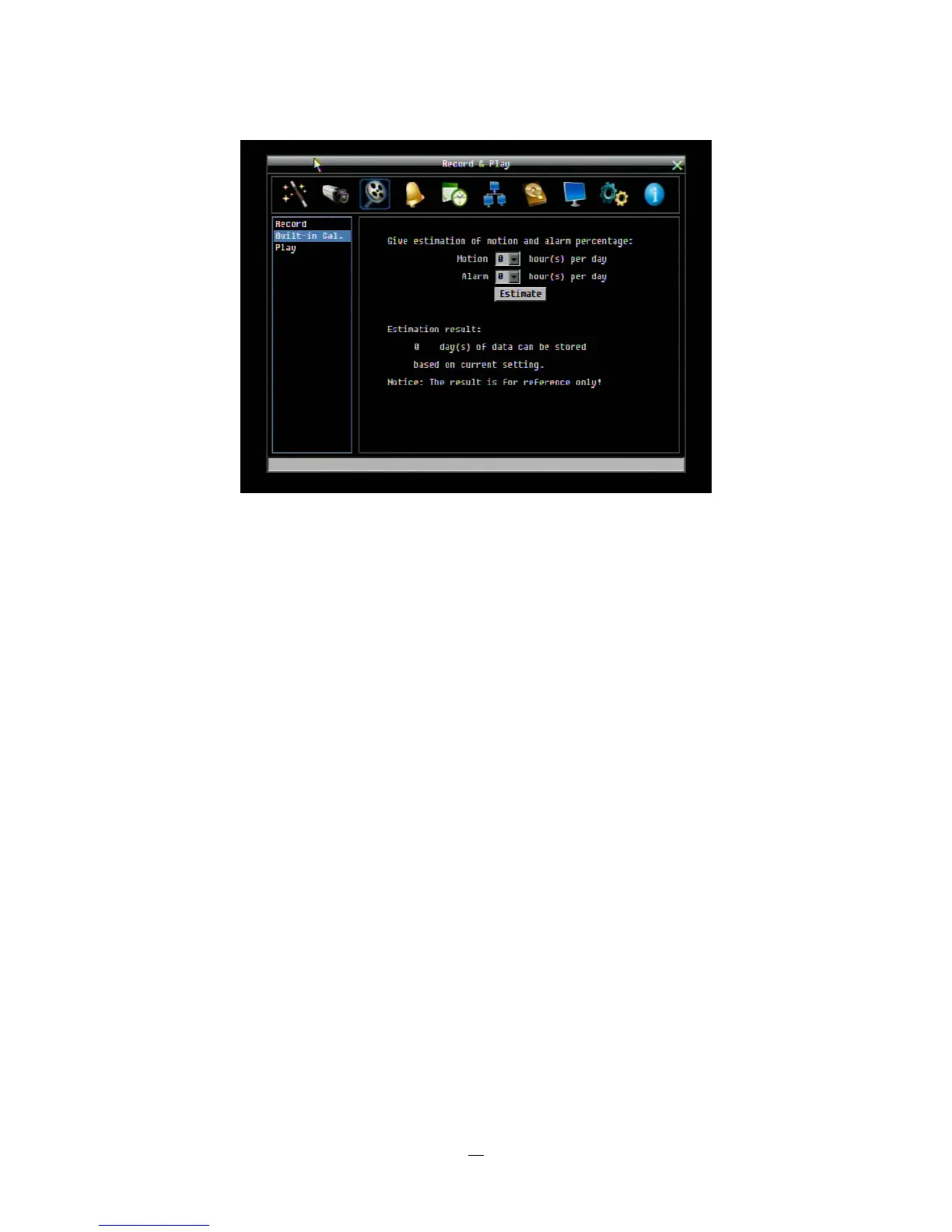
Figure 4-8 Record & Play Menu-Built-in Cal.
Motion: Enter the expected number of hours per day due to motion recording.
Alarm: Enter the expected number of hours per day due to alarm recording.
If the total of Motion and Alarm hours is more than 24 hours, the calculator will assume that motion and
alarm recording take place for the entire 24 hour period.
Click on the “E
E
E
S
S
S
T
T
T
I
I
I
M
M
M
A
A
A
T
T
T
E
E
E
”
”
”
button to display the result at the bottom of the screen:
" xx days of data can be stored based on current setting"















 To Next Page