37
3.13 COPY
To bring up Copy menu:
By mouse: Right-click to bring up the menu bar and click on to enter Copy Menu.
By front panel: Press the “Copy” key to enter Copy Menu directly.
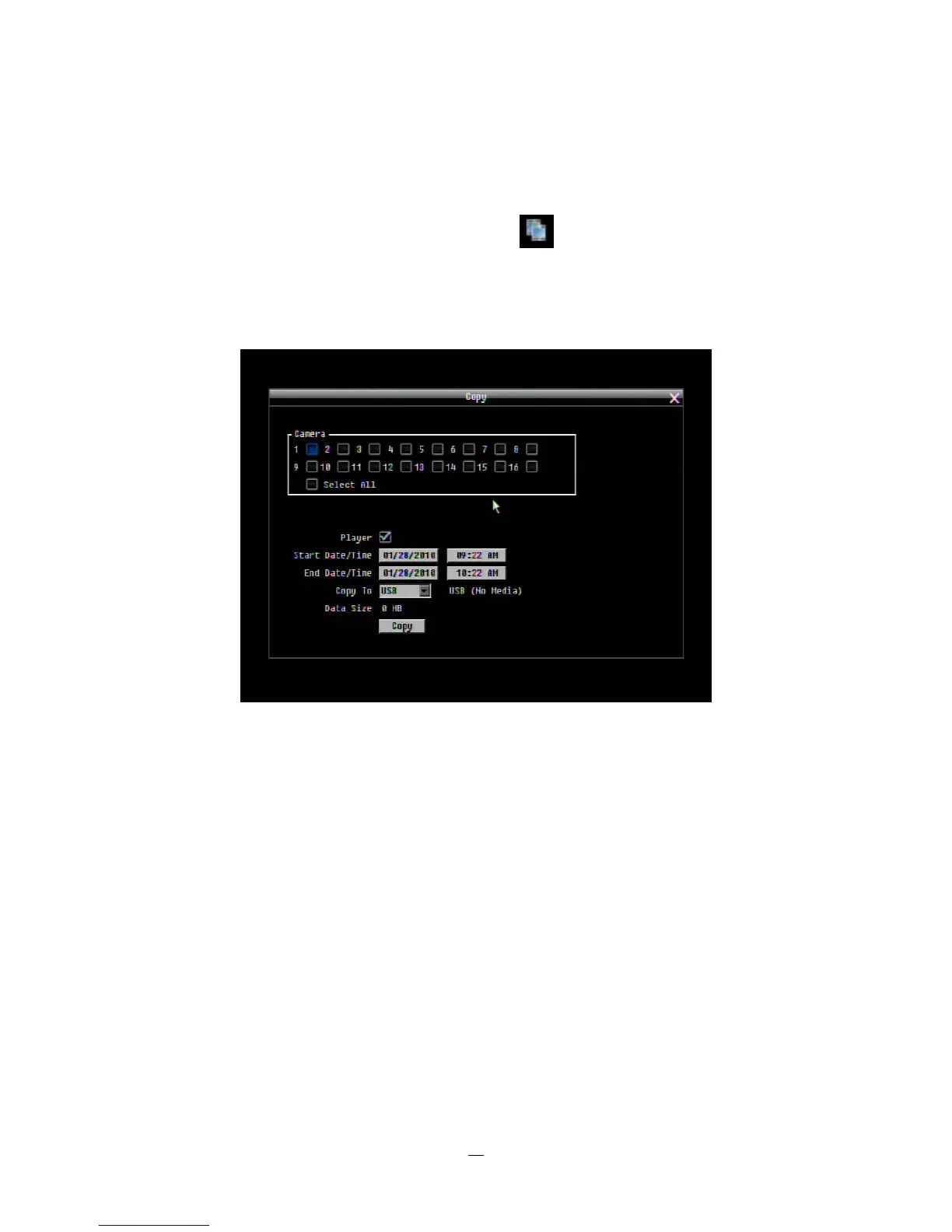
Figure 3-10 Copy Menu
Camera: Select which cameras will be archived. Choose “Select All” to select all the cameras.
Player: Check the box to include the ePlayer program as part of the copy (recommended).
Start Date/Time: Select the starting date/time to be archived.
End Date/Time: Select the ending date/time to be archived.
Copy To: Select whether you want to copy to USB or CD/DVD (CD/DVD on “D” models only).
Data Size: Shows the estimated total size for the time period.
Copy Now: Press “Copy” button to start archiving.















 To Next Page