31
3.12.2 Event Search
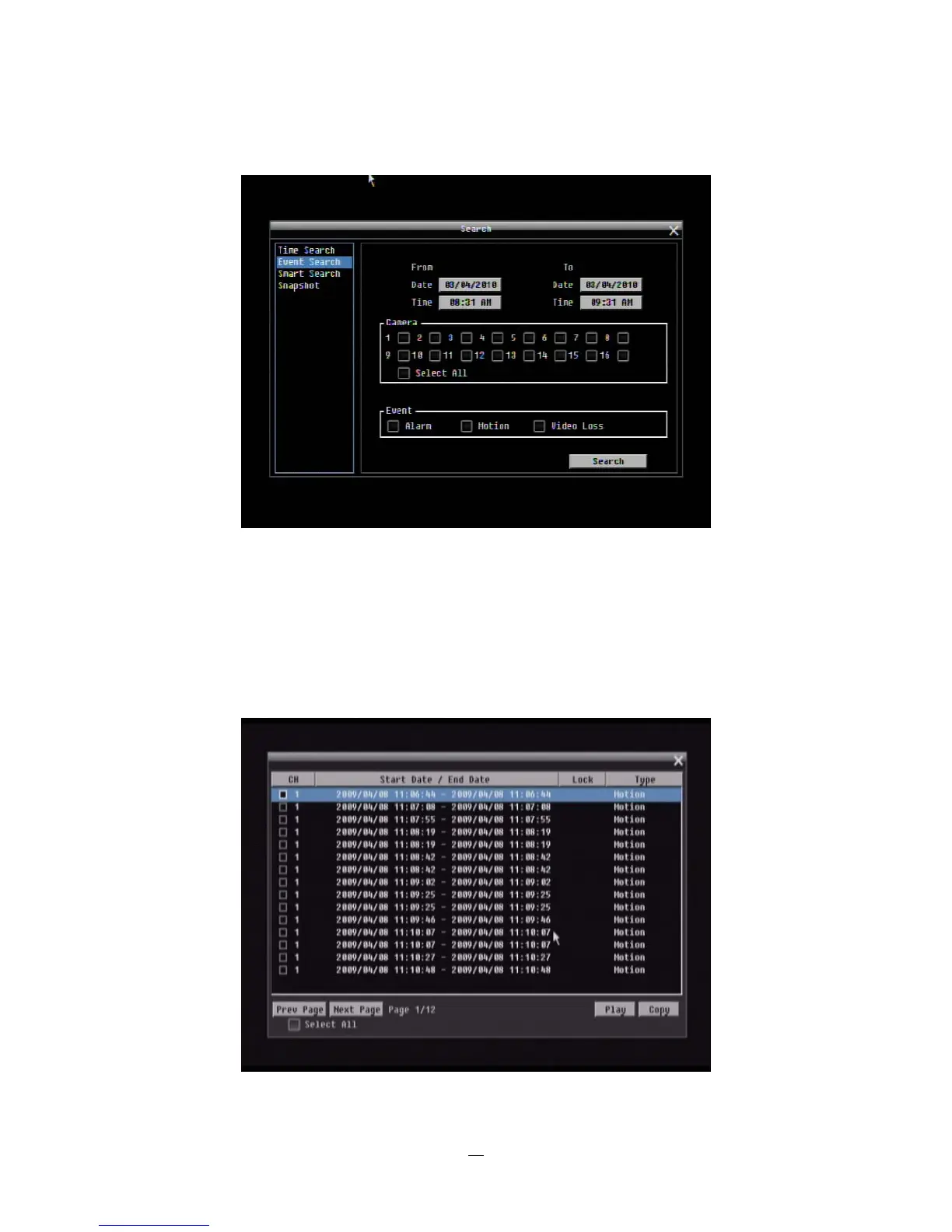
Figure 3-6 Search Menu – Event Search
From: Select starting date and time
To: Select ending date and time.
Camera: Select which cameras to include in the search.
Event: Select which event type(s) to search for. Choose from Alarm, Motion or Video Loss.
Click on the “Search” button to start searching. The search results will be shown as a list of events.















 To Next Page