32
Prev Page: Go to previous page
Next Page: Go to next page
Play: Playback selected item
Copy: Copy selected item
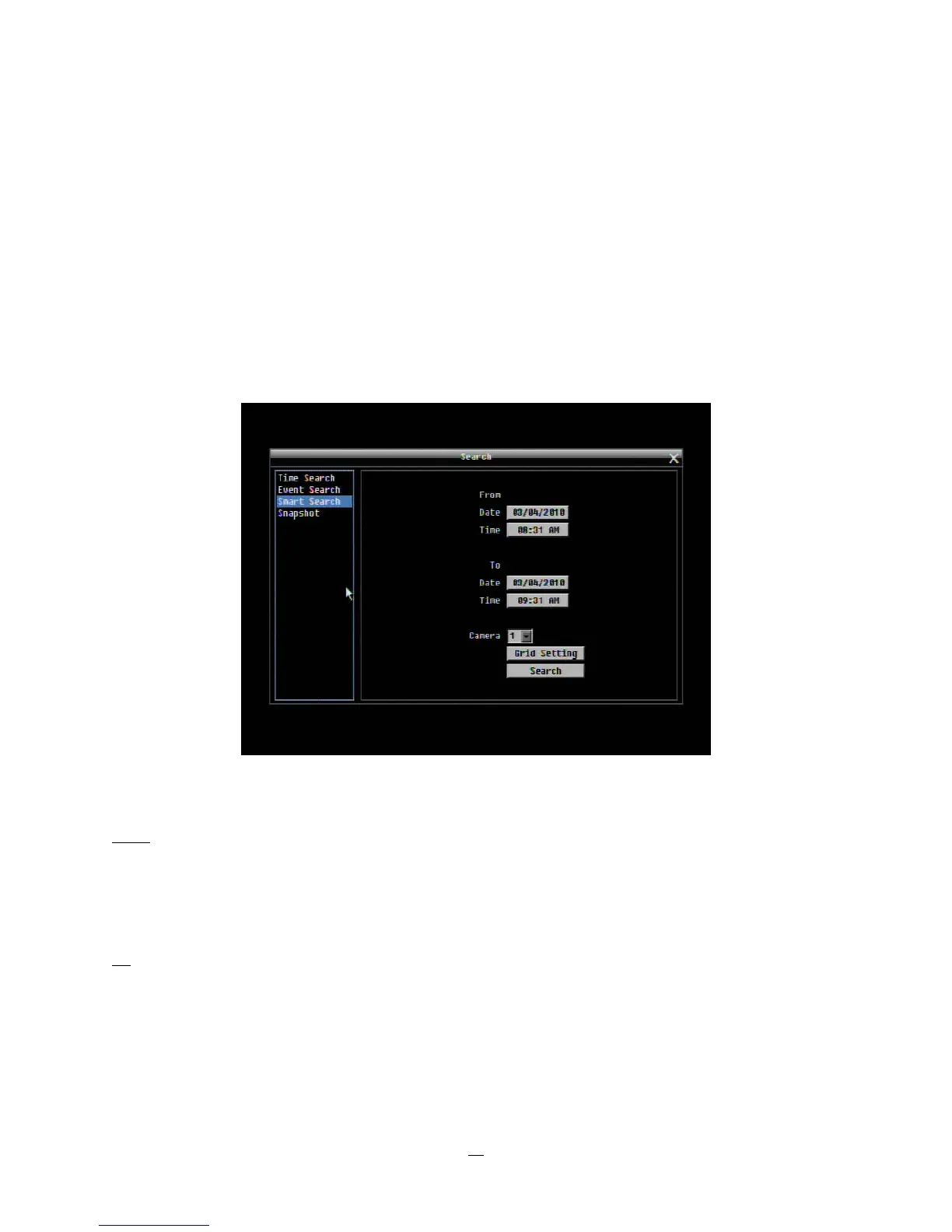
3.12.3 Smart Search
Smart Search allows the review of a segment of the recorded video from individual cameras to detect
motion in an area specified at the time of the search. The resulting ‘motion events’ are displayed in the form
of an Event List.
Figure 3-7 Search Menu – Smart Search
From
Date: Select starting date.
Time: Select starting time.
To
Date: Select ending date.
Time: Select ending time.















 To Next Page