50
Transparent: Alarm output continues as long as there is a video loss.
Trans+Timeout: Alarm output continues until the event ends, then continues for a set time duration.
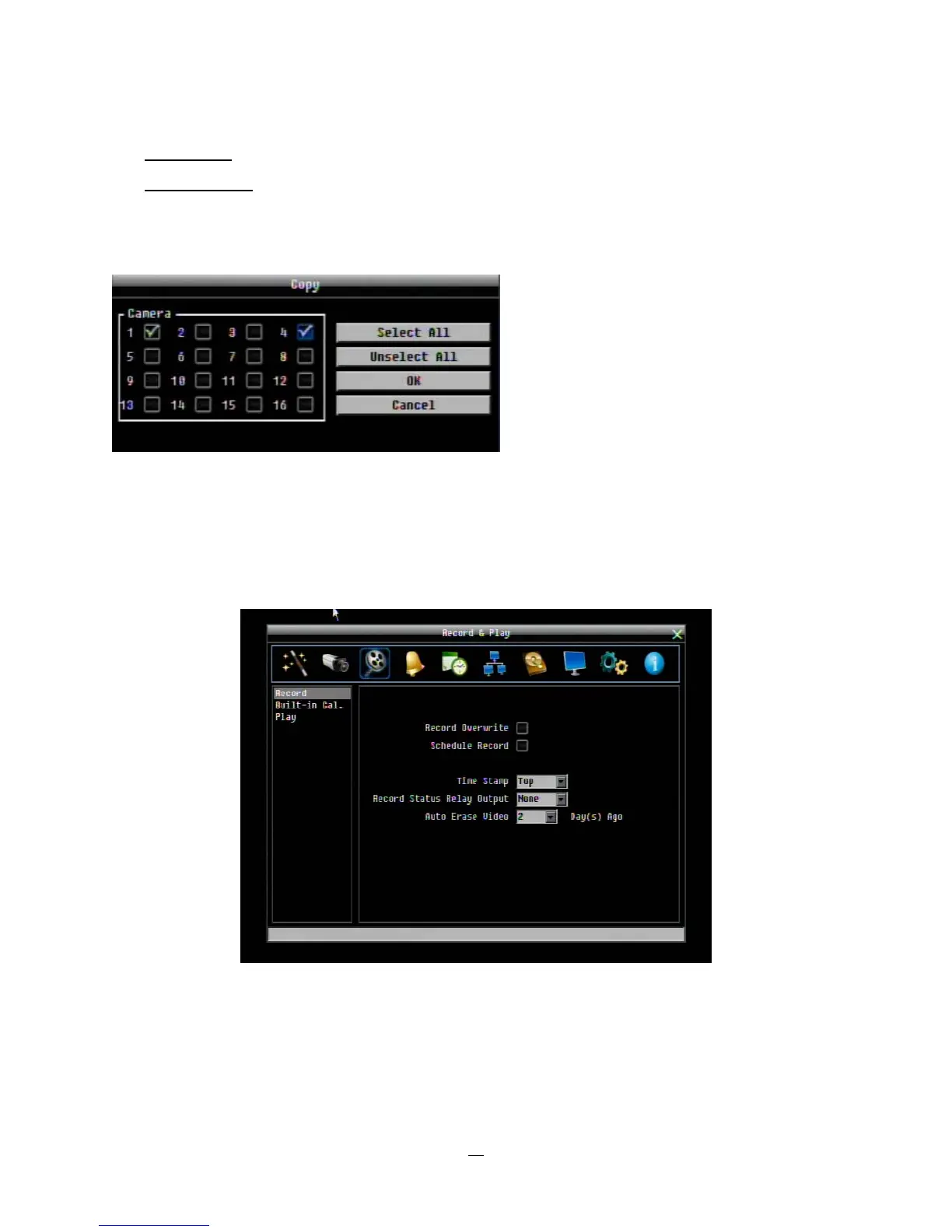
Apply To: This button can be used to copy the video loss settings to other cameras. Select which cameras
you wish to copy to. "Select All" selects all cameras, “Unselect All” deselects all cameras. Click “OK” to
copy the settings or "Cancel" to exit without copying.
4.4 RECORD & PLAY SETTING
Figure 4-7 is a screenshot of the RECORD & PLAY SETTING MENU. This menu is used to configure basic
recording and playback settings.
Figure 4-7 Record & Play Menu















 To Next Page