30
3.12 SEARCH
By mouse: Right-click to bring up the menu bar and click to enter Search Menu.
By front panel: Press ”Search” key to enter Search Menu directly.
3.12.1 Time Search
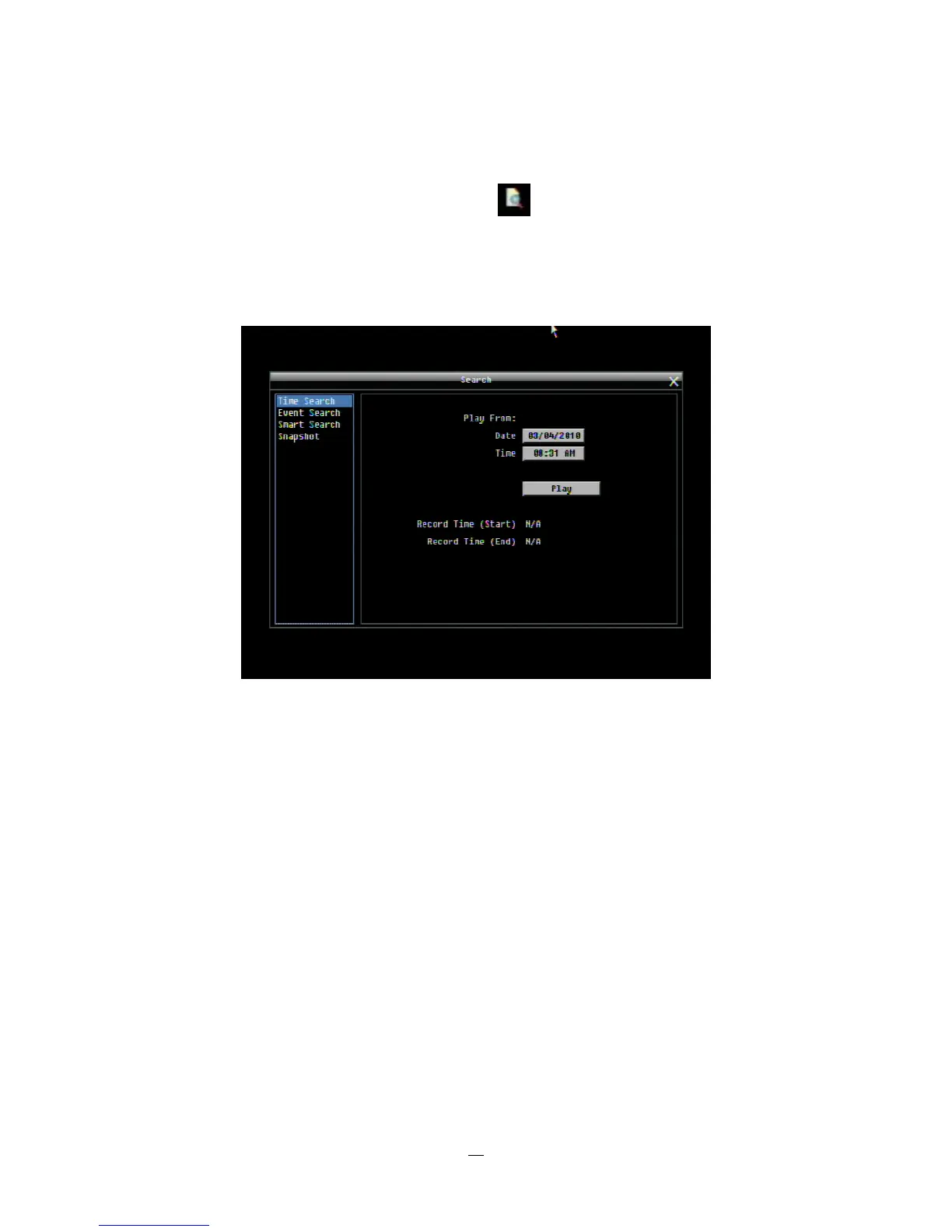
Figure 3-5 Search Menu – Time Search
Play From: Select the time to begin the search by choosing the Date and Time.
Click on the “Play” button to start the search. The DVR will automatically begin to play the video selected.
The DVR will play the nearest time if there is no data at the selected time.
In search playback mode, pressing the “Stop” button will return to the search menu.















 To Next Page