29
3. Right-click to bring up the menu bar and click button. Or, press the ZOOM button on the front
panel.
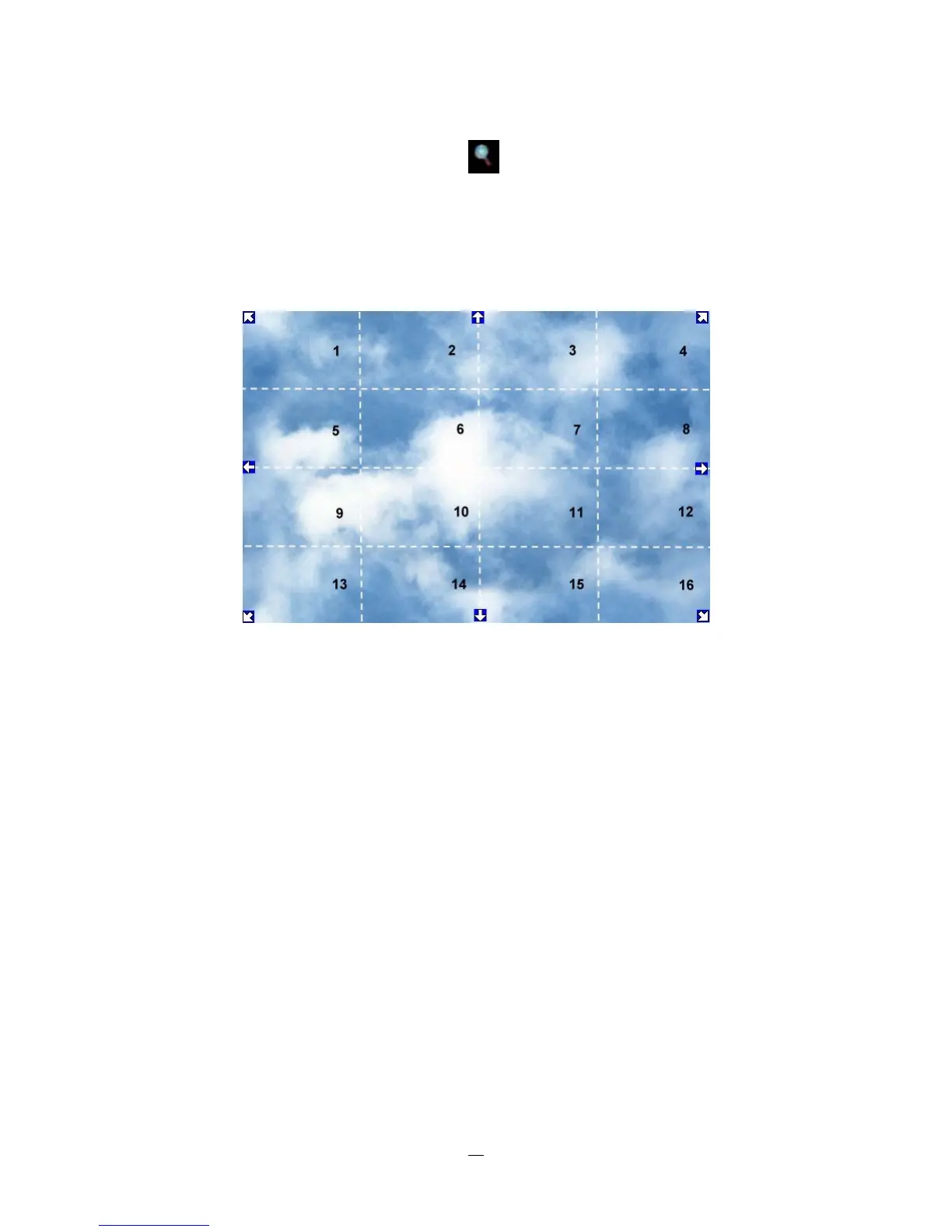
4. When in ZOOM mode, the mouse cursor will change to a different icon in different areas of the screen.
Or, use the arrow keys to bring a different portion of the magnified image into view. Users can control
the portion of the magnified image to be displayed by clicking directly on screen:
Figure 3-4 Zoom Express Control
The screen is divided into a 4x4 grid. The function of each section is defined as below:
1: Left and up
2, 3: Up
4: Right and up
5, 9: Left
8,12: Right
13: Left and down
14, 15: Down
16: Right and down
6, 7, 10, 11: Not used















 To Next Page