114
6 REMOTE OPERATION FROM BROWSER
6.1 CONNECTING TO ECOR264
To access the DVR from a computer, open an Internet Explorer window and in the address bar type:
Local connection: http:// (IP address from the DVR’s Network Menu): IP port used
e.g. http://192.168.1.163:2468
Internet connection: http:// (IP address given by your Internet Service Provider): IP port used
e.g. http://57.182.67.204:2468
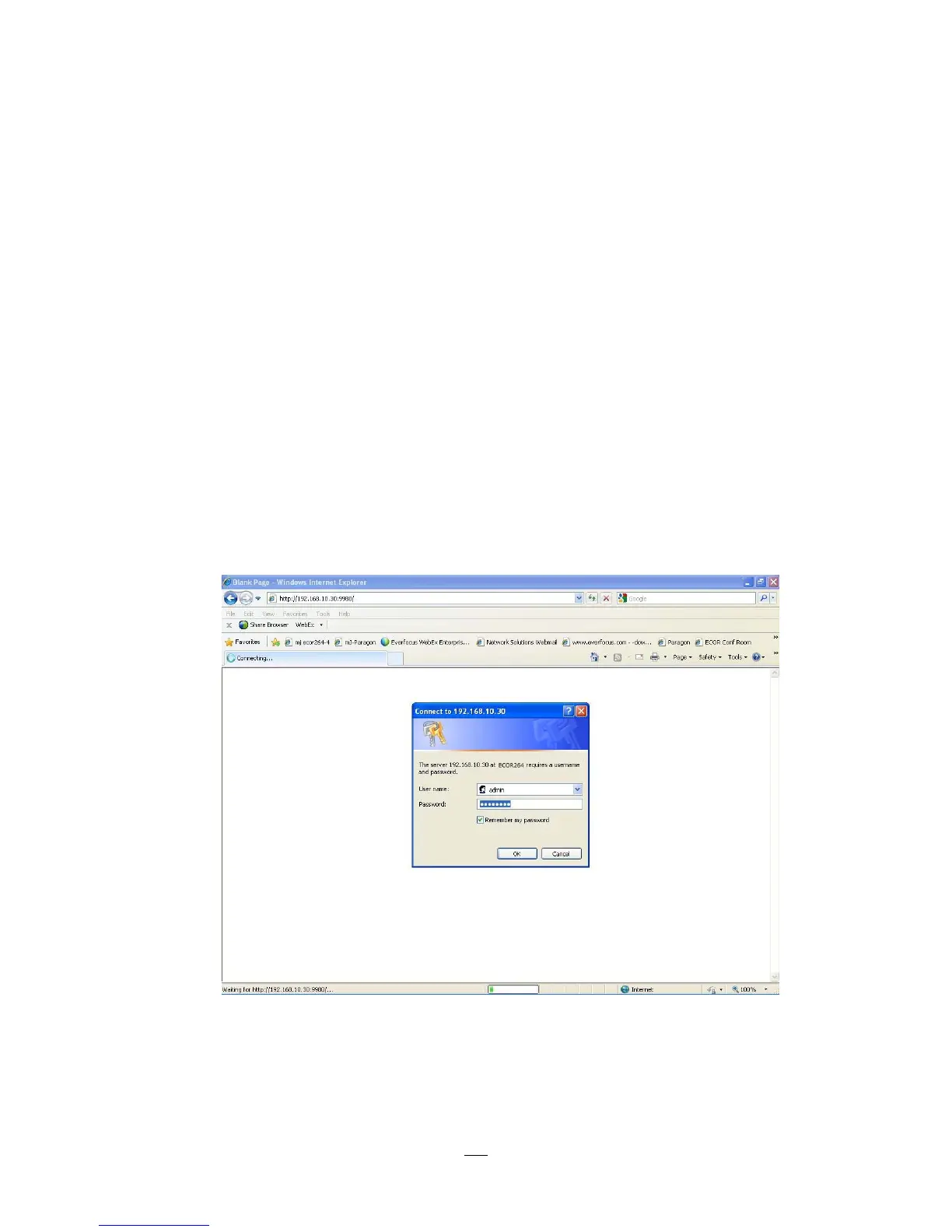
You should then see a login prompt.
The login page will appear on the screen similar to the one shown above.
Chapter
6















 To Next Page