92
4.10.3 User
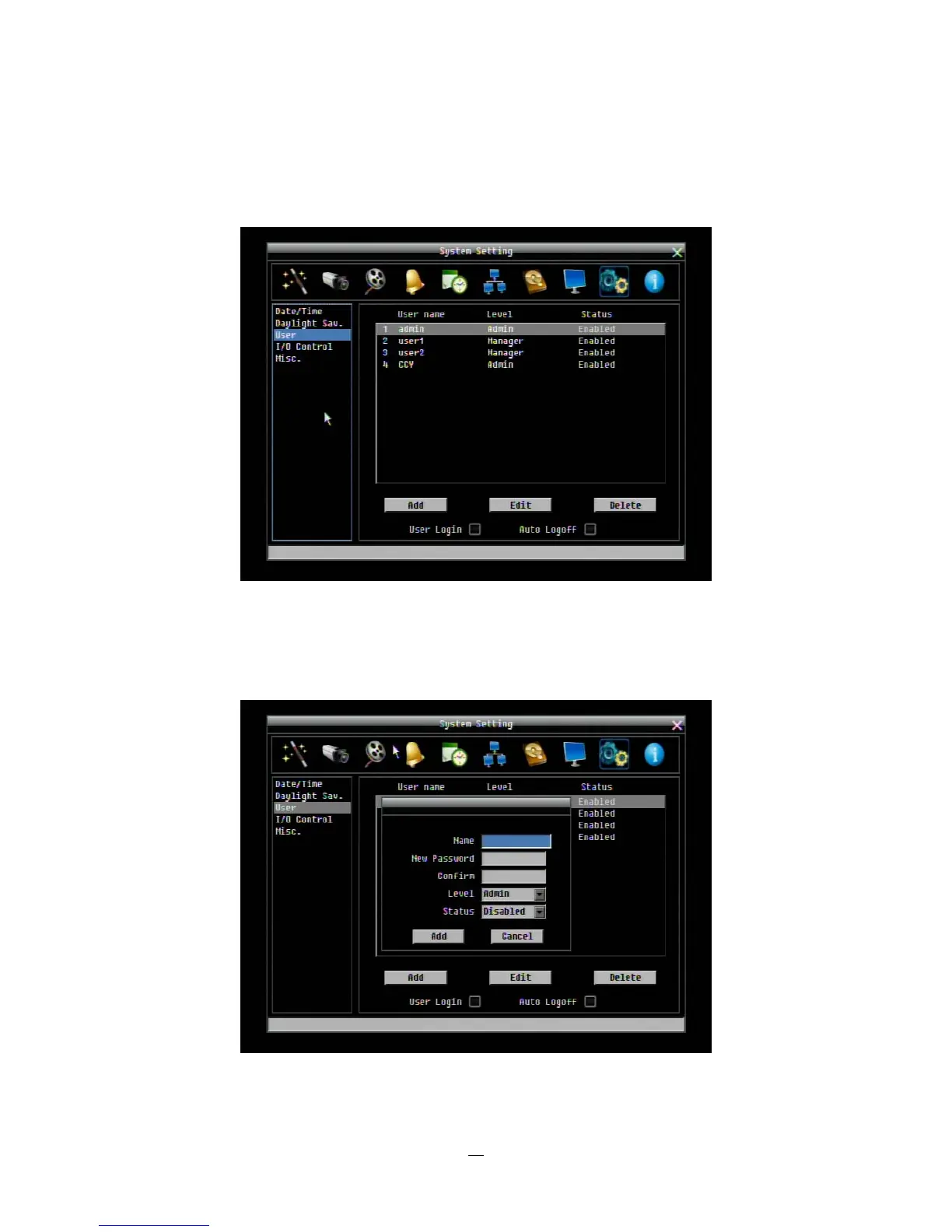
User Menu is where you can add or delete different login IDs on the system as well as set access levels.
See the charts below for a listing of the rights associated with each access level.
Figure 4-37 System Menu – User
Add
Click “Add” button to add a new user. Set the name (case-sensitive), password, access level and status.
Press “Add” button to confirm a new user or “Cancel” to exit without making changes.
Figure 4-38 System Menu – User - Add















 To Next Page