20
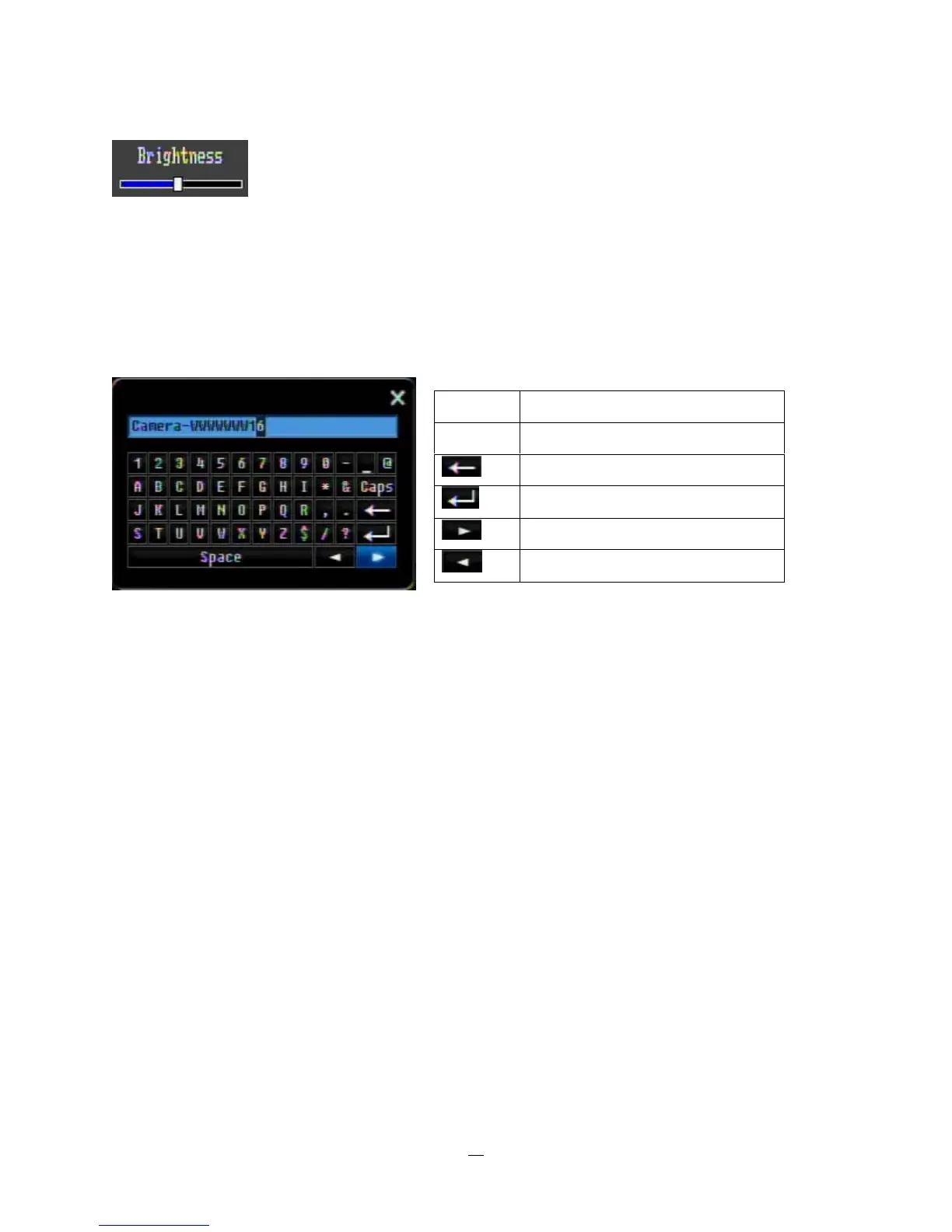
Bar: Press “Enter” key to activate the slider, then use arrow keys to adjust the setting.
Press “Enter” again to finalize the changes.
* Note about on-screen keyboard:
Use the arrow buttons to highlight each character and press the “Enter” key on the front panel to input the
selected characters. When finished, highlight “Done” and press the “Enter” key on the front panel to
confirm. The buttons on the right and bottom have the following functions:
Space Enter a space
Caps Switch to capital letters
Delete the letter
Confirm the selection
Move to right
Move to left















 To Next Page