Model 5600MSC Master Clock/SPG Manual
INSTALLATION
Revision 1.6 Page 2-9
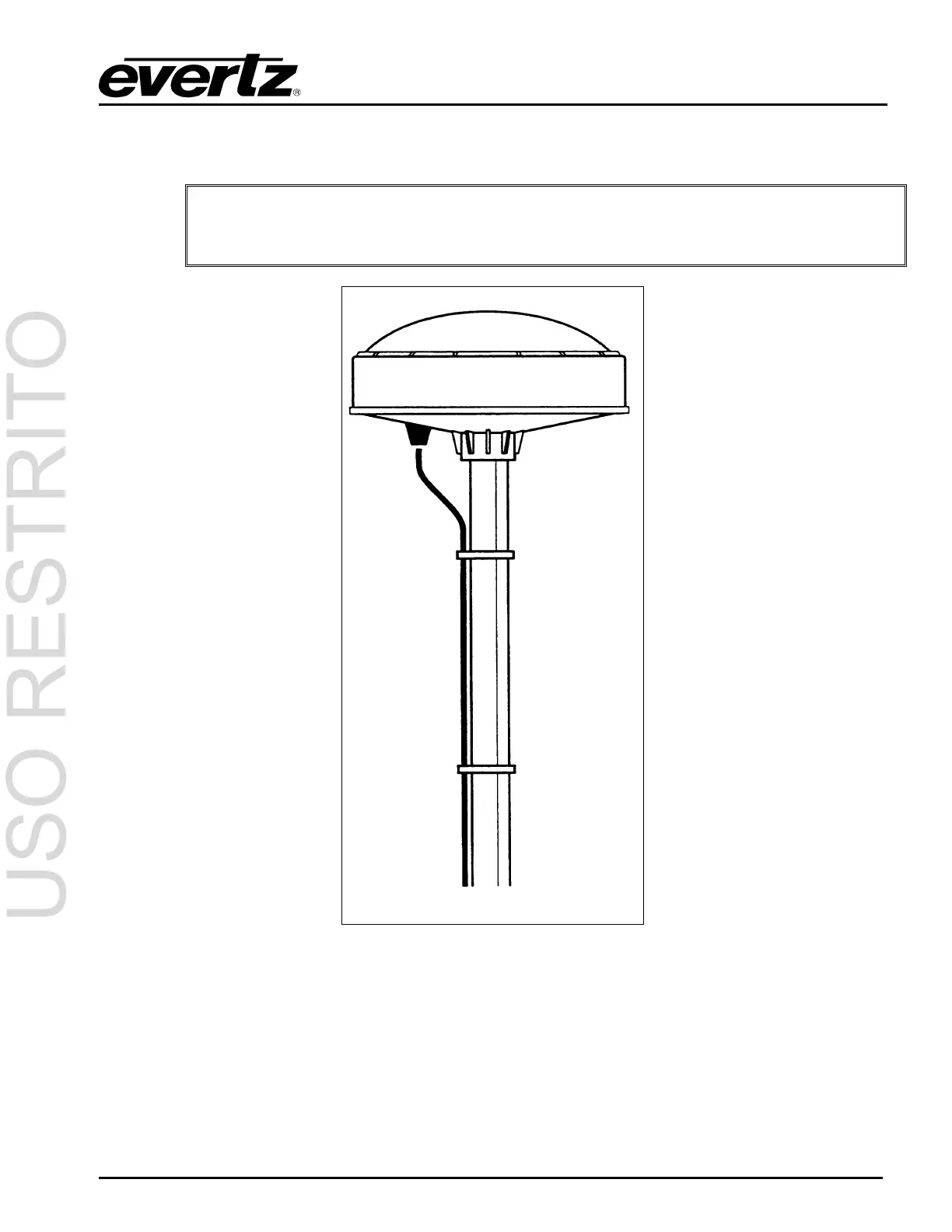
Secure the mounting pole to a solid structure so that it is oriented vertically. Thread the smart antenna
onto the pole or pile and hand tighten until snug.
"
CAUTION: Over-tightening the smart antenna on the pole or using a tool could
damage the threaded socket in the base of the antenna. In addition, do not use
thread-locking compounds, since they can corrode plastic
Figure 2-3: Pole Mounting the Smart Antenna
2.5.2. Connecting the GPS Smart Antenna to the 5600MSC
A standard 50 foot long interface cable (Evertz part WA-T09) is provided with the 5600MSC and the
smart antenna. One end of this cable is fitted with a weather-tight 12 pin Molex connector. The other
end is fitted with a 9 pin male subminiature D connector and should be connected to the GPS
connector on the rear panel of the 5600MSC. The pin out of the cable is shown in Figure 2-4. If you
require a longer cable, a 100 foot (Evertz part WA-T76) or 400 foot cable (Evertz part WA-T11) may be



 To Next Page