Model 5600MSC Master Clock/SPG Manual
TECHNICAL DESCRIPTIONOPERATION
Revision 1.6 Page 3-35
3.6.5.3.1. Editing the On Screen Message Display
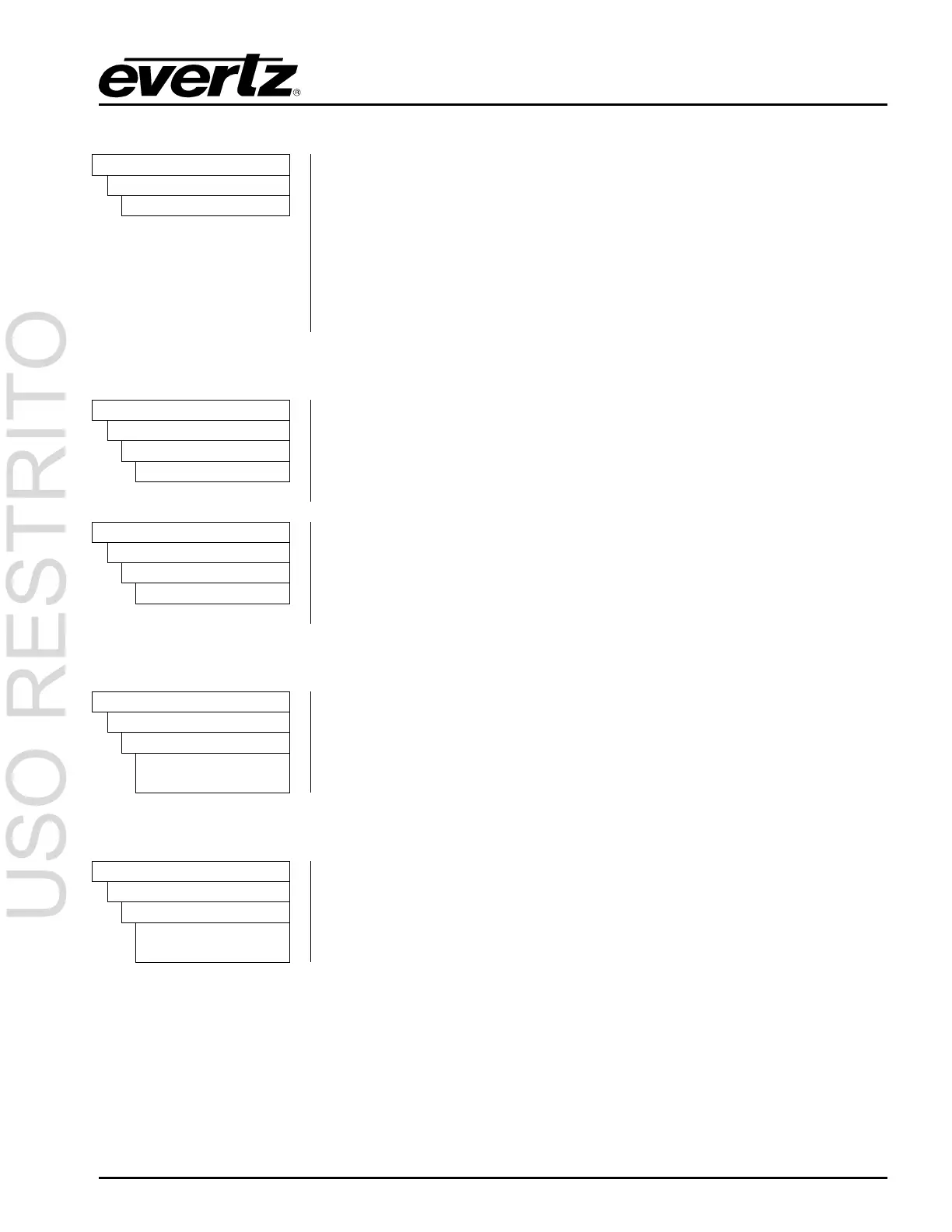
OUTPUT
SDI TEST GEN
STG Message Text
The
STG Message Text menu item is used to edit the text message. When
you enter the
STG Message Text menu item, the actual text message is
displayed on the top line of the SDI video test generator output and on the
front panel.
To edit the message, turn the
SHAFT ENCODER knob to change the
blinking character. Press the arrow keys (
Ï, Ð) to change to the next or
previous character. Press the
SELECT button when done. Note that blank
spaces do not blink.
3.6.5.3.2. Positioning the On Screen Message Display
OUTPUT
SDI TEST GEN
STG Message H
STG message h 01
The
STG Message H menu item is used to position the text message
horizontally on the character raster. Use the arrow keys (
Ï, Ð) or turn the
SHAFT ENCODER knob to move the message horizontally. Press the
SELECT button to save the new position or press the ESC button to exit the
STG Message H menu without saving the new position.
OUTPUT
SDI TEST GEN
STG Message V
STG message v 01
The
STG Message V menu item is used to position the text message
vertically on the character raster. Use the arrow keys (
Ï, Ð) or turn the
SHAFT ENCODER knob to move the message vertically. Press the
SELECT button to save the new position or press the ESC button to exit the
STG Message V menu without saving the new position.
3.6.5.3.3. Enabling the On Screen Message Display
OUTPUT
SDI TEST GEN
STG Message En
STG message off
STG message on
The
STG Message En menu item is used to turn the SDI Video Test
Generator On Screen Message Display on and off.
3.6.5.3.4. Setting the Font Size of the On Screen Message Display
OUTPUT
SDI TEST GEN
STG Message Font
STG font small
STG font large
The
STG Message Font menu item is used to turn set the size of the font
used for the SDI Video Test Generator On Screen Message Display.
3.6.5.4. Configuring the SDI Test Generator Embedded Audio
SMPTE 272M provides for embedding four groups of 4 channels of audio into SMPTE 259M serial
digital video signals. The SDI Test Generator output can have audio tones embedded on each of the
sixteen channels. The following sections describe how to select the tone frequencies and the level.



 To Next Page