Model 5600MSC Master Clock/SPG Manual
Page 3-52
Revision 1.6 OPERATION
3.6.12.2. Setting the AES Channel Frequency
There are two identical menus for each of the audio channels on the AES output. For the sake of
simplicity only the menu item for channel 1
is described in the manual.
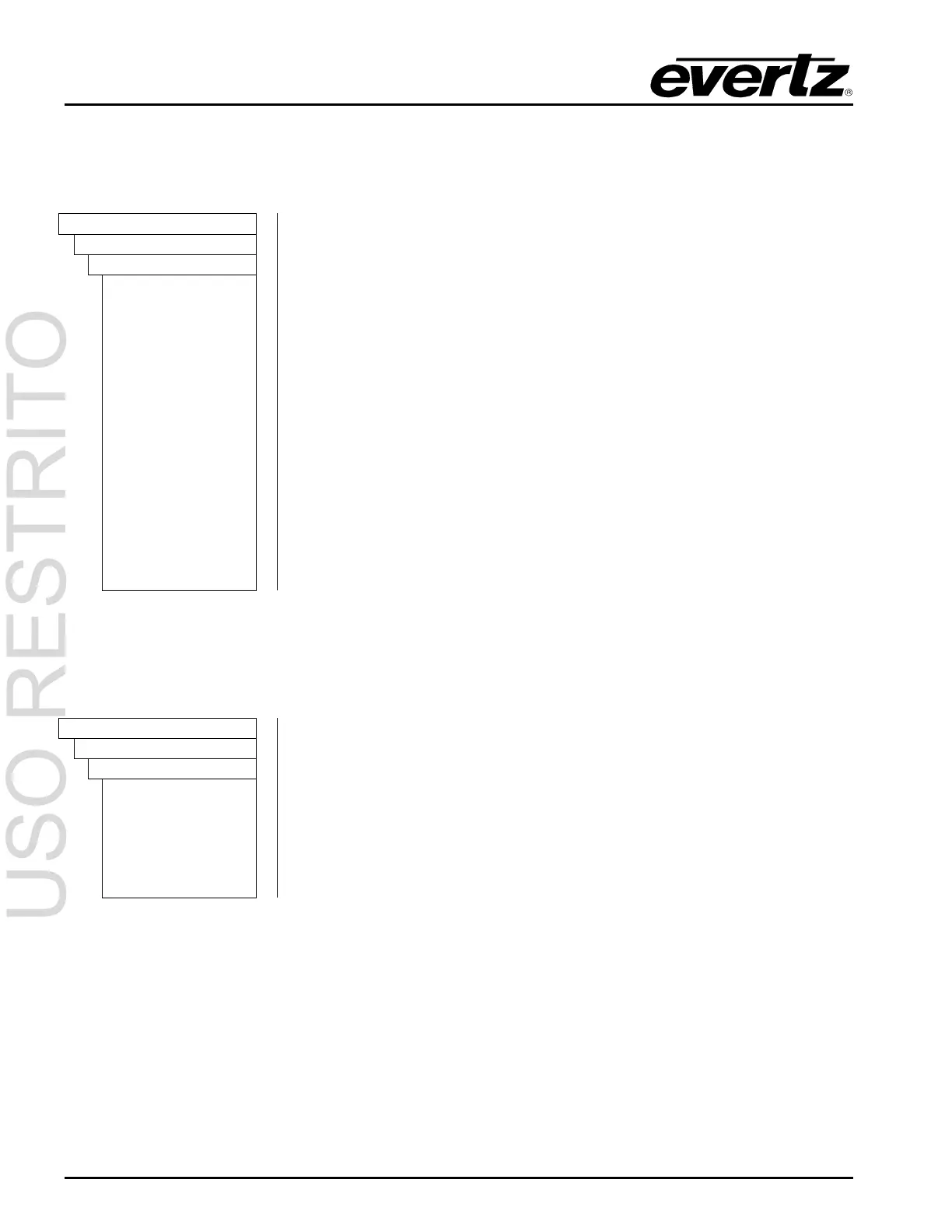
OUTPUT
AES/DARS OUTPUT
AES Ch 1 Freq
ES ch 1 Ident
ES ch 1 60 hz
ES ch 1 100 hz
ES ch 1 200 hz
ES ch 1 400 hz
ES ch 1 800 hz
ES ch 1 1.0 khz
ES ch 1 1.6 khz
ES ch 1 2.0 khz
ES ch 1 3.2 khz
ES ch 1 4.0 khz
ES ch 1 5.0 khz
ES ch 1 6.4 khz
ES ch 1 8.0 khz
ES ch 1 10 khz
ES ch 1 12 khz
The
AES Ch 1 Freq menu item is used to select the frequency of the tone
that will be embedded into audio channel 1 of the AES output.
Selecting one of these signals will set the frequency of the tone that is used
for this channel.
3.6.12.3. Configuring the AES Audio Level
There are two identical menus for each of the audio channels in the AES output. For the sake of
simplicity only the menu item for channel 1
is described in the manual.
OUTPUT
AES/DARS OUTPUT
AES Ch 1 Level
AES ch 1 mute
AES ch1 –28dBFS
AES ch1 –26dBFS
…
AES ch1 –2dBFS
AES ch1 0dBFS
The
AES Ch 1 Level menu item is used to select the Audio level of audio
channel 1 of the AES output.
The audio level is adjustable in 2dB steps from 0dBFS to -28dBFS



 To Next Page