Model 5600MSC Master Clock/SPG Manual
Page 3-44
Revision 1.6 OPERATION
These menu choices are only available on units fitted with the 7751TG2-HD.
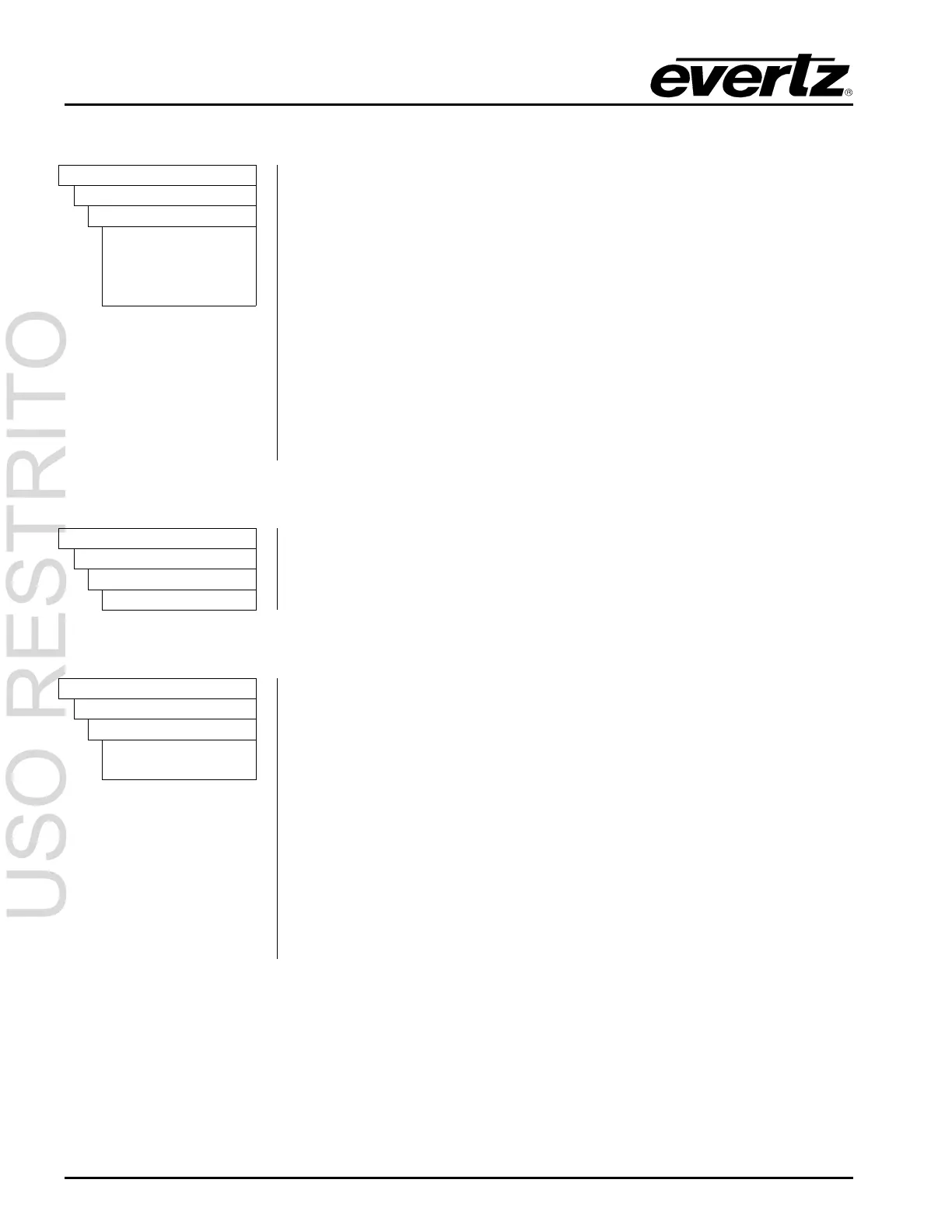
OUTPUT
HD TEST GEN
HTG Audio Output
HTG t:frq b:none
HTG t:none b:frq
HTG t:frq b:frq
HTG t:frq b:mute
The
HTG Audio Output menu item is used to select whether the outputs of
the HD SDI Test Signal Generator will contain embedded or not.
Embedded audio can be enabled on either the test or black outputs or on
both outputs.
The Audio tones selected by the
HTG Audio Freq menu items will be
embedded on the
HD SDI TG OUT outputs when the HTG Audio Output
menu item is set to
HTG t:tst b:none or HTG t:frq b:frq or HTG t:frq b:mute .
The Audio tones selected by the
HTG Audio Freq menu items will be
embedded on the
HD SDI BLACK outputs when the HTG Audio Output
menu item is set to
HTG t:none b:frq or HTG t:frq b:frq.
The
HD SDI BLACK outputs will contain mute embedded audio when the
HTG Audio Output
menu item is set to HTG t:frq b:mute.
3.6.7.6. Setting the Display Time for the Signal Name Display
OUTPUT
HD TEST GEN
HTG Sig Name Dur
HTG sig dur = 00
The
HTG Sig Name Dur menu is used to set the length of time the On
screen signal name is displayed after the user selects a new signal. Use the
arrow keys (
Ï, Ð) or turn the SHAFT ENCODER knob to select a duration
in seconds. Press the
SELECT button to accept the new duration.
3.6.7.7. Configuring the HD SDI Test Generator Output Mode
OUTPUT
HD TEST GEN
HTG Output Mode
HTG mode 4:2:2
HTG mode 4:4:4
This menu item is used to select whether the HD SDI Test Generator
operates in a 4:2:2 or 4:4:4 mode.
When the menu item is set to the
HTG Output 4:2:2 mode, the HD SDI Test
Generator will generate 4:2:2 video. The
HD SDI TG OUT outputs will
contain the test signal and the
HD SDI BLACK outputs will contain a black
video signal.
When the menu item is set to the
HTG Output 4:2:2 mode, the HD SDI Test
Generator will generate 4:4:4 video in the colour space set by the
HTG
Colour Space
menu item. The HD SDI TG OUT outputs will contain the
main channel (YC
B(even)
C
R(even)
or
GB
(even)
R
(even)
) part of the test signal.
The
HD SDI BLACK outputs will contain the Alpha channel
(YC
B(odd)
C
R(odd)
or
AB
(ODD)
R
(odd)
) part of the test signal.



 To Next Page