25 05 2013 4365 00
1
2
3
4
5
6
7
8
9
10
11
12
13
14
15
16
17
18
19
20
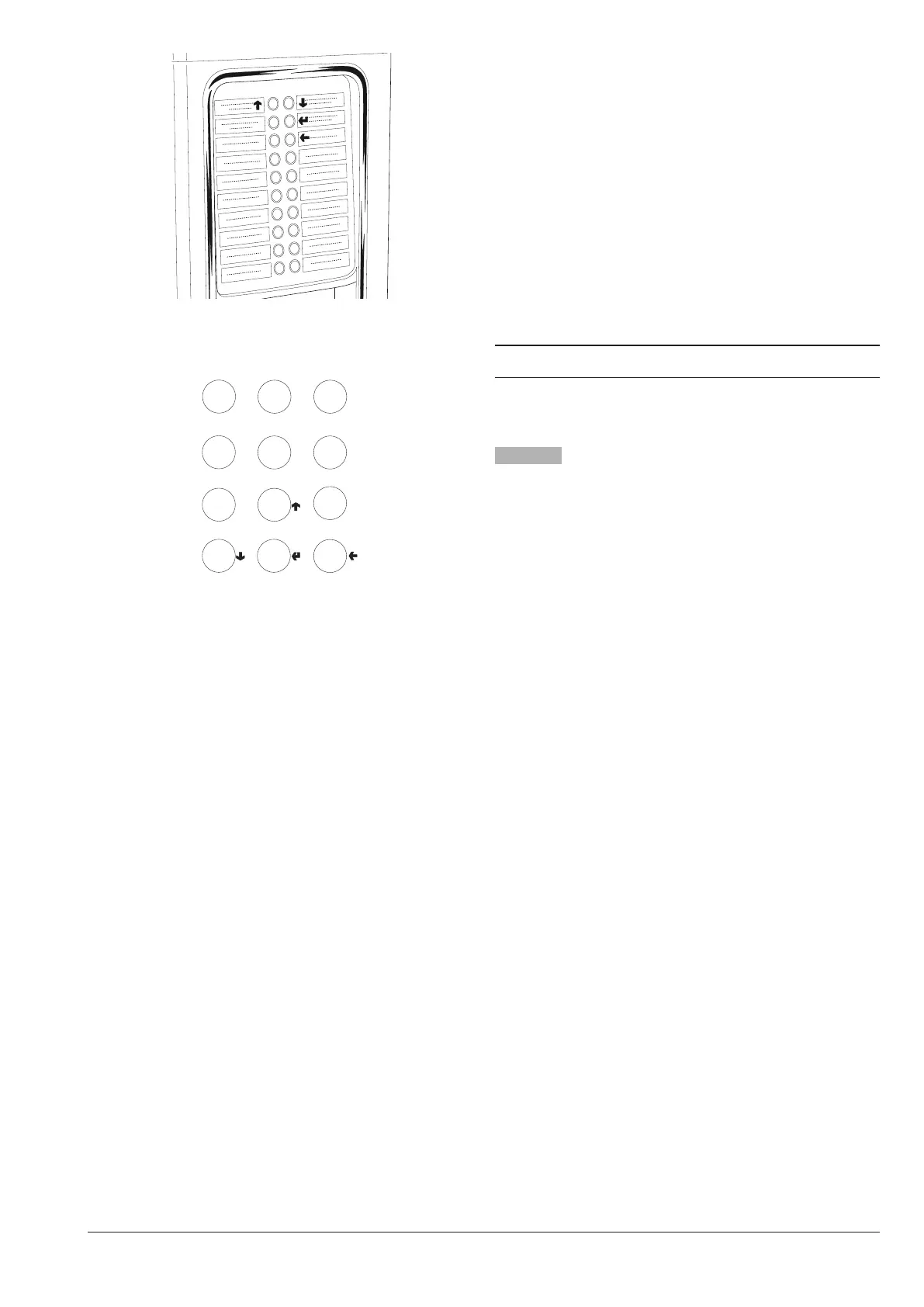
Fig. 28
For machines with numeric selection keyboard
4
7
0
5
6
9
C
8
E
Fig. 29
LOADER MENU
When the programming button located inside the door
is pressed once, the machine goes into “loader menu”
mode.
The display shows the rst item of the “Loader” menu
with the available operations.
The last row of the display contains the menu and the
number, which allow you to identify the current level.
By pressing the conrmation key
you can access the
menu.
By pressing the exit key
you go back to the previous
menu.
The keys
and
allow you to navigate through the
items of the menu:
STATISTICS
All the data related to the operation of the machine is
stored both in total counters and in relative counters,
which can be reset without losing the total data.
printing
This function allows you to print the stored data related
to the operation of the machine
By connecting an RS232 serial printer with a baud rate
of 9600, 8 data bits, parity of None and 1 stop bit to the
serial port on the button board, it’s possible to print all
the statistics and in particular:
total
1 - selections counter;
2 - bands counter;
3 - discounts counter:
4 - faults counter;
5 - coin box data.
relative
1 - selections counter;
2 - bands counter;
3 - discounts counter:
4 - faults counter;
5 - coin box data.
The printout also shows the code of the machine, the
date and the software version.
The printout can be obtained as follows:
- From the printing function press the key
the display
shows “Confirm?”;
- connect the printer;
- press the confirmation key
for printing



 To Next Page