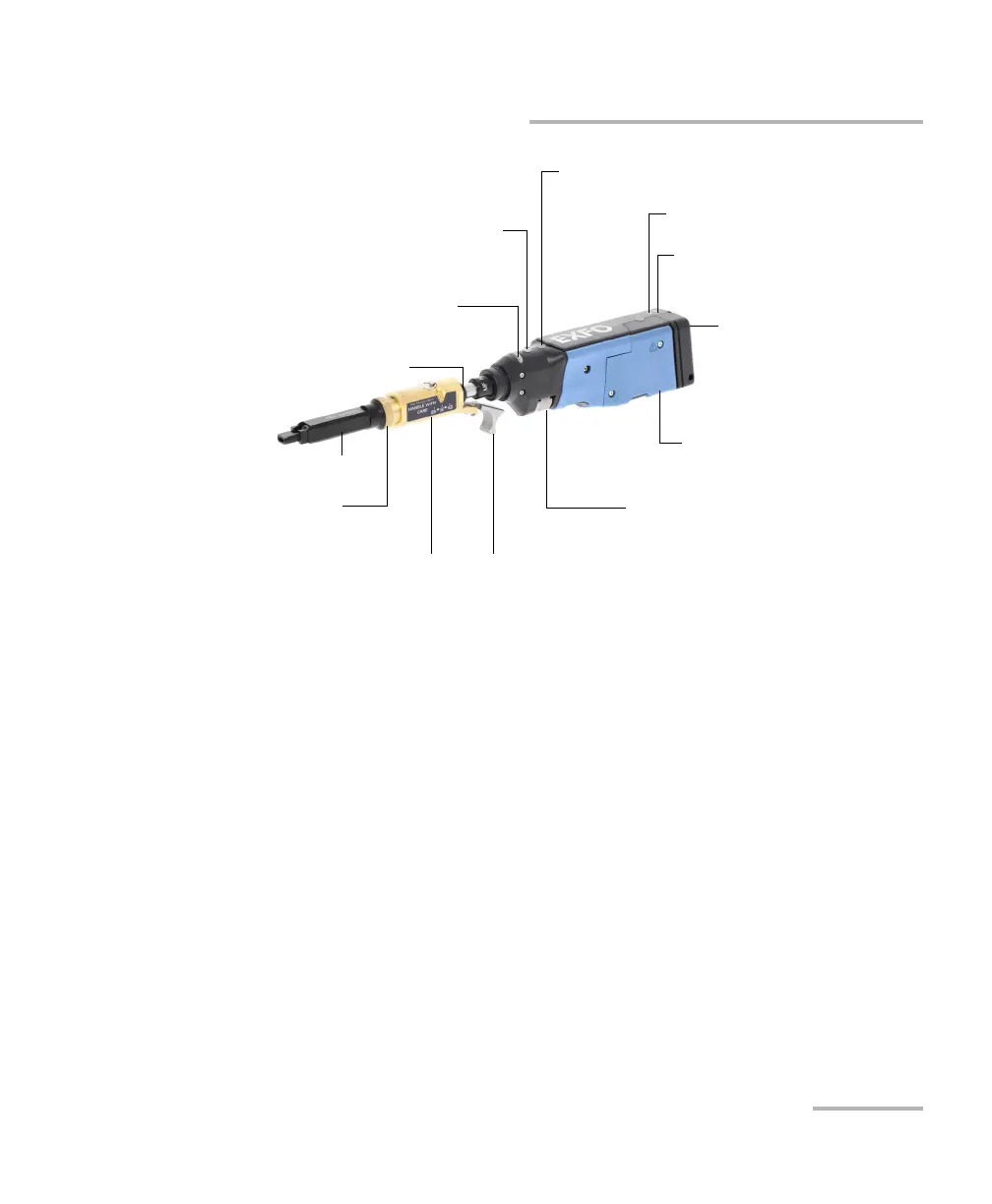
Introducing the FIP-400B Fiber Inspection Probe and ConnectorMax2 Mobile
Fiber Inspection Probe 3
Probe
The focus knob can be turned in either direction to focus the image.
The magnification control button allows you to shift between three
levels of magnification. When pressed for one second, it activates the
auto focus. See Analyzing Captures on page 83 for details.
The capture control button allows you to capture an image, perform an
analysis, or return to the live video mode.
The retaining nut holds tips securely in place, ensuring they are always
fastened in the correct position.
Status LED
Retaining nut
Focus
Magnification control
Capture
control
Connector for the micro-
USB power adapter
Battery compartment door
Battery LED
Wi-Fi LED
Inspection tip
Removable nozzle
Retaining nut
Trigger
MF-Ready probe with
inspection tip and
removable nozzle



 To Next Page