Maintenance
Fiber Inspection Probe 121
Replacing the Battery of the Multifiber Source
10. Connect the battery to the unit by pushing its connector in place.
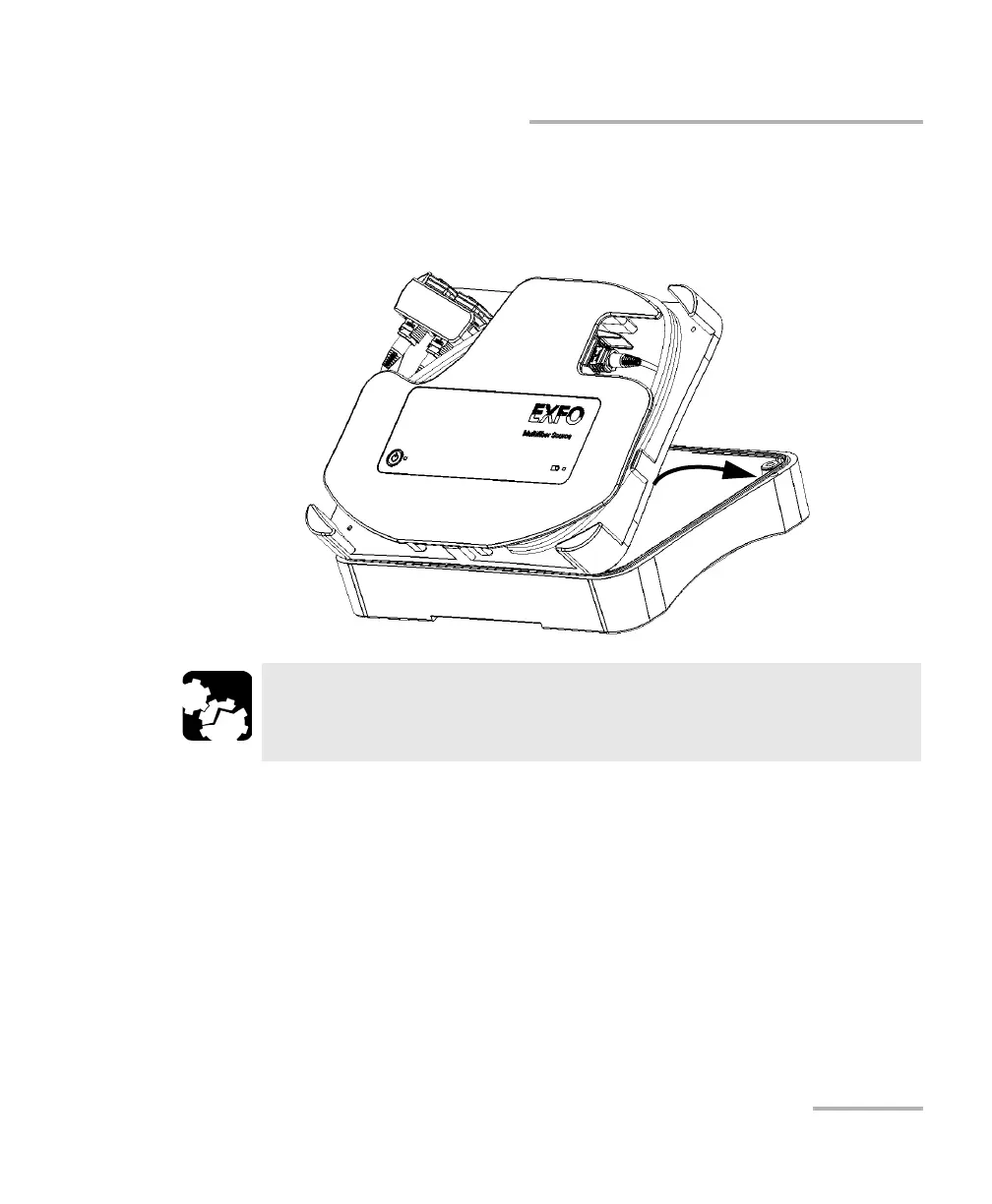
11. Hold the front of the unit by its sides and place it back on the unit
carefully.
12. While firmly holding the front and back covers together, turn the MFS
over, and position it so that it rests on a flat surface such as a table.
13. Using a screwdriver, put back in place the screws that you have
removed at step 4.
CAUTION
Ensure that the front cover stays in place when you turn the MFS
over so that the battery does not fall.



 To Next Page