Setting up Your Fiber Inspection Probe and ConnectorMax2 Mobile
Fiber Inspection Probe 47
Managing and Selecting Test Configurations
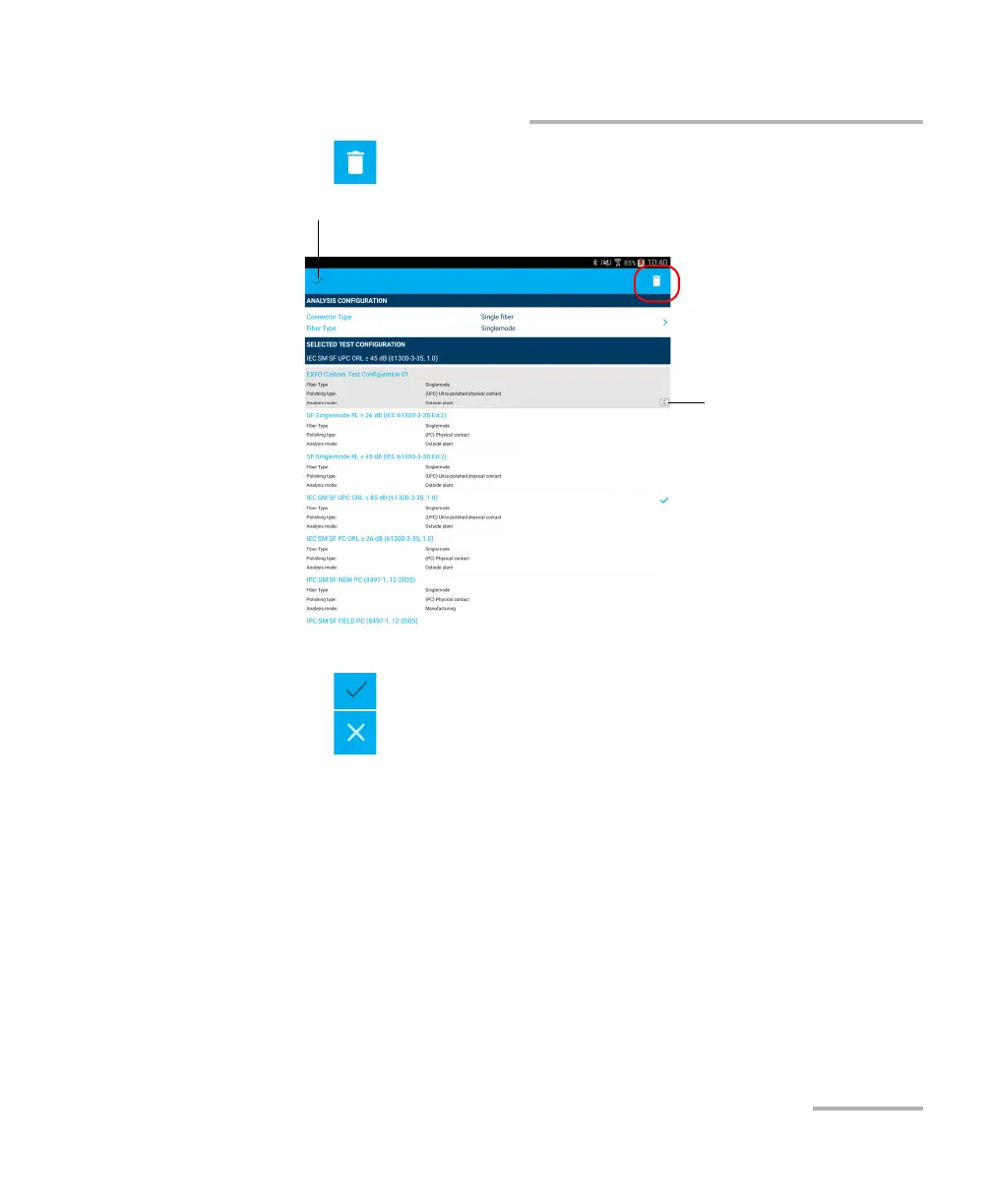
4. Tap to delete the test configuration.
5. When the application prompts you, tap Yes or No.
6. Tap to exit the edition mode.
7. Tap to return to the main window.
Indicates a test
configuration has been
imported.
Only these test
configurations can be
deleted.
Indicates you are working in edition mode.



 To Next Page