Setting up Your Fiber Inspection Probe and ConnectorMax2 Mobile
48 FIP-400B
Managing and Selecting Test Configurations
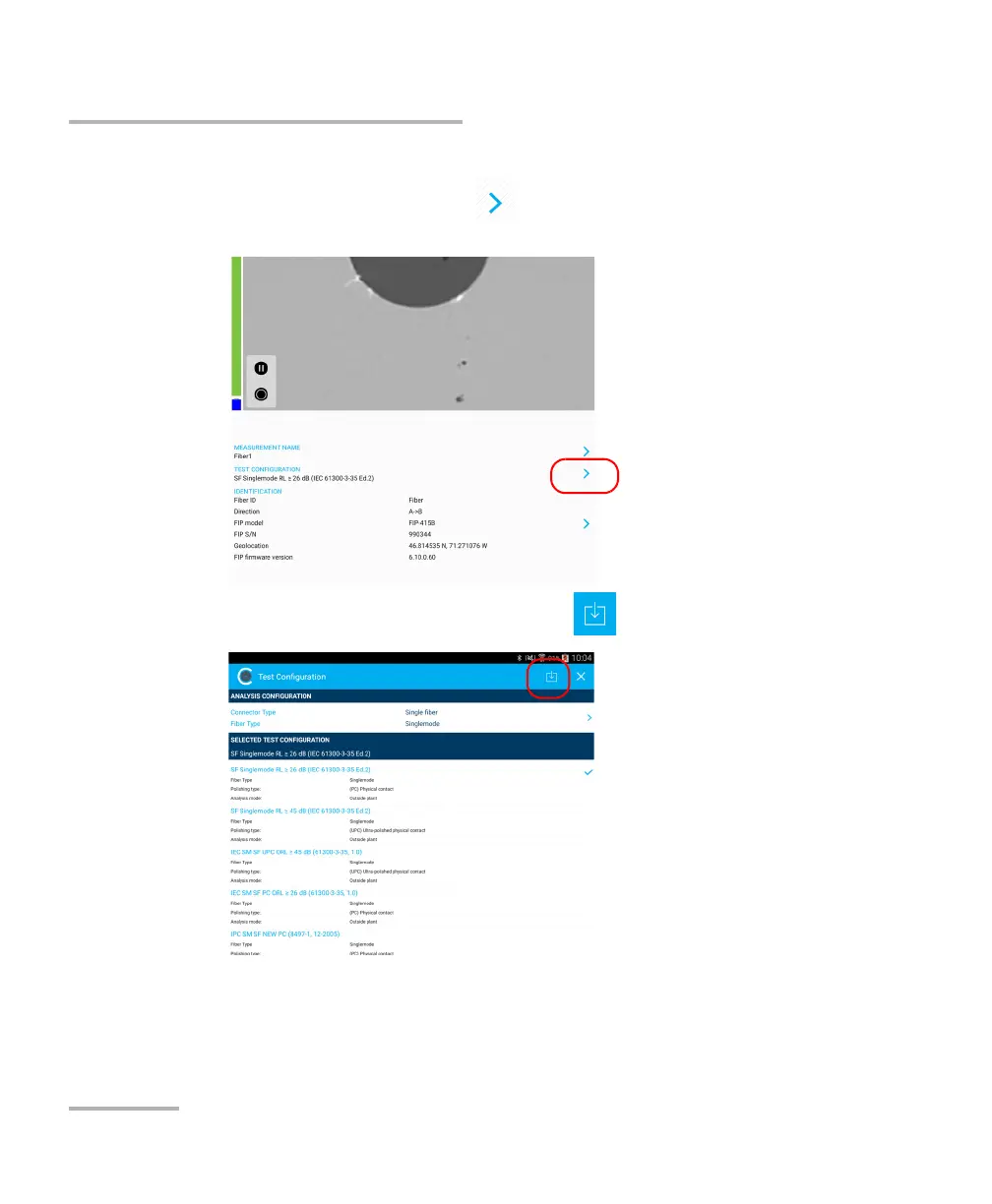
To import a test configuration:
1. From the main window, tap at the end of the Test Configuration
row.
2. In the Test Configuration window, tap .
3. Follow the instructions on-screen.



 To Next Page