Inspecting Fiber Ends
Fiber Inspection Probe 61
Inspecting Fiber Ends (Single Fiber and Transceiver - Fiber Receptacles)
To inspect fiber ends (single fibers and transceivers):
1. Install a probe tip (see Changing the Fiber Inspection Probe Tip on
page 27 for details).
2. Insert the fiber into the probe tip.
3. Start ConnectorMax2 Mobile if it is not already started.
4. Configure the automatic file naming as needed (see Setting up
Autonaming on page 41 for details).
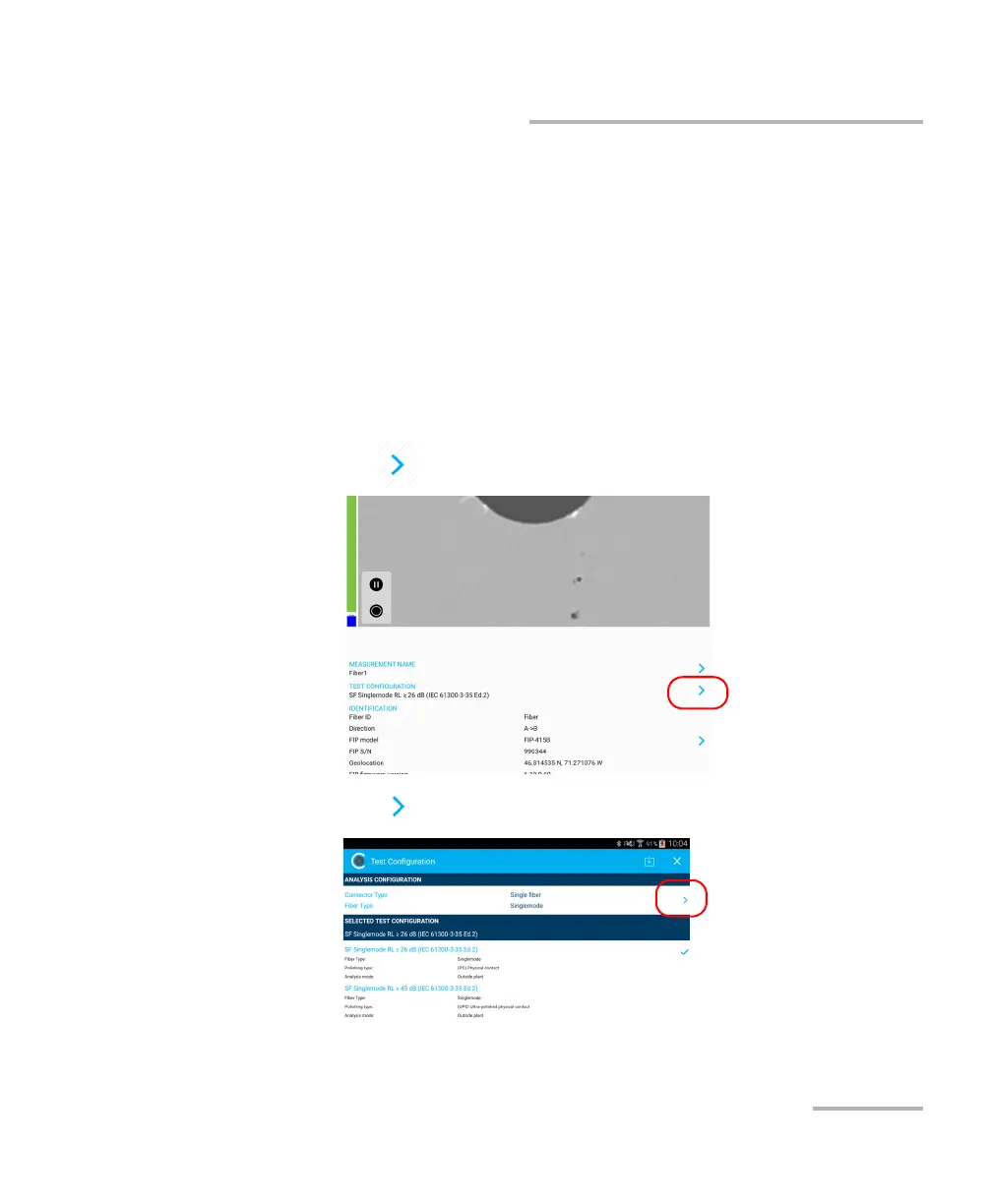
5. In live video mode, to specify whether you are using an SF or a
transceiver connector, proceed as follows:
5a. Tap at the end of the Test Configuration row.
5b. Tap to access the Analysis Configuration window.



 To Next Page