Inspecting Fiber Ends
Fiber Inspection Probe 63
Inspecting Fiber Ends (Single Fiber and Transceiver - Fiber Receptacles)
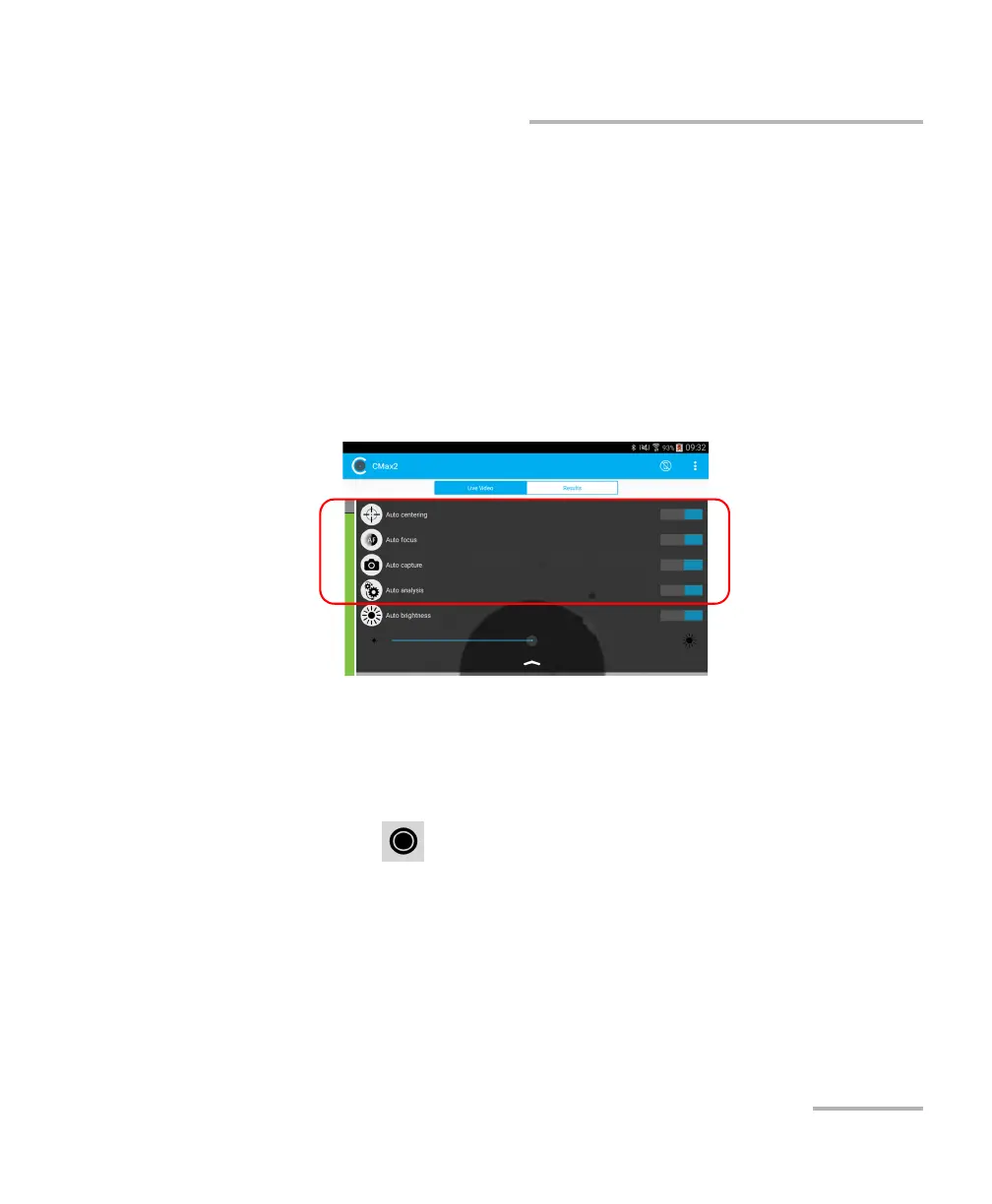
8. In live video mode, tap the arrow and then proceed as follows
according to your probe model:
If you have an FIP-415B, select the auto centering, the auto focus,
and the auto capture. You can also activate the auto analysis option
if you have purchased it from EXFO.
If you have an FIP-425B, select the auto analysis and the auto
centering as needed.
If you have an FIP-435B, select the auto analysis, the auto
centering, the auto focus, and the auto capture as needed.
For more information, see Analyzing Captures on page 83.
9. If the fiber end is dirty, remove the fiber from the probe, clean the fiber
end, and reinspect it.
10. Once you are satisfied with the inspection, while in high-magnification
level, tap .
OR
Press the Fiber Inspection Probe capture control button.
11. Go to the next connector or close the application.



 To Next Page