Inspecting Fiber Ends
Fiber Inspection Probe 85
Analyzing Captures
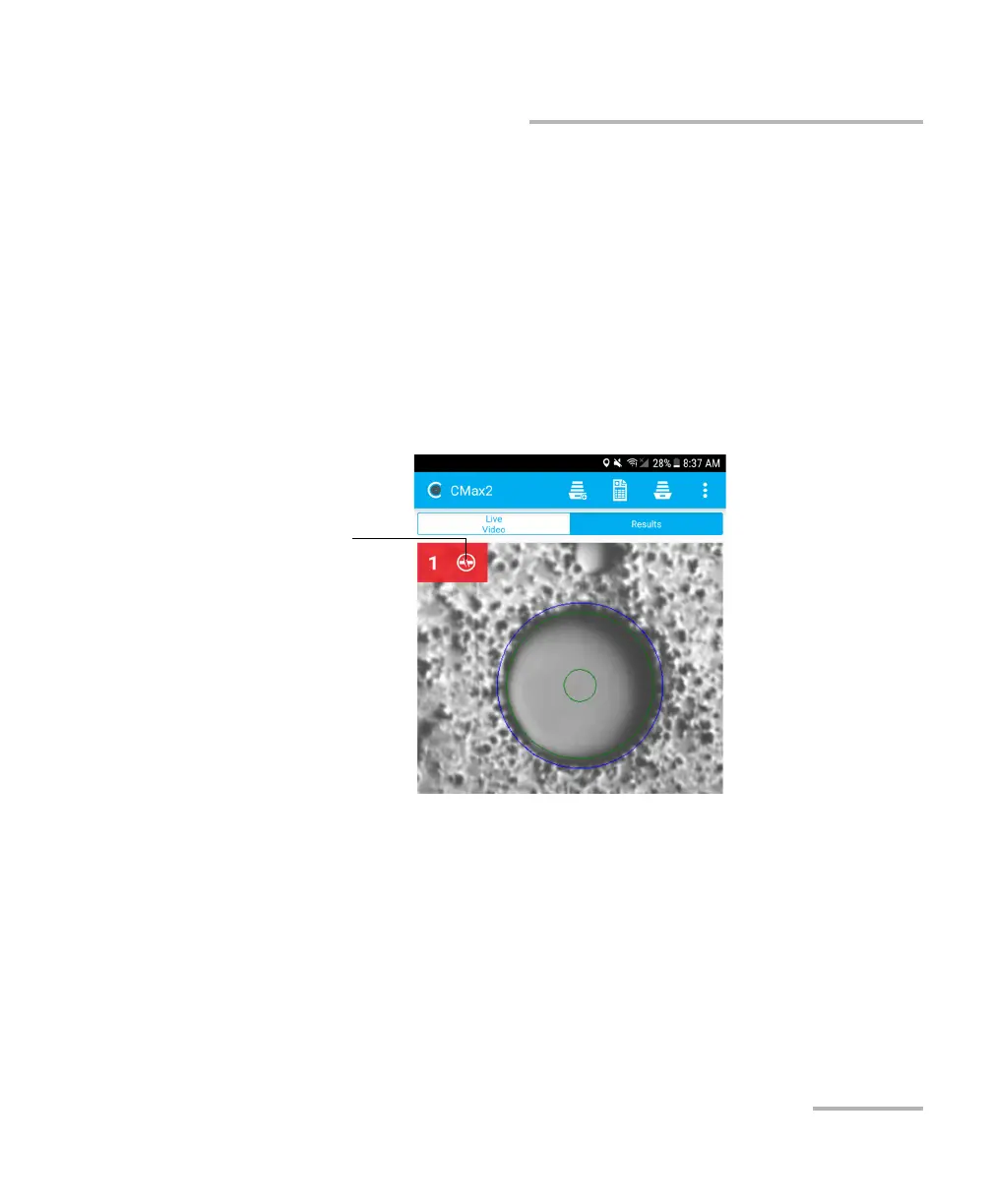
By default, the overlay is shown after an analysis, but you can hide it by
tapping the image on screen.
If you have activated the continuity feature (see Inspecting Multiple
Fiber Ends (MF-Ready Probes Only) on page 64 for details), an icon is
displayed on a red background to clearly identify the fibers where
discontinuities are found. See Understanding Fiber Continuity on
page 106 for details.
A red background with no discontinuity icon means that the inspection
status of the fiber is fail and the light signal on this specific fiber is
continuous.
A fail status either on the inspection of the connector, the polarity or
continuity will result in a global fail status.



 To Next Page