Troubleshooting
104 FIP-500
Sharing Information With the Technical Support Group
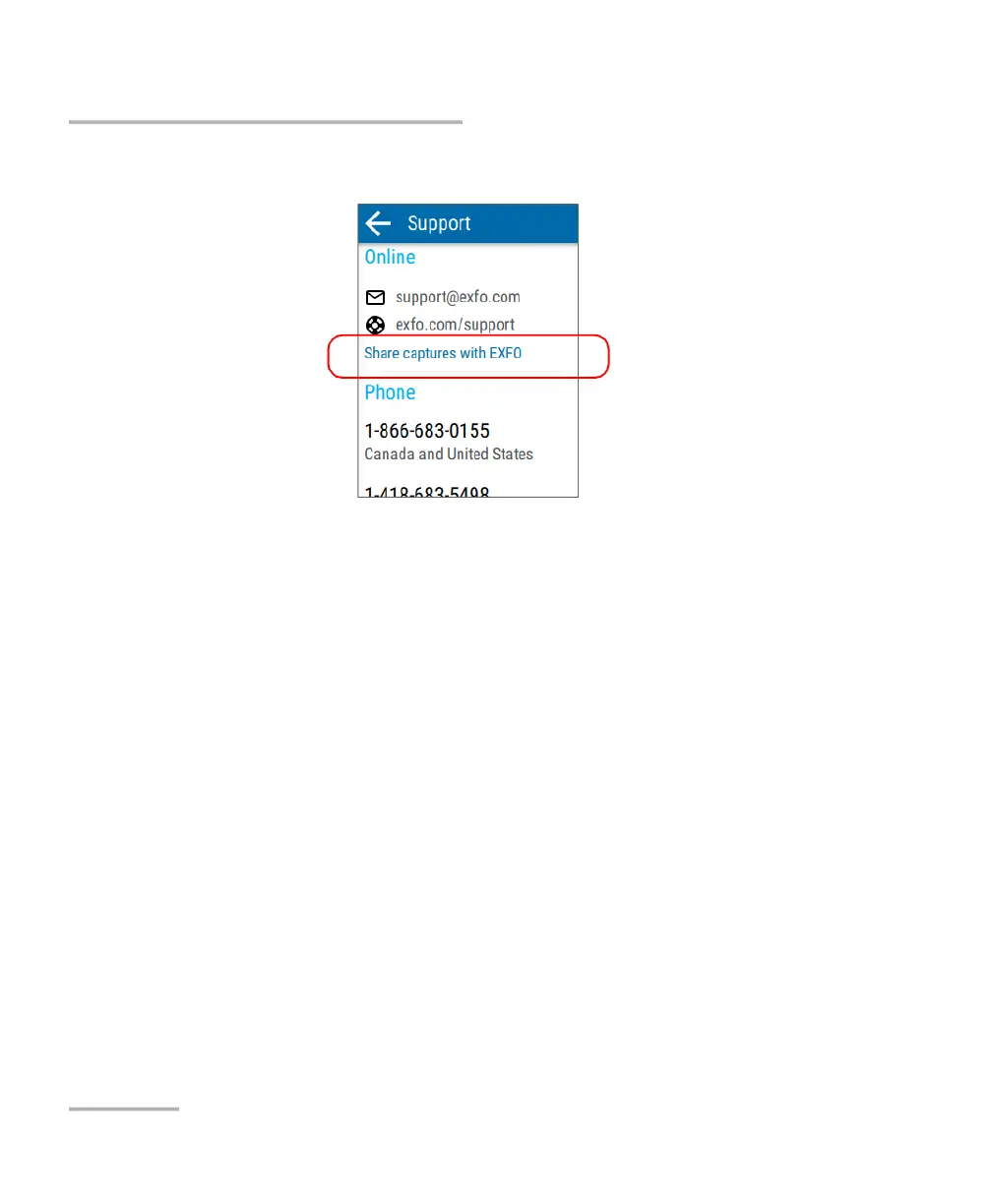
4. Tap Share captures with EXFO.
Note: If the Share captures with EXFO link is not available (dimmed), it means
that all the captures have been transferred to the support server already.
5. When the application prompts you, read the information and tap the
SHARE button to authorize the transfer.
A confirmation message is displayed as soon as the transfer is complete.



 To Next Page