Getting Started with Your Unit
26 FIP-500
Changing Your Unit’s Optical Head
Changing Your Unit’s Optical Head
If your unit supports both single-fiber and multi-fiber inspection, you can
change the optical head when you need to switch from one type of
inspection to the other. There is no need to disassemble the SmarTip from
your unit before changing the optical head.
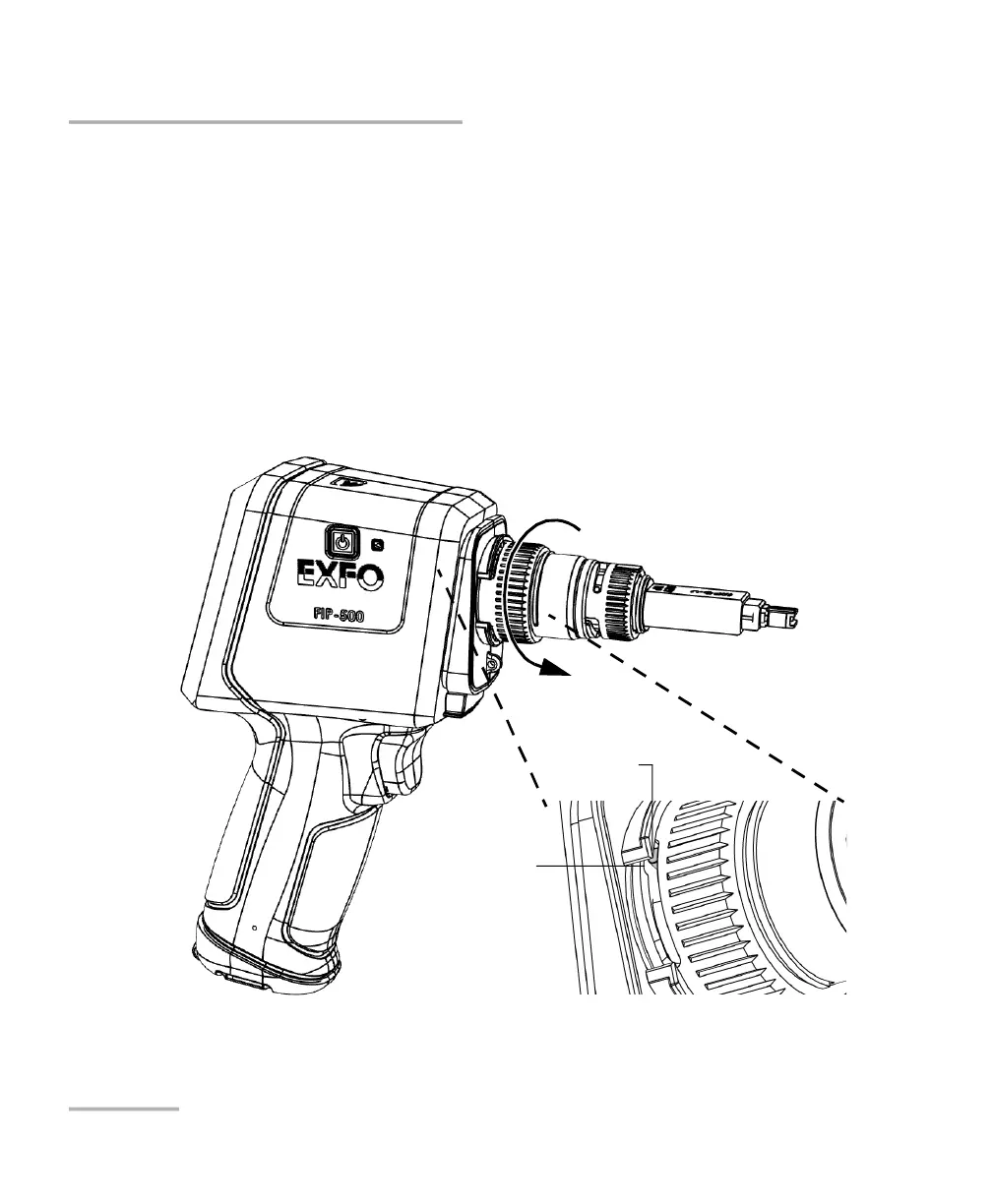
To change the optical head:
1. Slightly turn the optical head retaining nut counterclockwise to release
it from your unit (the pins on the unit will be aligned with the widest
part of the anchoring slots on the optical head).
Widest part of the
optical head
anchoring slot
Pin



 To Next Page