Setting up Your Unit
38 FIP-500
Reverting to Factory Settings
Reverting to Factory Settings
At any time, you can reset all settings that you have customized, such as
the delay before the unit switches to sleep mode, to their default values.
This operation does not affect the current date and time and does not
delete any stored test data.
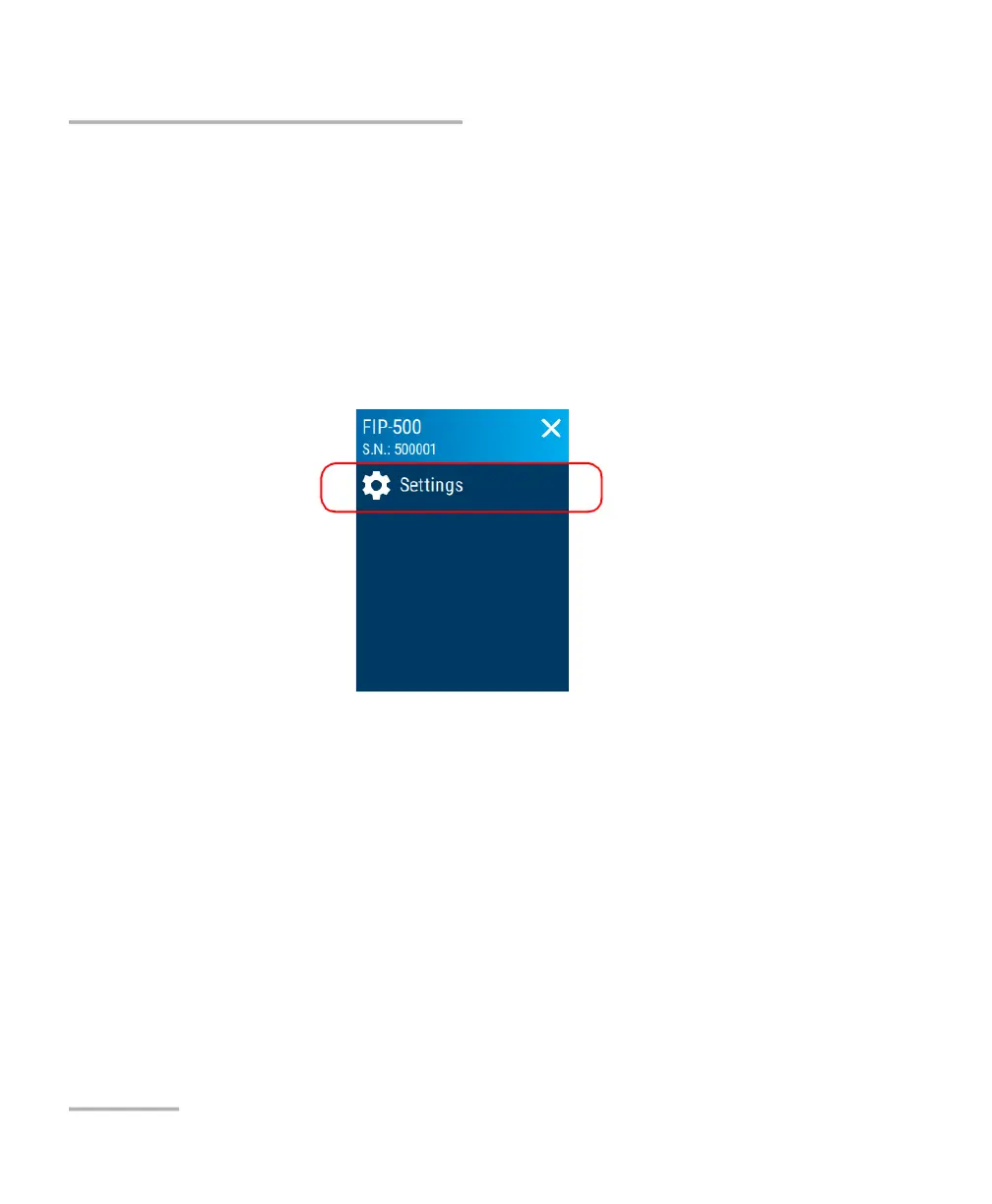
To revert values to factory settings:
1. From the main menu, tap Settings.
2. Scroll down to the Unit settings section.



 To Next Page