Setting up Your Unit
34 FIP-500
Adjusting the Date and Time
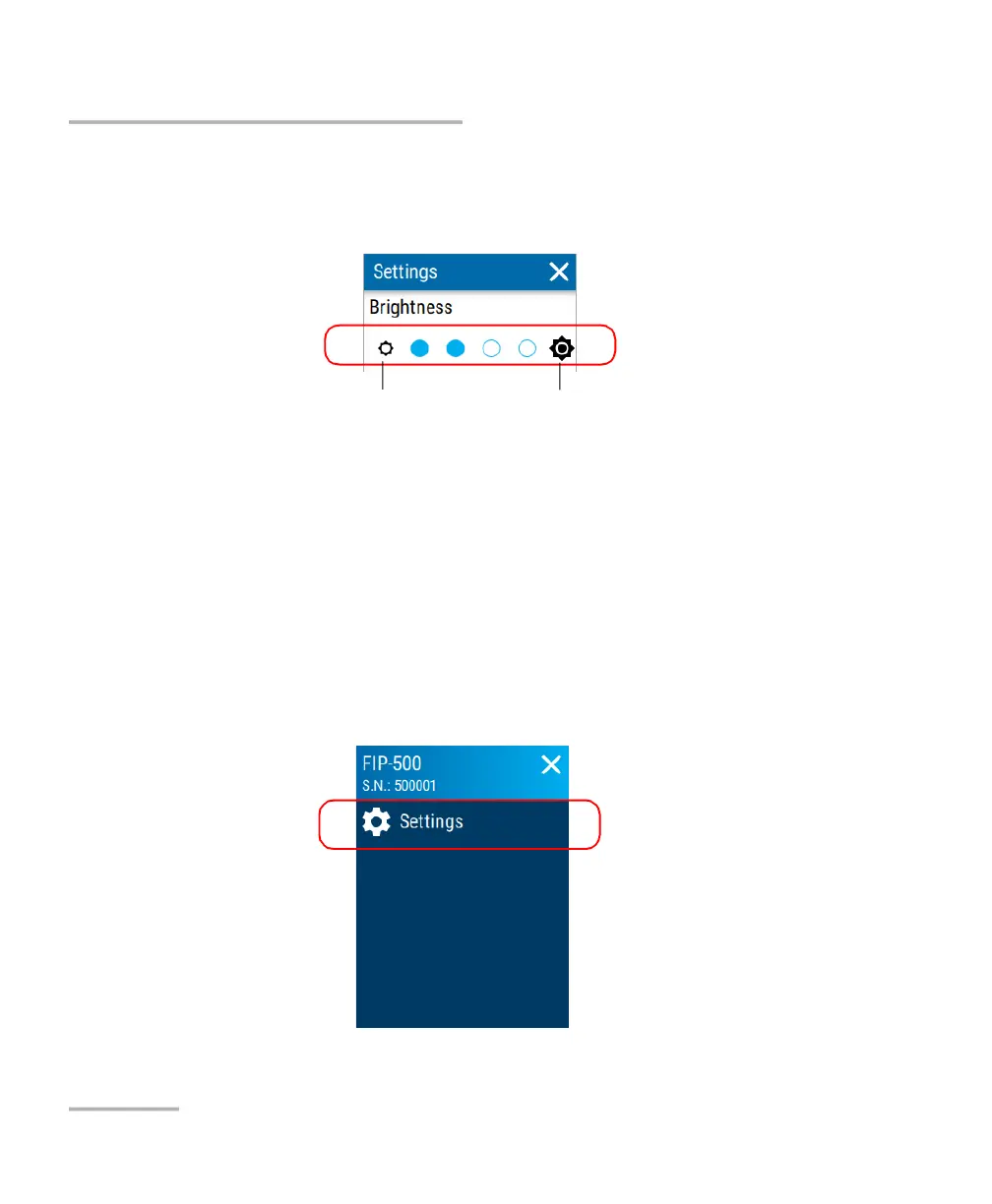
2. Under Brightness, tap the dots until the screen appearance is to your
liking. You can also tap the desired brightness icon to quickly set the
brightness to the minimum or the maximum value.
The new brightness value is taken into account immediately.
Adjusting the Date and Time
The date and time are expressed in international format. You can adjust
them if necessary.
To adjust the date or time manually:
1. From the main menu, tap Settings.
To set the brightness to the
minimum value
To set the brightness to the
maximum value



 To Next Page