Introducing the FIP-500 Fiber Inspection Scope
Fiber Inspection Scope 7
Battery Status Icon Description
Battery Status Icon Description
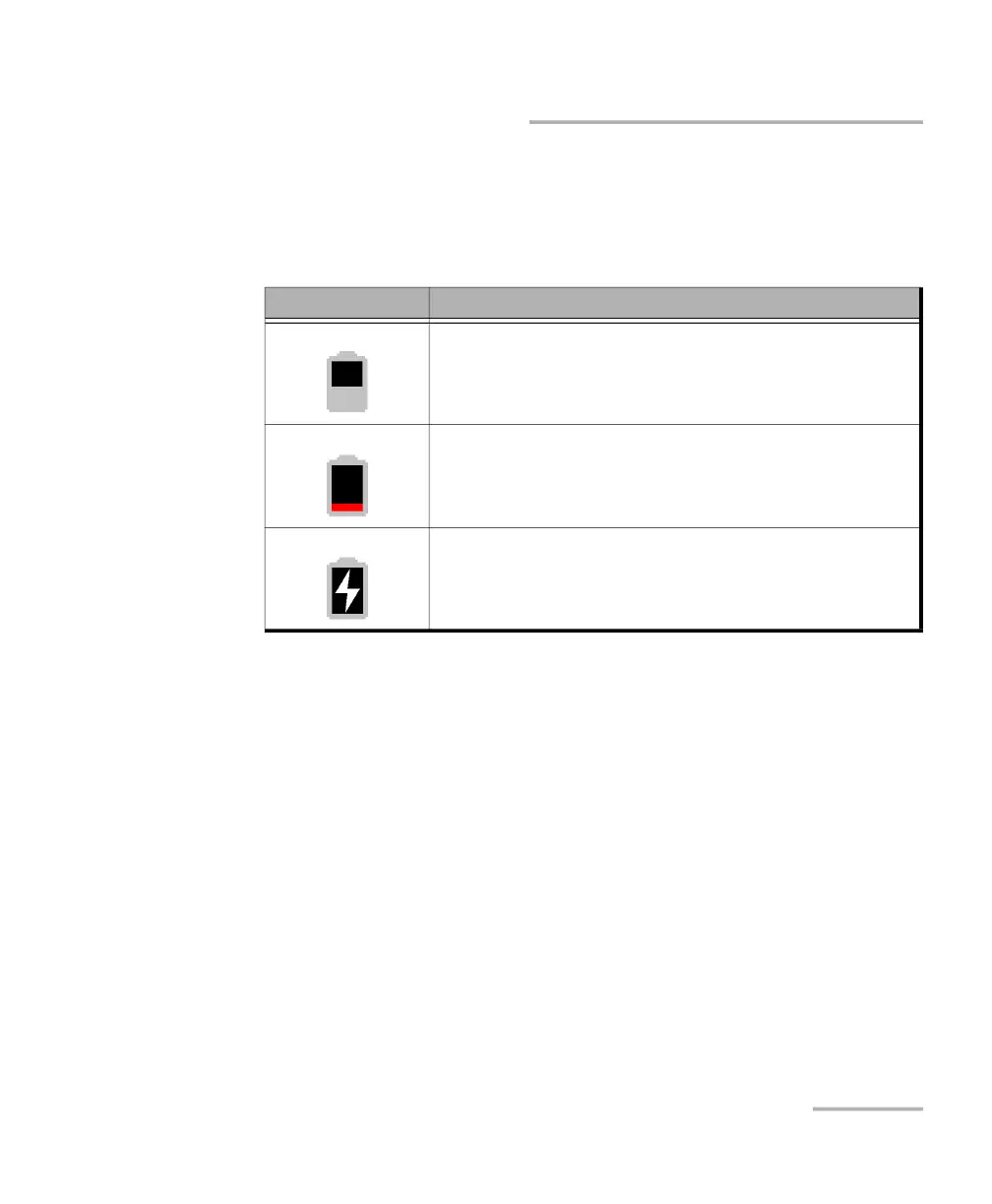
The battery status icon is shown in the upper right corner of the title bar. It
complements the information provided by the unit’s LED.
Icon Meaning
The portion of the icon that appears in white in the title
bar (in gray here) reflects the current battery level.
A red icon indicates that the battery level is running
low and that you should connect the unit to a power
outlet.
A flash symbol indicates that the unit is connected to
an external power source.



 To Next Page