Fiber Inspection Scope 33
4 Setting up Your Unit
Adjusting Display Brightness
You may want to adjust the display brightness yourself to better fit your
work environment or preferences.
You may also want to reduce the display brightness to save battery power
(the higher the brightness level, the higher the power consumption).
The brightness value is kept in memory even when you turn the unit off.
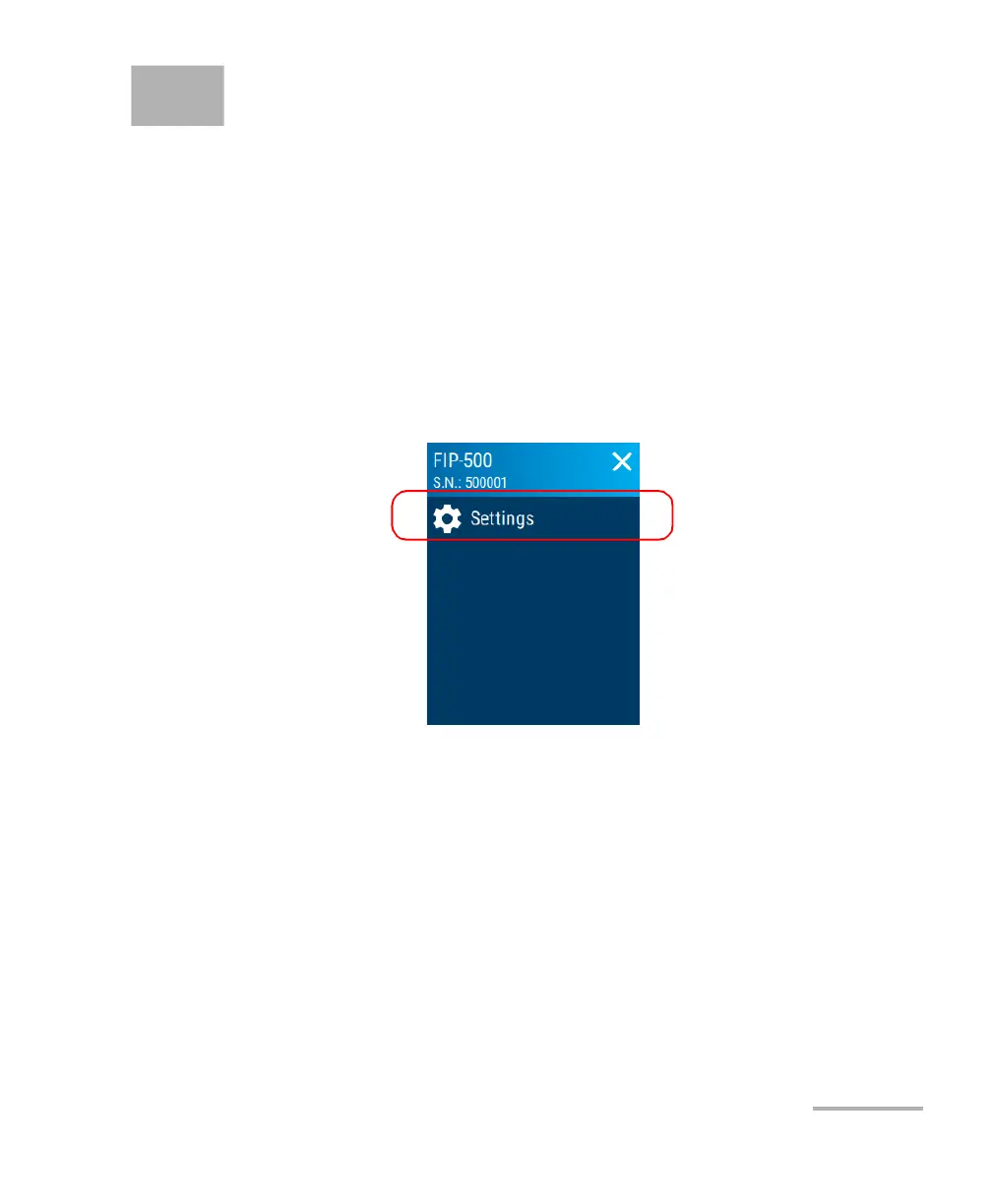
To adjust the display brightness:
1. From the main menu, tap Settings.



 To Next Page