Maintenance
78 FIP-500
Cleaning the Touchscreen
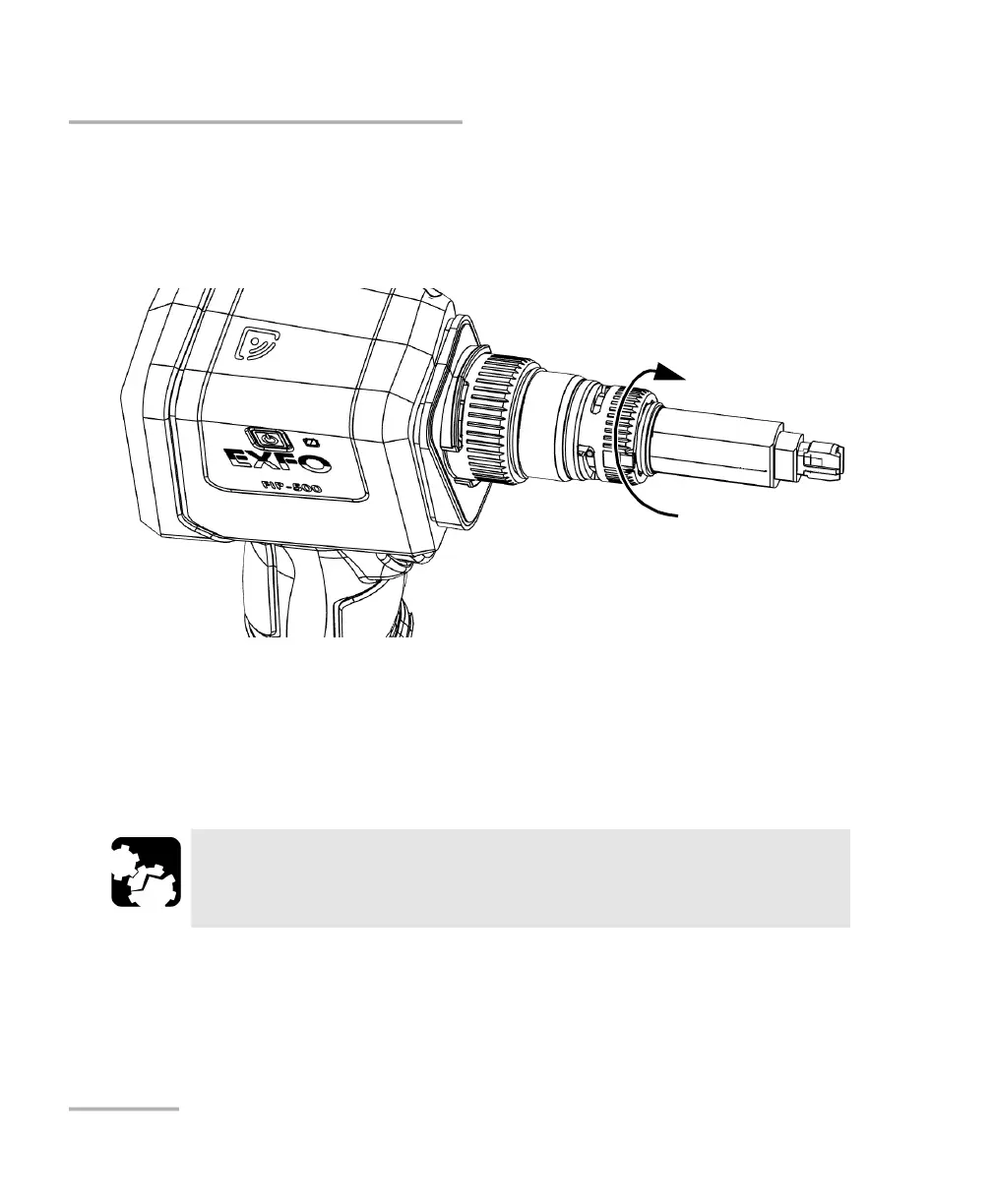
11. Put the SmarTip back in place.
12. Turn the SmarTip retaining nut clockwise until the pins are aligned with
the narrowest part of the anchoring slots to secure the SmarTip in
place.
Your unit is now ready to use.
Cleaning the Touchscreen
Clean the touchscreen with a soft, non-abrasive cloth, such as one used for
cleaning reading glasses, dampened with water.
CAUTION
Using anything else than water can damage the special coating of
the touchscreen.



 To Next Page