Inspecting Fiber Ends
Fiber Inspection Scope 51
Turning on or Turning off the Flashlight
Turning on or Turning off the Flashlight
Your unit comes equipped with a dual-function LED that can serve as a
flashlight to help you locate the connectors. This is particularly useful when
the environment in which you must perform the inspection is dark.
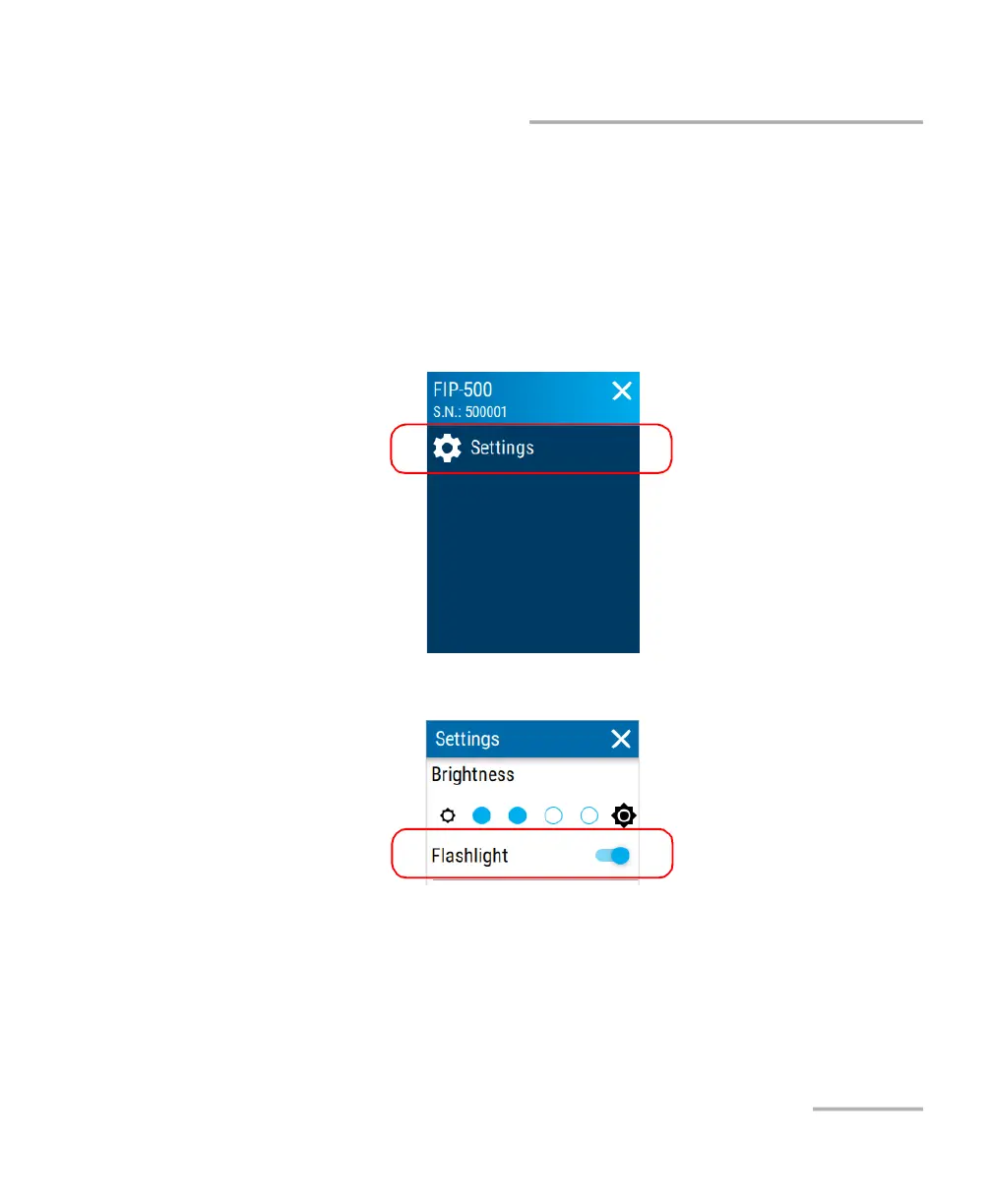
To turn on or turn off the flashlight:
1. From the main menu, tap Settings.
2. Turn on or turn off the flashlight with the corresponding toggle.
3. Close the Settings page to return to the inspection screen.



 To Next Page