Troubleshooting
96 FIP-500
Restoring Your Unit to Normal Operation
Restoring Your Unit to Normal Operation
If you ever encounter major problems with your unit (for example, the unit
does not behave the way it used to), you can revert it to its initial state (as it
was at time of purchase).
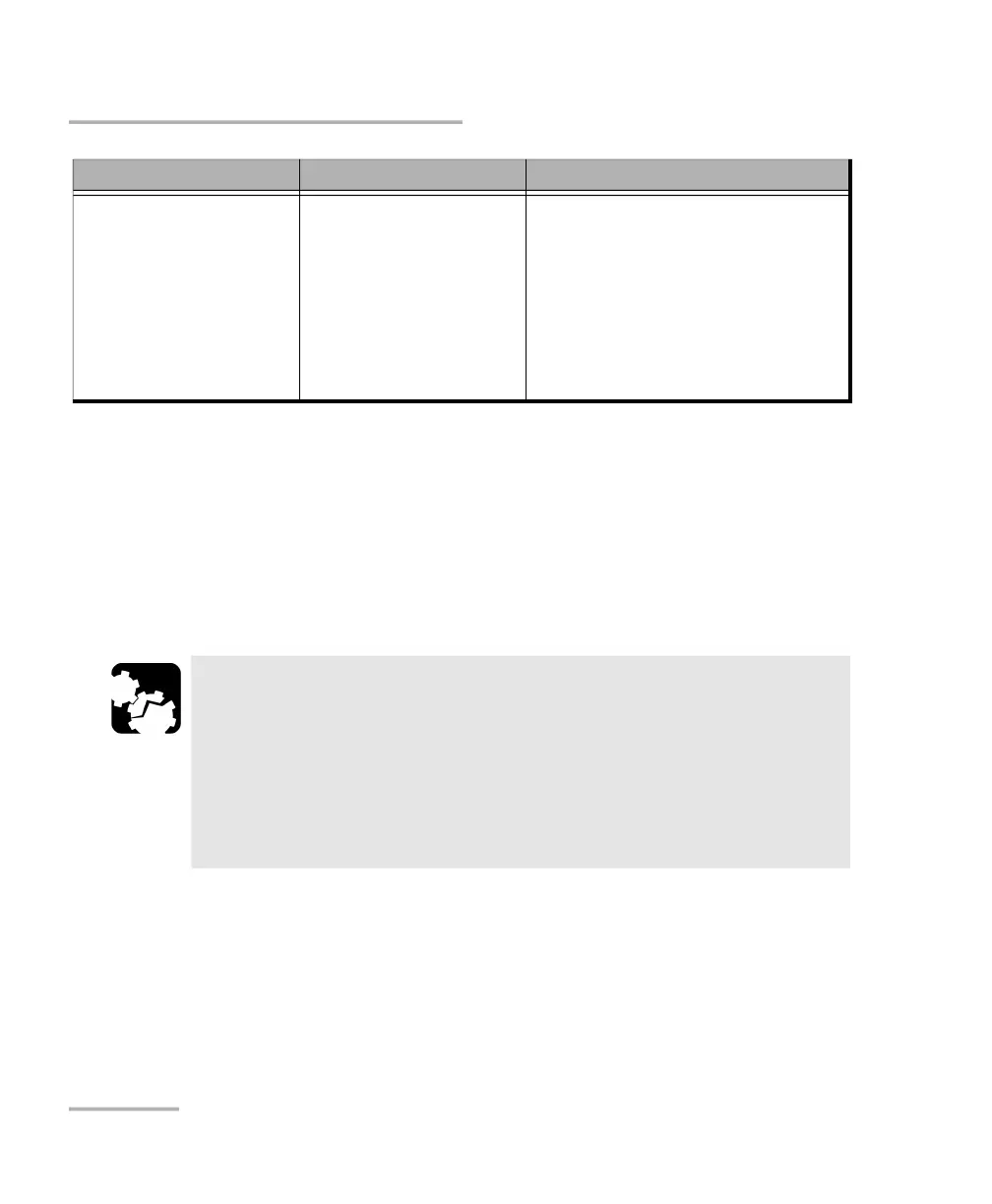
My unit cannot connect
to a Wi-Fi network even
though I have
configured all
parameters correctly.
Since every network has
its own specifications,
there may be elements
that are not compatible
with your unit.
Configure a Wi-Fi hotspot on a
smart device or a laptop that you
will use to give your unit access a
wireless network.
When it is done, configure this
Wi-Fi hotspot as you would with
any Wi-Fi network (see Configuring
a Wireless Network on page 64).
a. Forcing a hardware reset on the unit will not delete any of the data or settings that were already stored.
However, the last capture or modifications made to the settings may be lost.
CAUTION
Once the recovery operation is started, it cannot be cancelled.
All data and custom configurations stored on your unit will be
permanently lost.
Follow the procedure below carefully and connect your unit to a
power outlet using the provided USB power adapter when you
are instructed to do so.
Problem Possible Cause Solution



 To Next Page