Inspecting Fiber Ends
44 FIP-500
Selecting the Fiber Type
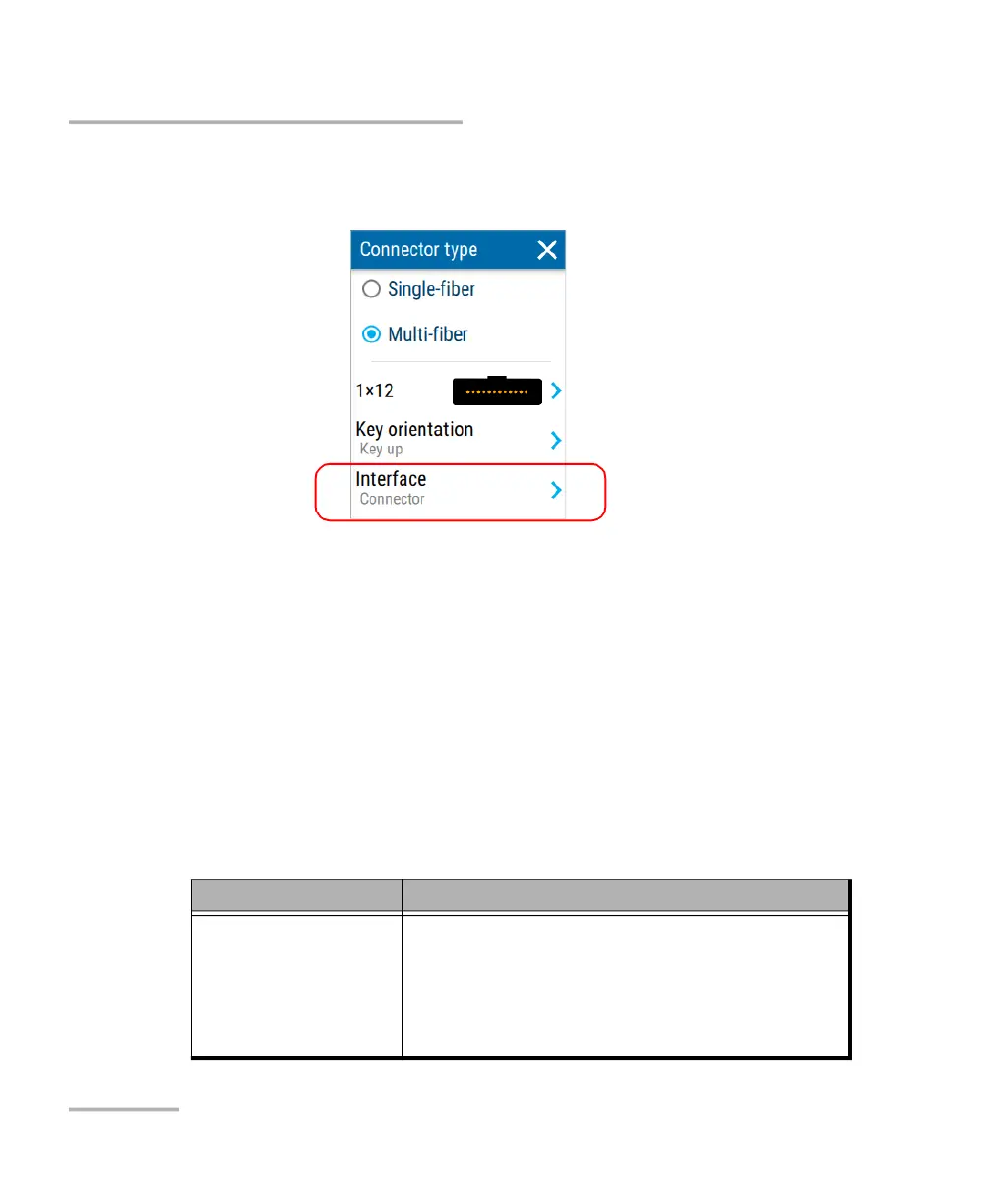
4. Select the type of interface corresponding to the connector you want to
inspect.
The new settings will be taken into account for the next inspection.
Selecting the Fiber Type
Your unit allows you to inspect singlemode and multimode fiber
connectors.
The fiber type that you select for single-fiber connectors is independent of
the one that you select for multi-fiber connectors. This means that you can
select different fiber types if necessary to better suit your test environment.
Both selections are kept in memory even when you turn the unit off.
The possible fiber types for these connectors are listed below.
Fiber Type Features
Singlemode
(single-fiber
connectors only)
Corresponds to singlemode fiber with a PC or
UPC connector.
Fiber type selected by default.
Fiber jacket is usually yellow and connector is
dark blue.



 To Next Page