Fiber Inspection Scope 17
3 Getting Started with Your Unit
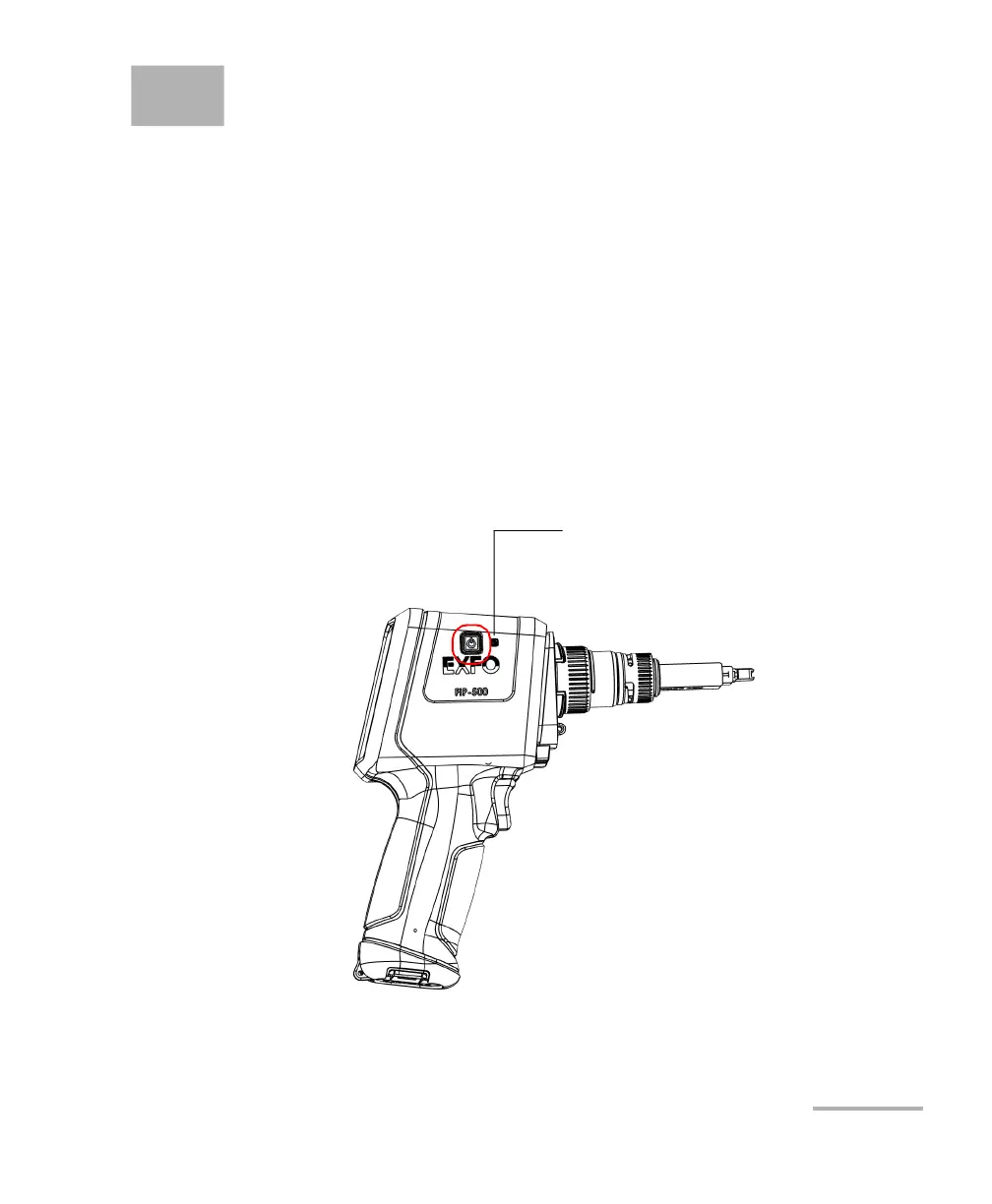
Turning on Your Unit
When you turn on the unit for the very first time, you will be prompted to
read and accept the EXFO license agreement and set the date and time
(see the section about the first startup for more information).
Note: The settings you modify at startup can be modified later if necessary.
To turn on the unit:
Press the on/off button until the unit beeps once. The battery LED will light
up during the startup process (until the FIP-500 splash screen is displayed).
Side view
Battery LED



 To Next Page