Working with the EXFO Exchange Application
54 FIP-500
Establishing or Closing a Connection With a Smart Device Via the Bluetooth Technology
Establishing or Closing a Connection With a
Smart Device Via the Bluetooth Technology
When you want to configure Wi-Fi networks to receive updates for your
unit, interactions are necessary between the unit and a smart device
equipped with the EXFO Exchange application. These interactions are
accomplished using the Bluetooth Low Energy technology. By default, the
Bluetooth communication is enabled on your unit, but if you have disabled
it, you must enable it before trying to connect to a smart device
(see Enabling or Disabling the Wireless Communication on page 59).
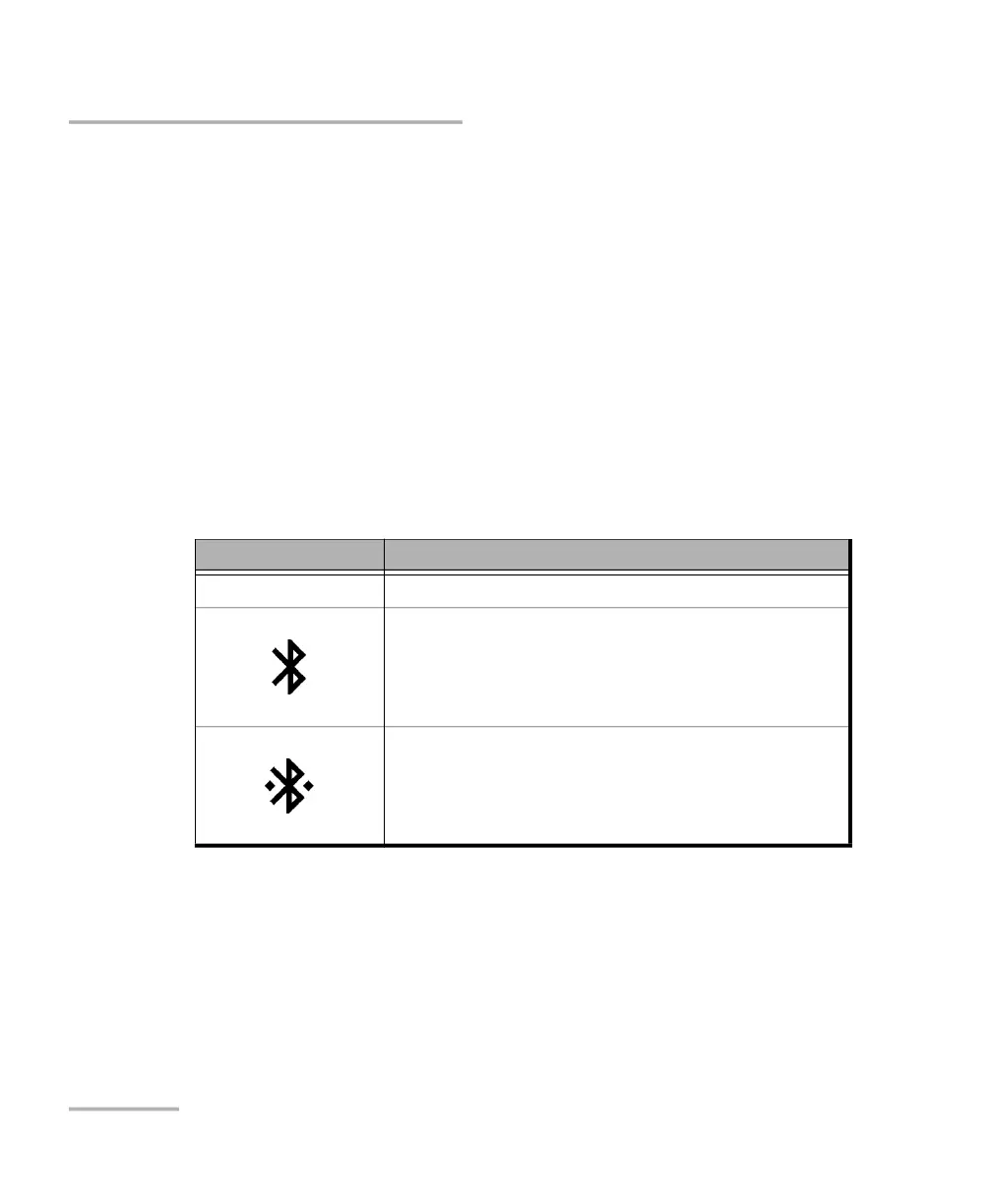
On your FIP-500 unit, the status of the Bluetooth communication is
indicated with an icon in the title bar. The table below shows the
possibilities.
If a connection has been established with a smart device already, but you
wish to use your unit with another smart device, you can close the current
connection directly from your unit.
Icon Meaning
Not visible The Bluetooth communication is disabled.
The Bluetooth communication is enabled, but no
connection has been established yet between the
unit and a smart device.
A connection has been established between the
unit and a smart device.



 To Next Page