Working with the EXFO Exchange Application
Fiber Inspection Scope 55
Establishing or Closing a Connection With a Smart Device Via the Bluetooth Technology
To establish a connection via the Bluetooth technology:
1. If necessary, enable the Bluetooth communication on your unit
(see Enabling or Disabling the Wireless Communication on page 59).
2. If it is not already done, install the EXFO Exchange application on your
smart device (see Installing the EXFO Exchange Application on Your
Smart Device on page 53).
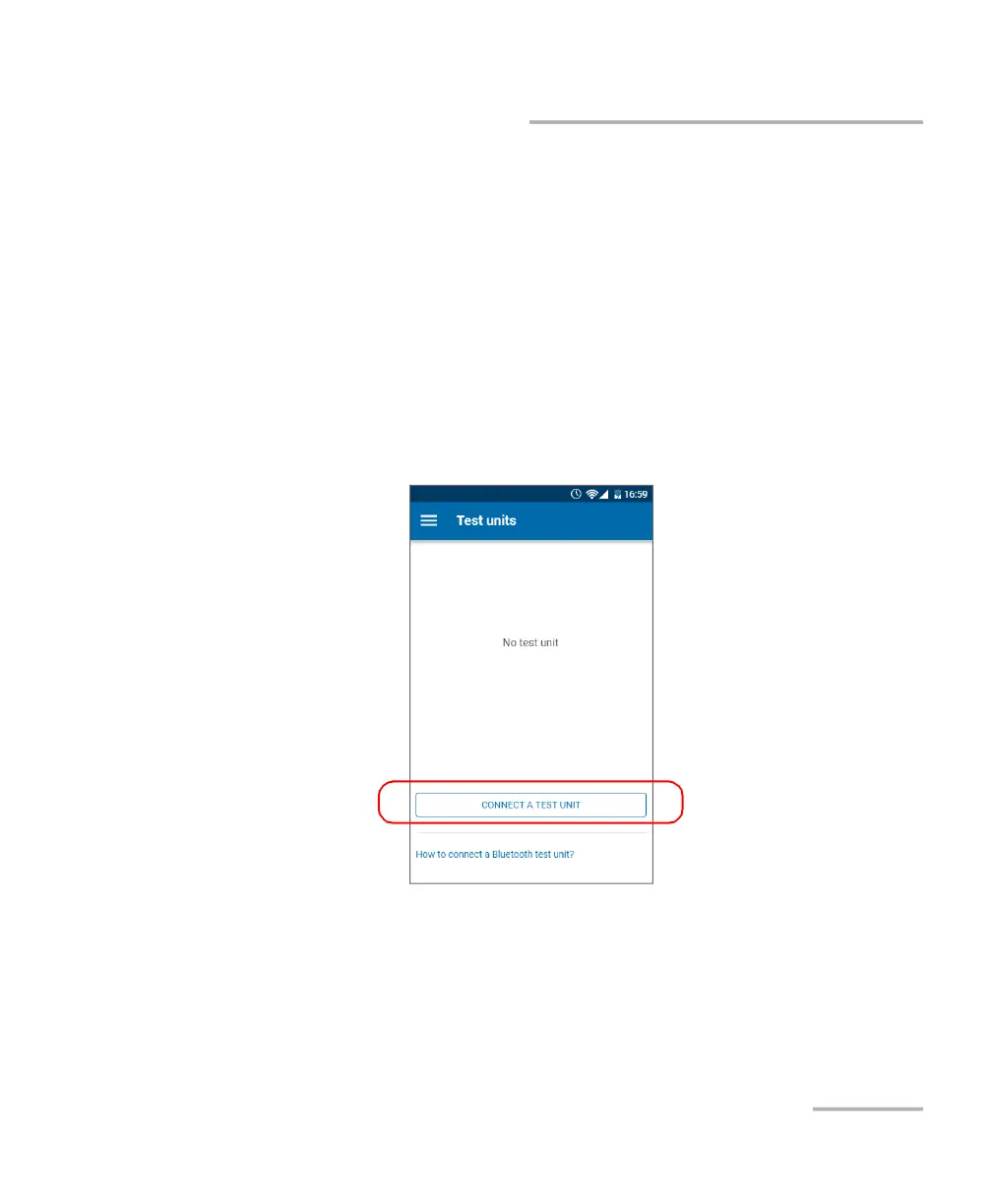
3. On the smart device, establish the connection as follows.
3a. Open the EXFO Exchange application.
3b. From the Test units screen, tap the CONNECT A TEST UNIT
button.



 To Next Page